
How does Symplectic Support work?
This article gives you details about the Support Team and how to engage with Symplectic Support.
Global and inclusive
Nearly everyone at Symplectic is involved with support. We all have areas of expertise and we believe that working directly with you makes us better at our jobs.
Following the sun, our support relay begins with Murray in Australia every day, then Youssef in the UK picks up the baton before handing it over to Jeff in the US.
|
|
|
Murray Deerbon | Youssef Karnib | Jeff Lang |



Our support is distributed and we aim to have someone online 24 x 5 Monday to Friday (excluding public holidays).
Our support is tiered with levels dedicated to separate areas of support for greater focus and efficiency.
All in one place
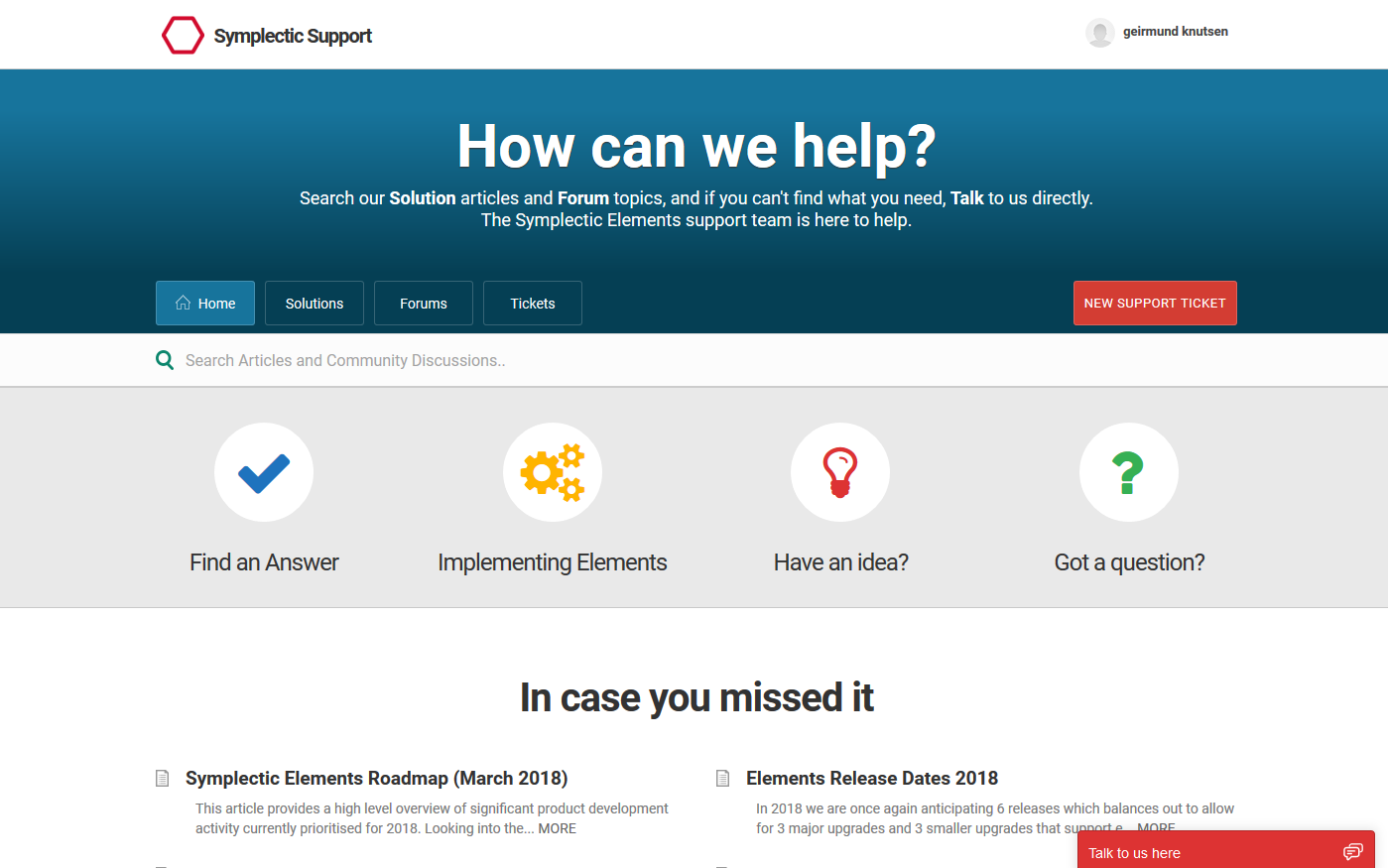
The Symplectic Support site is geared towards self-service, allowing you to find the answers the instant you need them. Built on the Freshdesk customer service platform, our support site is the hub of lots of activity.
The Solutions are articles that contain our documentation and guides
The Forums contain topics where you are invited to contribute and collaborate with us and other customers
The Ticket area is where you can create support tickets and manage your forum subscriptions.
The Chat window is where you can talk to us directly.
How does it work?
We've found that most people prefer to help themselves without delay, and this is why search is prominent on our support site. The diagram below outlines the typical workflow:
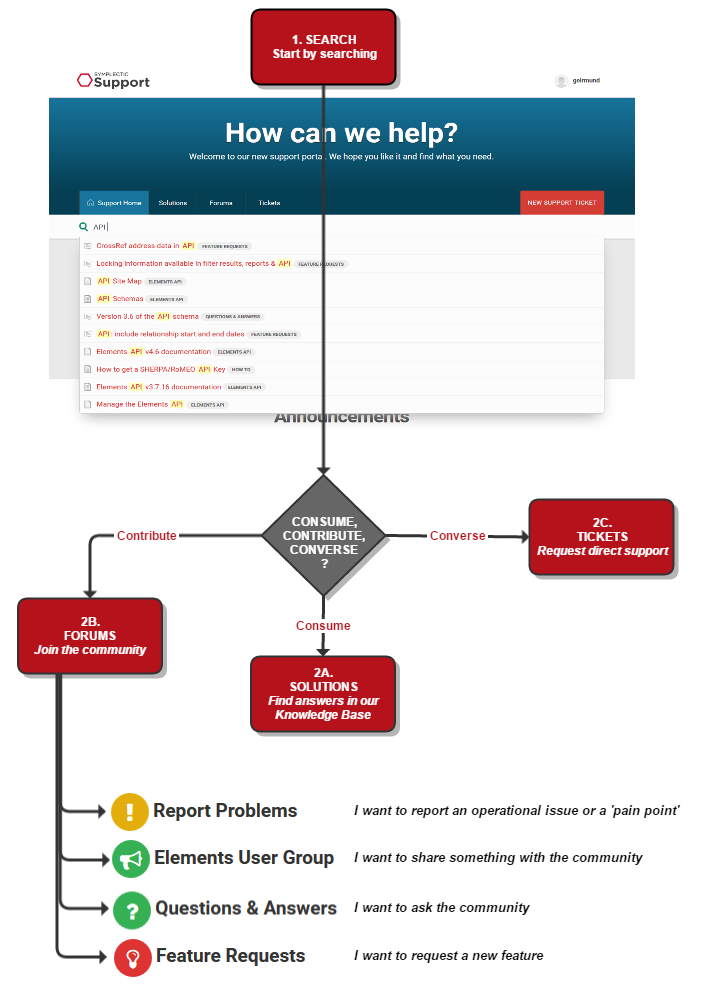
Search saves time: Your question, feature or problemmay already have been raised by someone else in the community - this is why we emphasise that you search first. Rather than creating a new topic, feel free to reply and register your support (vote) by clicking links like these:
Do you have this question as well?
Do you like this idea?
Do you have this problem?
Keeping up-to-date
You can follow a particular topic or forum by clicking the FOLLOW button and depending on your role, we recommend these:
Elements Upgrade Group: This is where you find the upgrade advice and media for Elements. It is also where we release patches. If you are upgrading to a particular version, please follow the topic to keep an eye on any issues that are discovered with a version.
Feature Requests: This is the most active forum and your opinion really matters to us.
My Topics
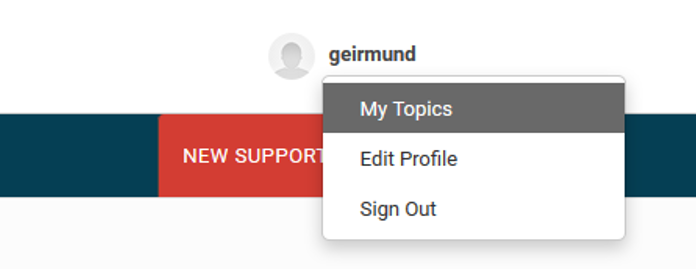
On your profile drop-down, you'll find a link to the 'My Topics' page which will list the topics that you currently follow:
Feedback and escalation
We really value your feedback and after tickets are closed you get the chance to let us know how your experience was.

Sometimes some of you will feel that you are not getting the support you need. Most times we are not aware of this - do let us know. This is the route we prefer you to use:
Communicate your difficulties in a ticket - please make it real to help our understanding of the impact.
If you feel support is not sufficient, request escalation to Youssef Karnib, Head of Support - Symplectic Elements, Figshare and Grant Tracker.
If you feel support is not sufficient, request further escalation to Rachel Segal, SVP Customer Success.