How to manage the h-index in Elements
The h-index is a good indicator of the completeness of users publication data in Elements. Any discrepancies that are found with the h-index in other citation databases is usually a prompt for the user. This is an opportunity to work with the user to improve search settings and engage with the system.
It is also a risk if the h-index in Elements is not properly understood and communicated well.
How is the h-index calculated in Elements?
Elements does not download pre-calculated h-index information from any data source provider. Elements calculates the h-index from citation information that it explicitly holds against publications for a user in the system.
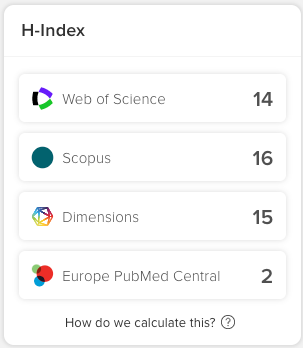
Only publication records from data sources that offer citation information can be considered for the calculation of an h-index. For Elements, currently, this means that we calculate the h-index based on Dimensions, Scopus, Web of Science (Premium or Lite) and Europe PubMed Central information.
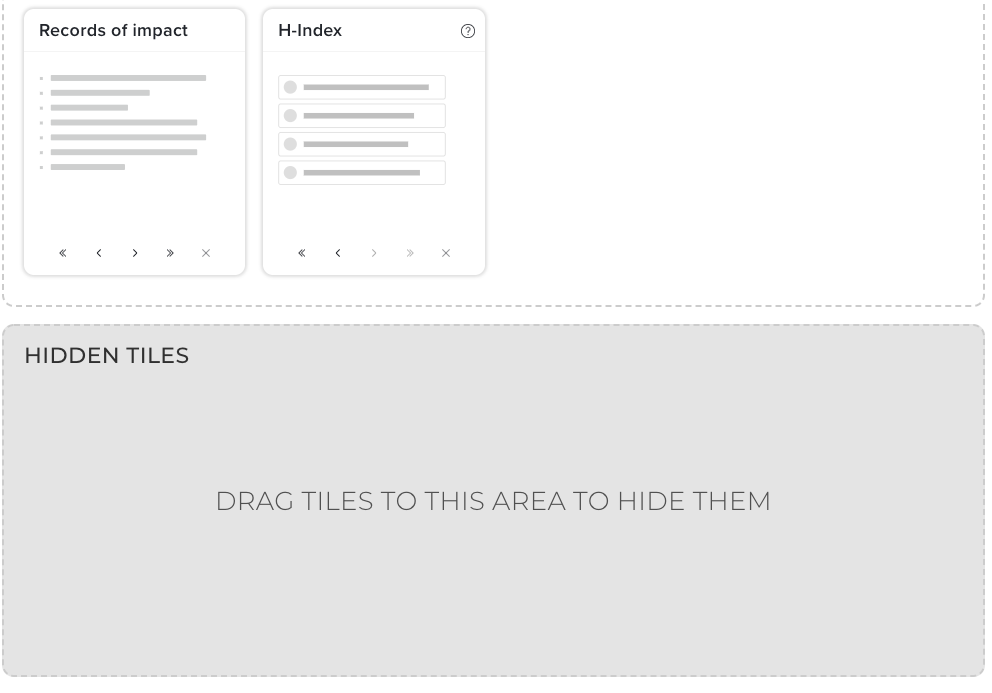
In version 6.x, users can configure their account to display or not display the h index data by clicking on the "Customize homepage" icon (the gear-shaped object) in the lower left-hand side of the home page. Drag the H-index tile into the Hidden Tiles section if not wanted.
For any data source, the h-index for a user is calculated as follows:
all approved publications for a user are identified.
all those publications that do not have a record from the chosen data source are discarded.
the standard formula for calculating the h-index is applied to the remaining records. A good source of information and how to calculate the h-index can be found at https://en.wikipedia.org/wiki/H-index.
When is the h-index updated in Elements?
Elements users may sometimes see discrepancies between an h index in a citation database such as Web of Science or Scopus and those values as reflected in their profile.
In most cases, the difference in the value is due to the fact that the data in the profile has not been recently refreshed. This can especially affect new users who have only recently begun populating their profile. Mature profiles are less likely to be affected since new citations to articles will likely not accumulate so quickly that there will be a noticeable variance from the h-indexes compared to those seen in the citation databases.
In general, the refresh occurs after search setting results are retrieved. If a refresh of citations is desired, the mechanism for updating statistics is the "Synchroniser: Statistics" job at Menu > System admin > [JOBS & SCHEDULING] >Scheduled jobs. (V6.n System Admin > Operations > Scheduled Jobs.) After this is completed the h index will be recalculated based on configuration settings in the "Sync.Synchronise's app.config".
Your system administrator can accomplish this by modifying the 'Synchronise.exe.config' file on the server.
<!--after how long should H-indices be recalculated? eg: '1d', '5h', '1d 5h'-->
<add key="hindex-stale-after" value="1d" />
How to hide the h-index information
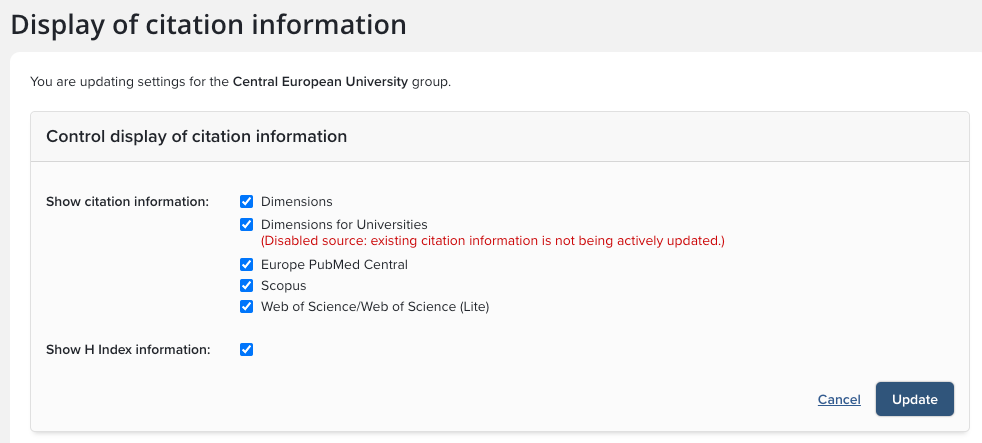
It is also possible to hide the h index in Elements at either a system-wide or a Group level.
To control at a system level, go to Menu > System admin > [DATA CATEGORY SETTINGS] > Publications > Display citations & metrics. (V6.n Category Admin > Publications > Display Citation Metrics.)
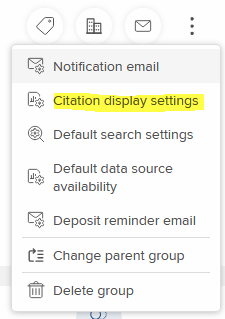
To control at a Group level, go to Menu > System admin > [USERS & GROUPS] > Group management > Manage groups. (V6.n System Admin > User Management > User Groups.) and select a primary group. From the vertical ellipsis menu (top right), select Citations display settings, (V6.n "Publications Module" and click on "Control display of citation information." )