
Deleting a funding opportunity
Edited
Where a Funding Opportunity has no associated Proposals or Projects, you can delete it via the Funding Opportunity > Edit page (at the bottom), in the Management Console. This feature enables you to delete Funding Opportunities that were created in error or for testing purposes.
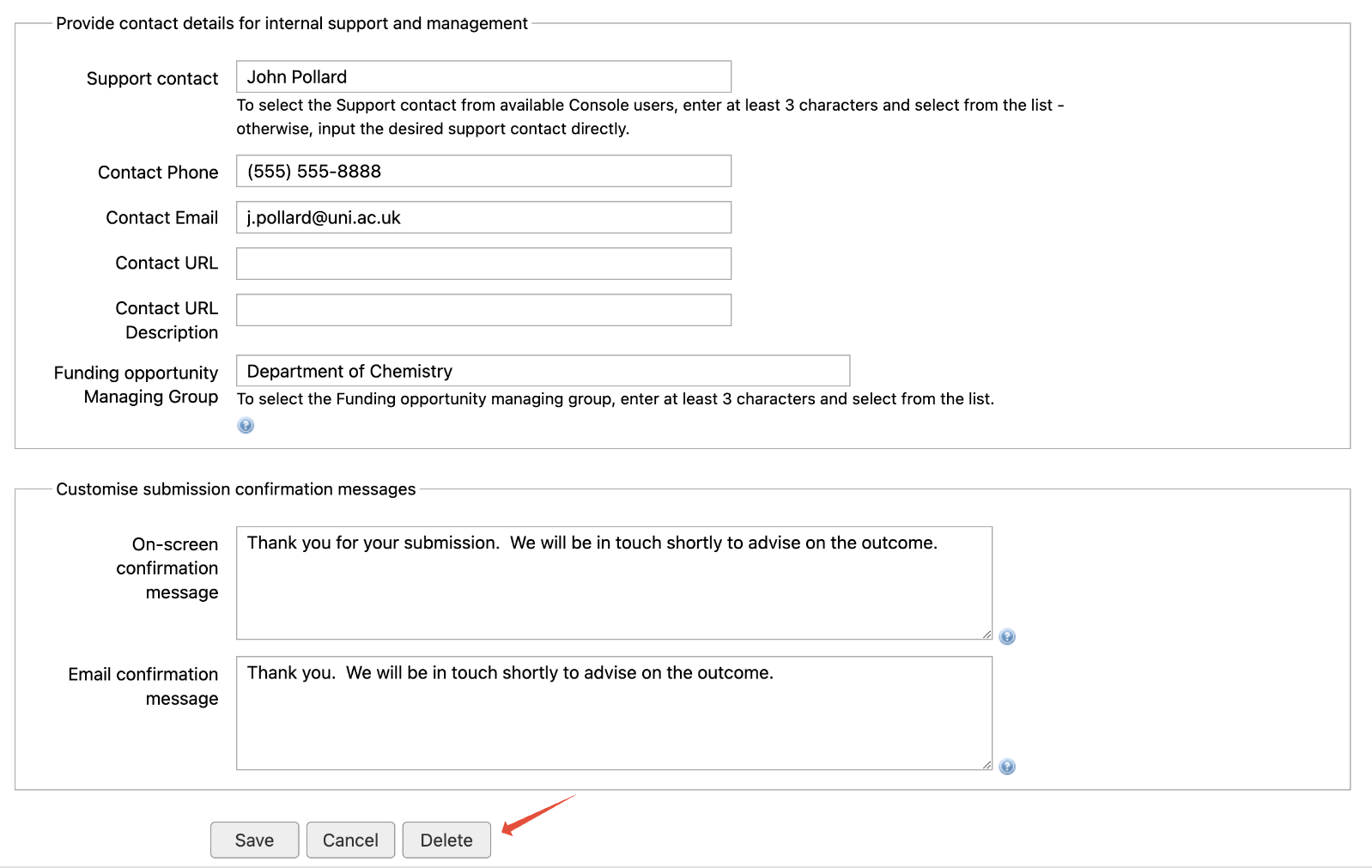
Where the Funding Opportunity has associated Proposals or Projects, the Delete button is disabled.
Was this article helpful?
Sorry about that! Care to tell us more?