
Manage Authentication of Users
Your systems authentication can be found by navigating to System admin > Authentication & access > Authenticating authorities. This configuration determines how Symplectic Elements interacts with your institution’s security system(s) when verifying usernames and passwords.
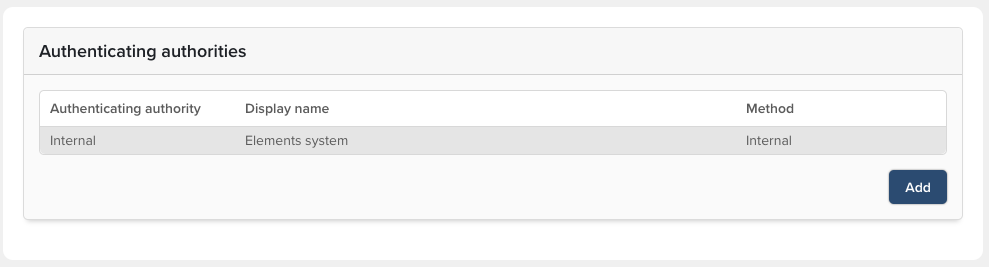
The authentication method is setup during implementation. If this needs to change, you may be asked to alter the authenticating authority settings. By clicking on the name of the authority, you can enter a new name and choose the authentication type. Settings relating to the secure server will need to be entered; your institution’s administrators of these systems will be able to provide the relevant information.
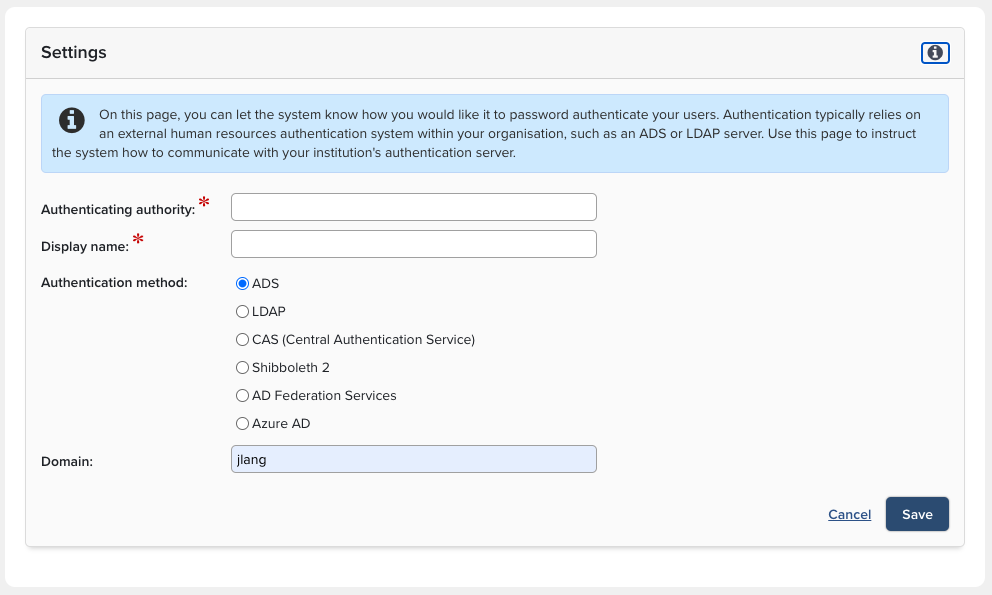
Using Authenticating authority with a Symplectic Hosted Elements environment:
The Elements application is compatible with the Active Directory Server (AD) for user authentication, and this works flawlessly in a single network environment. But AD is not compatible with cloud-based applications (both AD server components and the integrated application's components need to be on the same network) and therefore can't be used with a cloud hosted Elements application. Other compatible SSO methods are LDAP, Azure AD, ADFS and Shibboleth.