
Google Analytics
Your institution may wish to monitor the use of Elements using a Google Analytics account. If so, go to System Admin > Logs & Monitoring > Google Analytics and add your institution's Google Analytics identifier(s):
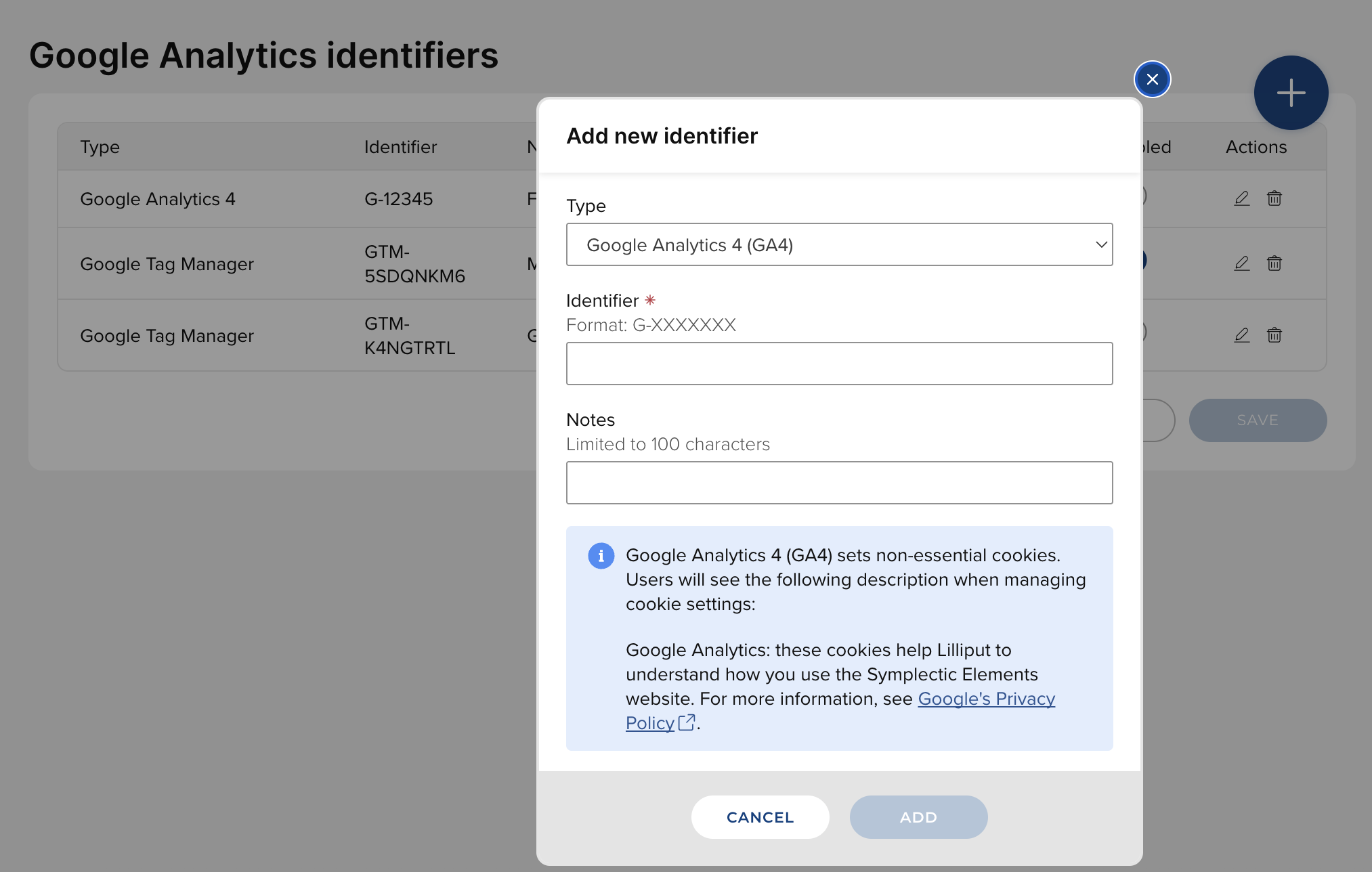
Google Analytics 4 and Google Tag Manager identifiers are supported.
Updating and migrating Google Analytics
In Elements 6.12 and above, the custom script configuration has been retained to provide backward compatibility. If you have previously implemented Google Analytics using the custom script and have upgraded to 6.12 or above, migrate to registering your identifiers in the dedicated page.
To see the currently configured custom script, go to System Admin > Integration & Customisation > Custom Script:
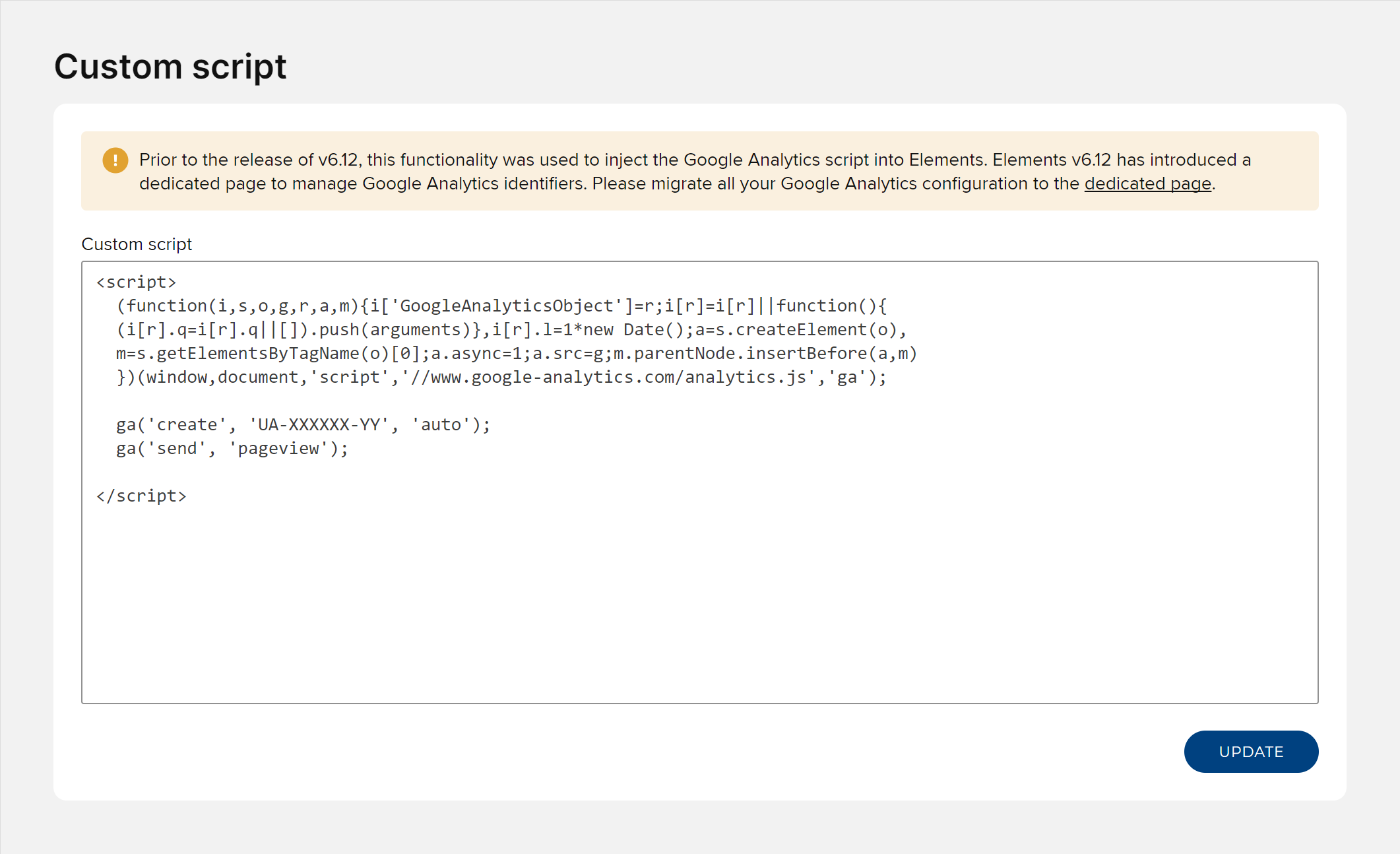
The custom script input in Element 6.12 and above
Further information
More information is available from Google here: https://support.google.com/analytics/answer/1008080