
Journal and Publisher Deposit Advice
This article will assist you to to manage the deposit advice associated with journals in Elements. Deposit advice is used in the Repository deposit screens to provide users with guidance that is relevant for individual Journals or Publishers. To add or make changes to "Deposit advice" you will need to be a System Administrator or be assigned the "Category Admin" role.
Manage Deposit Advice - Roles
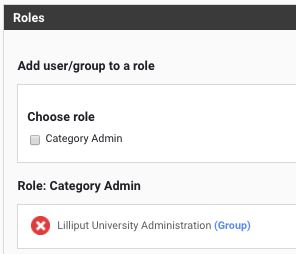
Assign the role of Category admin in Deposit Advice - Roles (Module Admin) by enabling the check box and selecting either a group or user. There is a separate role for managing journals, you may also need to be added to the Journals - Role in (Module Admin)
Displaying Deposit Advice
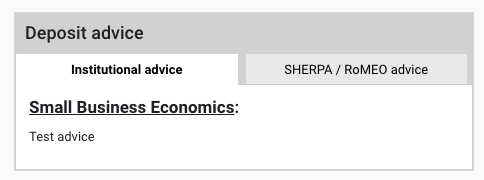
When the Journal Object/Element was added in V5.3, capability to create more granular, specific advice for journals or publishers was added. When you enable Journal or Publisher advice this overwrites the General Deposit advice that your users see when they upload full text to your repository in the "Institutional advice" tab. If you have a RT2 Repository Integration you can take advantage of this option. In the screen shot below the Institutional advice tab for the journal is displayed. More details on General Deposit Advice (Module Admin) on the Repository Tools pages. If Journal or Publisher advice is absent the General Deposit advice guidance text is used.
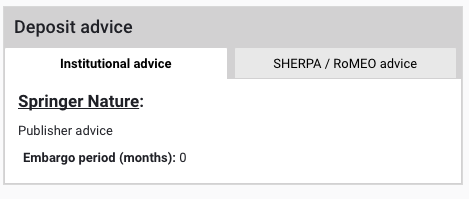
If you do not specify journal advice but populate the publisher deposit advice this will display for journals linked to the publisher.
Adding Deposit Advice
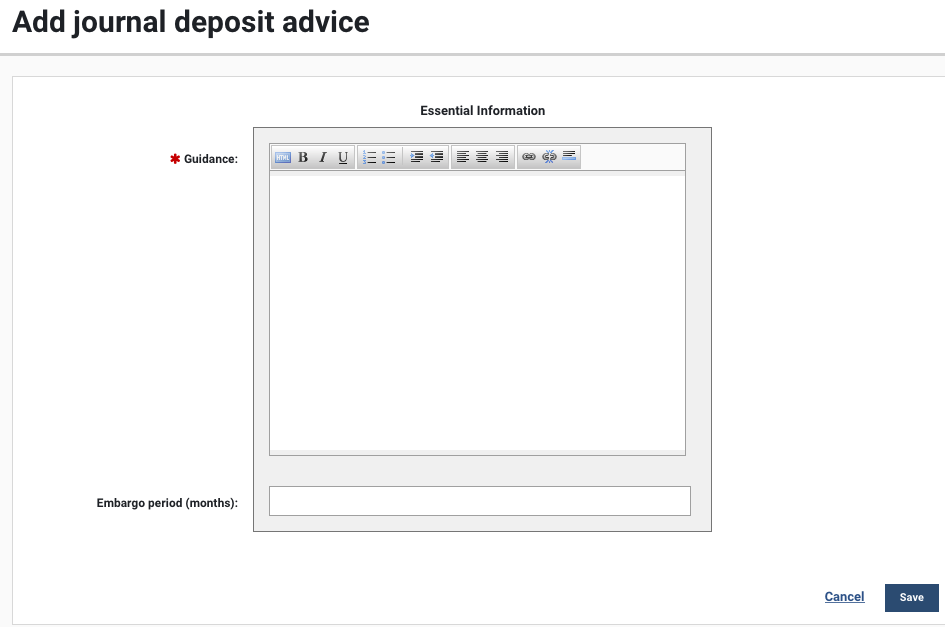
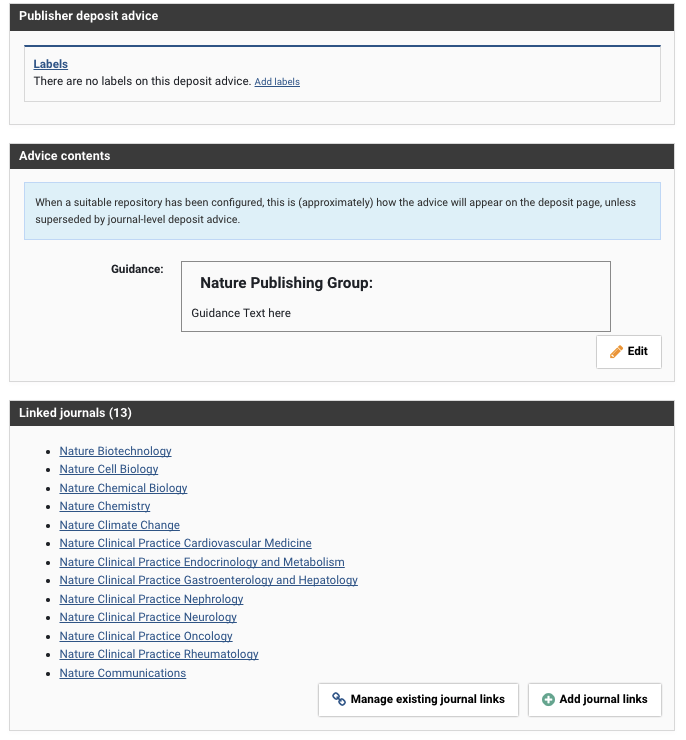
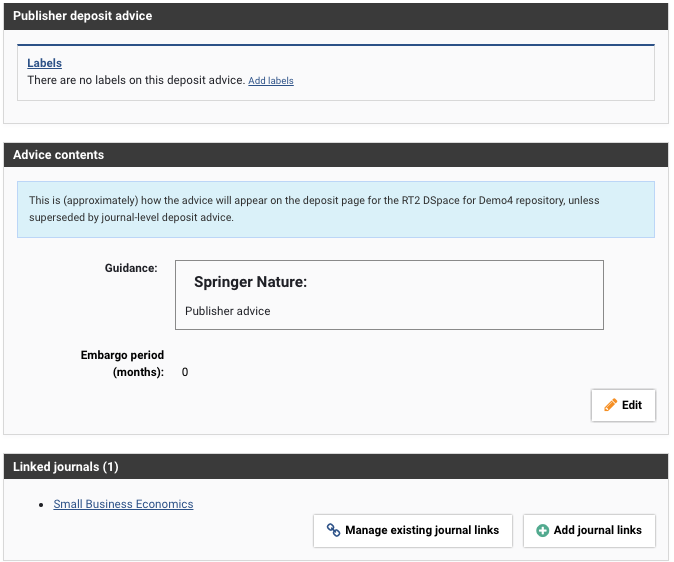
To add or modify this information navigate to the Deposit Advice (Module Administration) pages for Journal or Publisher content. Add or modify the advice in the Guidance field.
If you associate Journals with Publishers using the Link Journals option you will display a single message for every journal linked to that publisher.
Linking Journals and Publishers
Use the "Add journal links" or "Manage existing journal links" to create links between journals and publishers. This can be useful where you want a single message for a publisher to be displayed for all the journals belonging to that publisher. If you create individual guidance text for a journal this takes precedence over the publisher advice.
Final Note
Use the filters on the right hand side of the Journals and Publisher page to narrow your selections and display only the journal or publisher advice you require.