REF2: Acceptance + Attribution tab

Released : 5.16
Updated : 5.17, 5.18, 5.20
REF2: Acceptance + Attribution tab
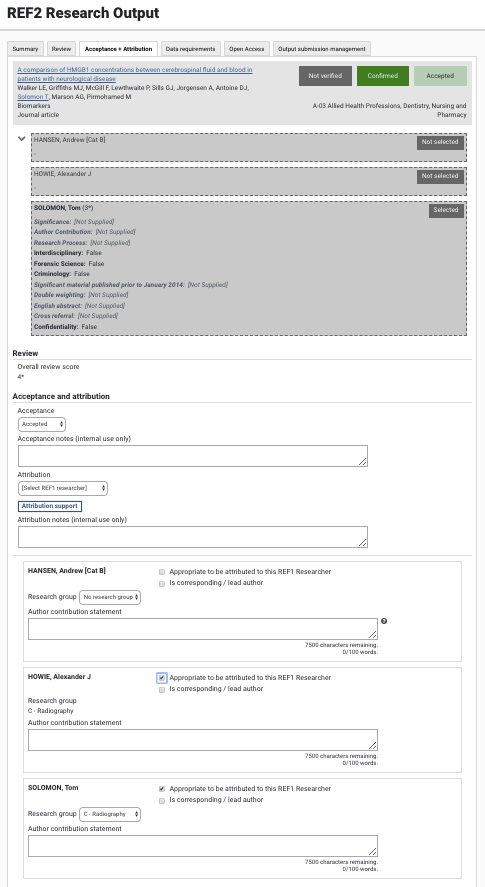
The Acceptance + Attribution tab in the REF2 form supports acceptance and attribution workflows, enabling you to capture:
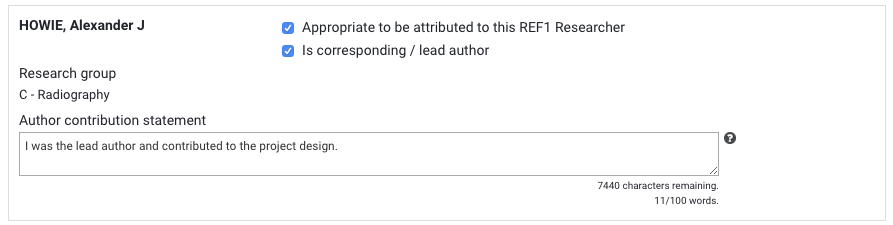
Author contribution statements
Lead / corresponding authors
REF1 attribution(s) and associated notes
Research group
To aid in attribution decision-making, the following information is also displayed:
Each REF1 Researcher's Supporting text (where they selected the output for REF)
Overall review score, where enabled and populated (see REF2: Review tab)
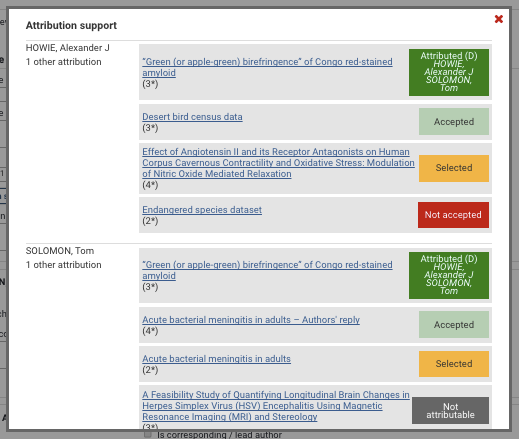
Attribution support pop-up, displaying other REF2 outputs affiliated with each author
Acceptance and attribution
Each affiliated REF1 Researcher (whether they selected the output for REF or not) is listed in the Acceptance and attribution section, available for the REF2 output to be attributed to them.
Acceptance
It is possible to move a REF2 output to 'Not accepted' if it is decided that the output should no longer be considered for inclusion in the REF submission.

Attribution
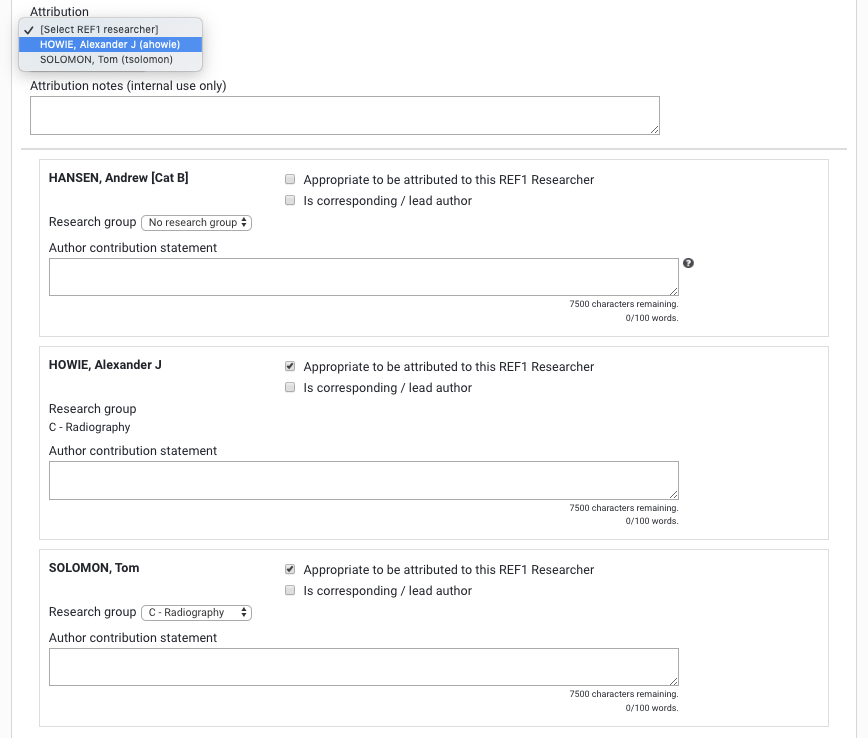
You can select the REF1 Researcher to whom the REF2 output should be attributed in the Attribution drop-down. Note that only those REF1 Researchers flagged as 'Appropriate to be attributed to this REF1 Researcher' will be available for attribution in the drop-down.
Remove restriction of one attributed REF1 per REF2
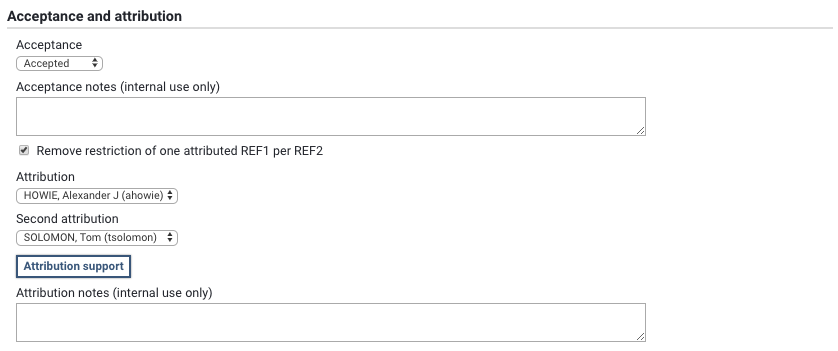
For those exceptional cases where a single REF2 output is to be attributed to more than one REF1 Researcher, there is the facility to remove this restriction, with the following logic:
Panels A, B, C: Only if output flagged as 'double-weighted' and has more than one affiliated REF1 Researcher
Panel D: Always available for those outputs with more than one affiliated Researcher
When the restriction is removed:
Up to two REF1 Researchers can be attributed to the REF2 output in the 'Attribution' drop-down
Author contribution statements for each attributed REF1 Researcher to be returned in the REF submission (where relevant, depending on Panel criteria)
Research group (where enabled) for the first attribution will be returned in the REF submission
Appropriate to be attributed to this REF1 Researcher
This flag enables you to capture where a REF2 output should not be attributed to a REF1 Researcher (in cases where, for example, the individual did not make a substantial contribution to the output). When not selected, the individual is no longer listed in the list of REF1 Researchers in the 'Attribution' drop-down and it is not possible to attribute the output to the individual.
This flag is by default selected for each REF1 Researcher.
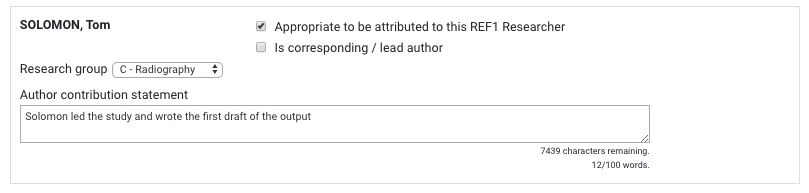
Where no REF1 Researchers are flagged as 'Appropriate', the Submission status of the output will change to 'Not attributable' as no REF1 Researchers in the unit made a substantial contribution to the output.
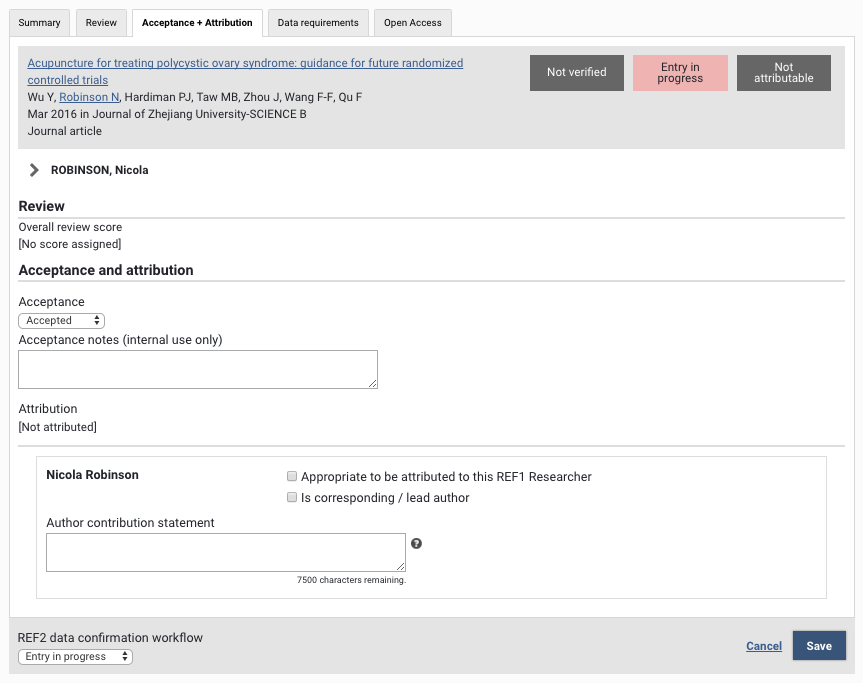
Is corresponding / lead author
This flag enables you to capture whether the REF1 Researcher in question is the lead or corresponding author. This flag is by default not selected.

Research Group
Where Research groups are enabled for the Unit and assigning REF2 Research outputs to Research groups has been enabled for the Unit, the Research Group field will be available for each affiliation.
Research groups are sourced from the affiliated REF1 Research group assignments.
Where a REF1 Researcher has only one Research group assignment, the REF2 affiliation will automatically be populated with that Research group.
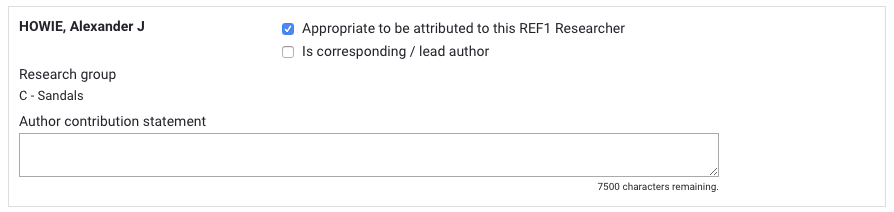
Where a REF1 Researcher has multiple Research group assignments, you will be able to choose which Research group to assign the REF2 affiliation to.
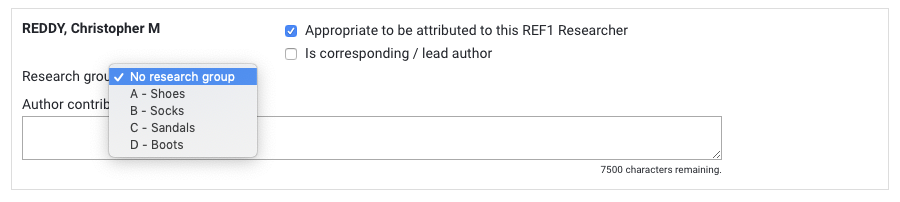
Where a REF1 Researcher does not yet have a Research group assignment, this is indicated on the REF2 form. You will need to assign the REF1 Researcher to a Research group for their associated REF2s to have a Research group assignment.
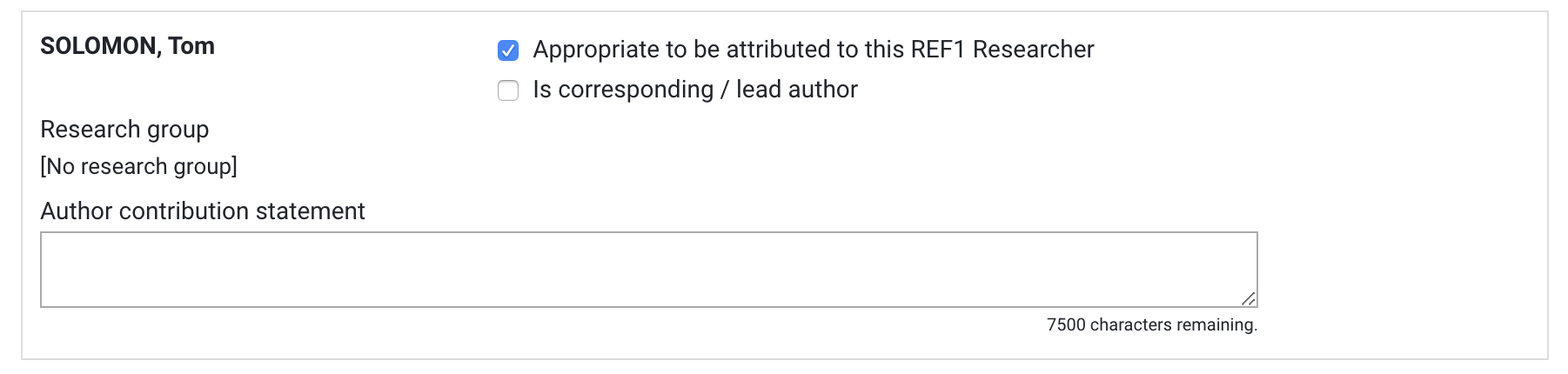
Notes:
When producing the REF submission XML, the REF2 Research group assignment will be that selected for the first (where there are multiple) attributed REF1 Researcher
Where Category Bs have multiple Research group assignments over multiple contracts, all Research groups will be available for selection for each affiliated output - Elements does no checking of Research group assignments and relevant contract dates
Author contribution statement
This field is for capturing any author contribution statements required by the relevant panel. Only the Author contribution statement(s) affiliated with the attributed REF1 Researcher(s) will be returned in the REF submission. The field has an overall character limit of 7,500 characters. Additionally, a 100 word limit is applied to the field. You cannot input more than 7,500 characters, but you can input more than the word count limit (which will generate a validation error in the submission).