
Classifications
Classifications in Awards Management enable individual objects (e.g. Funding Opportunities, Proposals / Projects, Organisations) to be tagged with any number of values from a set list.
Stock classification schemes available in Awards Management are:
Field of Research (FoR)
Type of Activity (ToA)
Socioeconomic Objective (SEO)
Unit of Assessment (UoA)
Additional classification schemes can be added to Awards Management via the Classifications page in the Console.
Classification tags can be applied in a number of ways - for example:
against the Funding Opportunity
against an Organisation (e.g. a funding source code against a funder organisation)
against the individual Proposal
by the researcher (if the Proposal template has been set up to collect this information)
by administrators in the Console
Adding a classification value to a Funding Opportunity
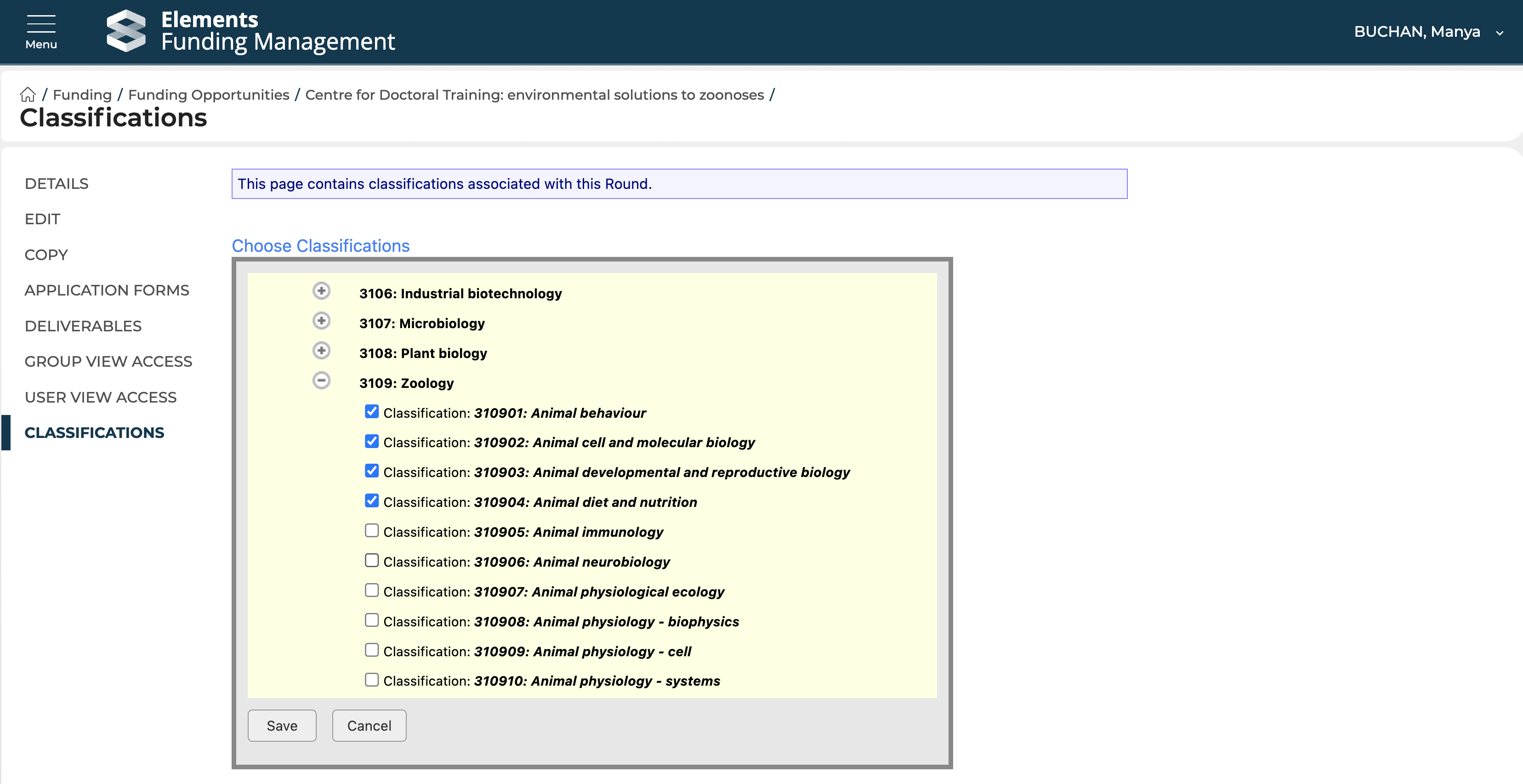
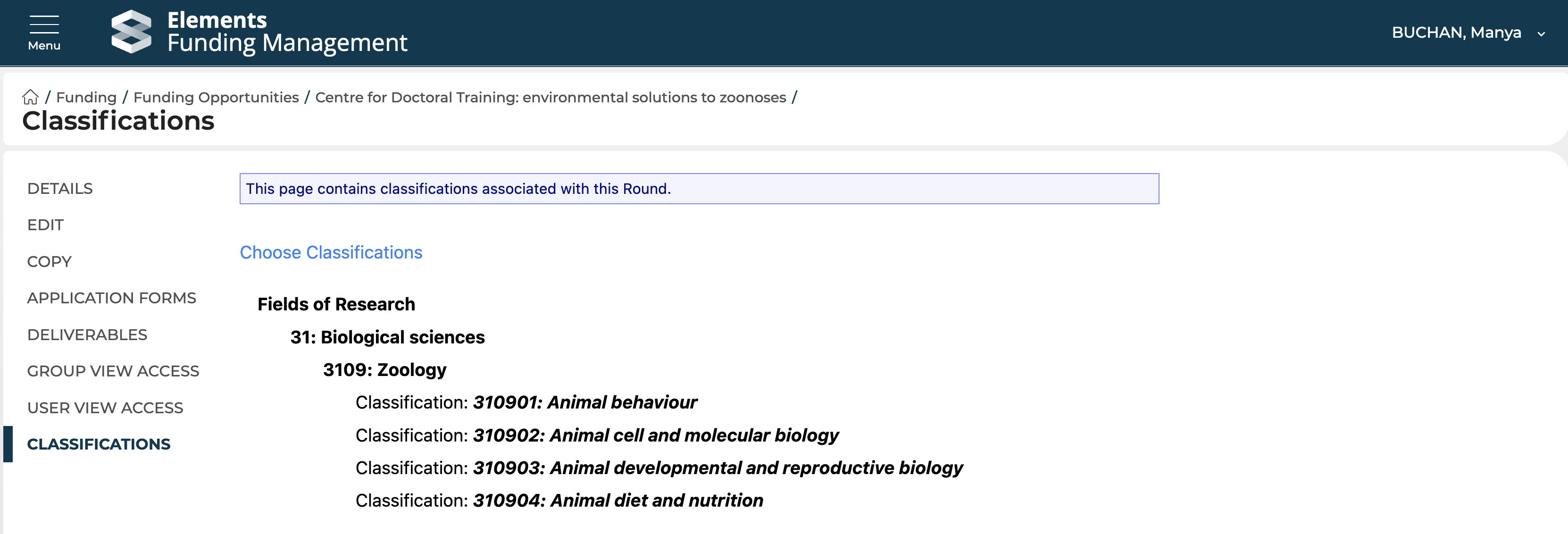
Navigate to the 'Classifications' page for the Funding Opportunity and select 'Choose classifications'. Using the expand + icon and the selection boxes, select all applicable classification values from all relevant schemes.
Adding a classification value to a Proposal (in the Proposal form)
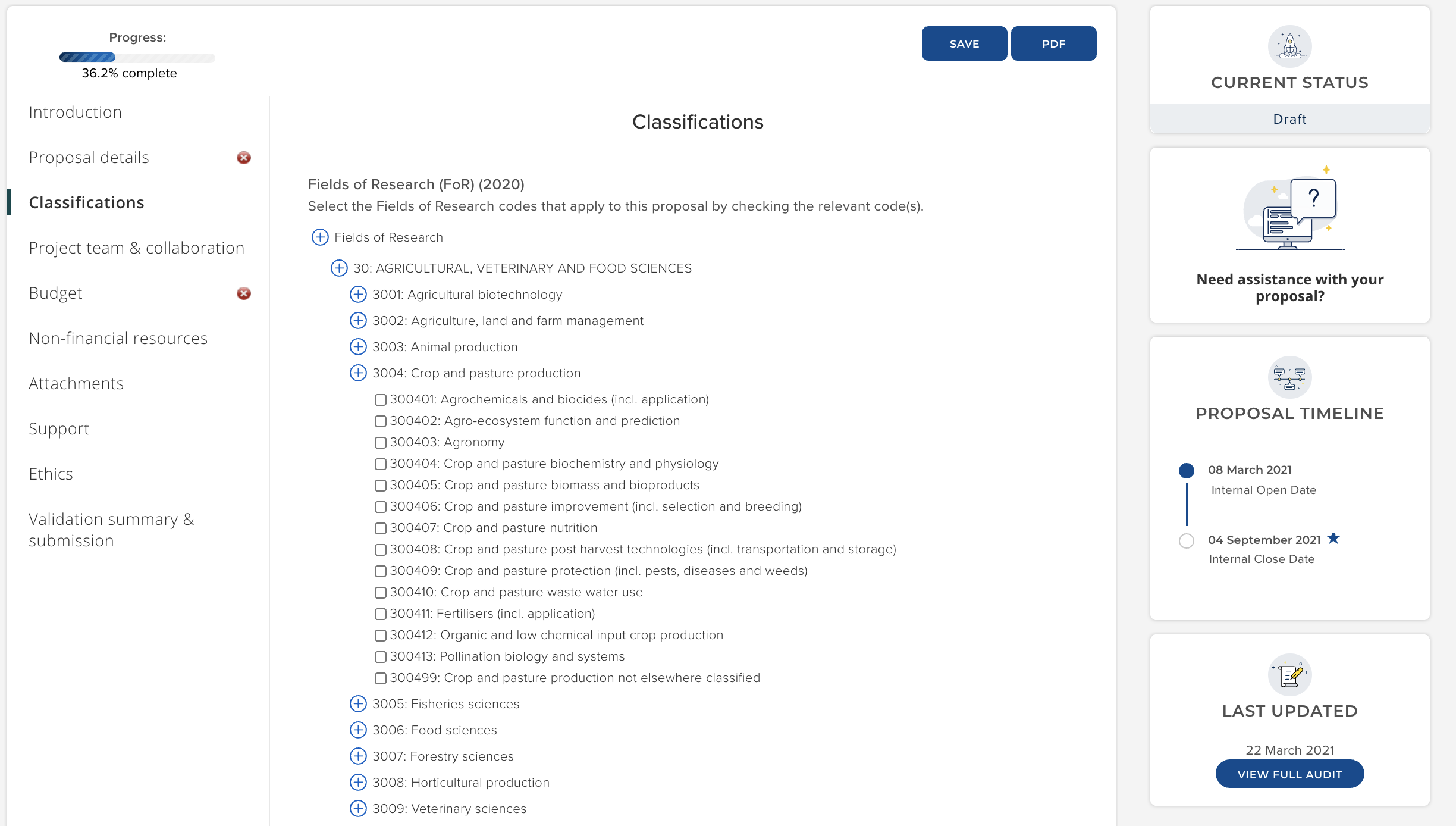
You can configure Proposal templates to ask researchers to select appropriate values from set classification schemes. For example, in the 'Basic proposal - V1' (stock template), researchers are invited to select the appropriate FoRs, ToAs, and SEOs.
Guidance on configuring Proposal templates is available here.
Adding a classification value to a Proposal (in the Console)
Once a Proposal has been submitted, administrators can modify classification values on the Proposal in the Console.
Go to the Proposal in question and select the 'Classifications' menu item. There you will see the classification values selected.
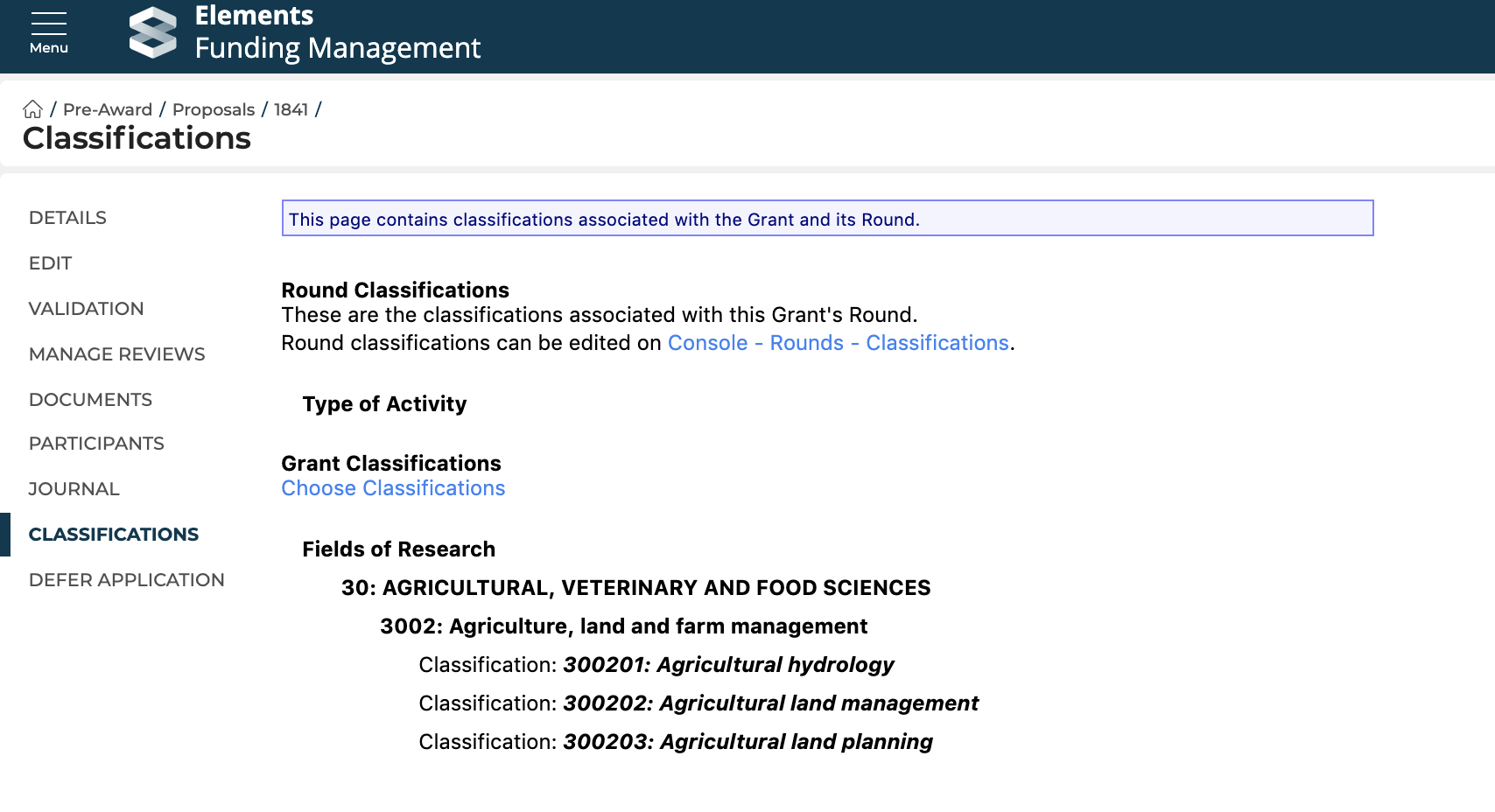
You can modify these by selecting the 'Choose classifications' link and select / un-select values as required.