
Closing a funding opportunity
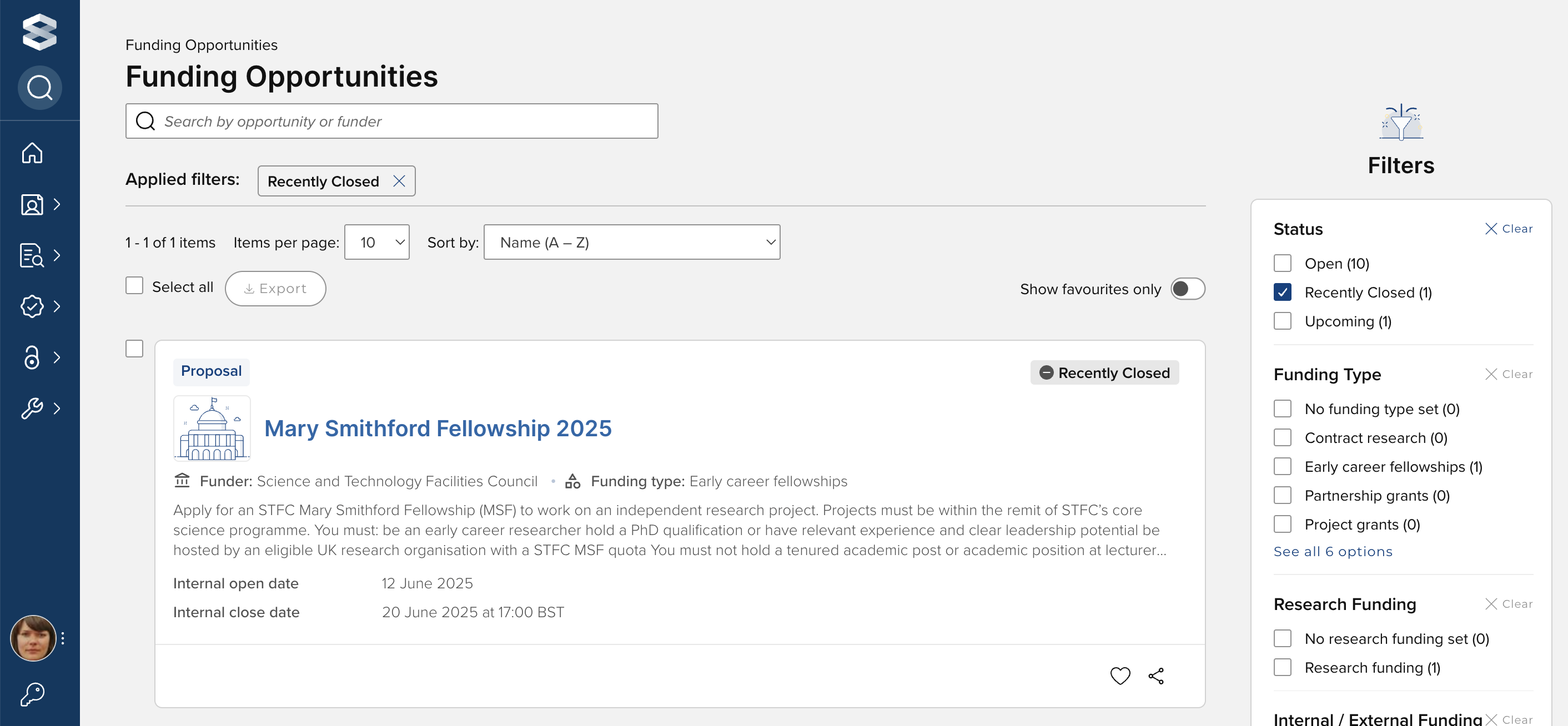
As described in the Configuring a funding opportunity support article, once the 'Internal close date' of a Funding Opportunity passes, the status of the Opportunity will automatically update to 'Applications closed', and it will continue to be visible to users as a 'Recently closed' Opportunity (for 1 month past the close date).
After a certain amount of time, you may want to close a Funding Opportunity. To do so, go to the Funding Opportunity in the Console and navigate to 'Edit'. In the 'Visibility to users' section, change the status from 'Applications closed' to 'Closed'. An Opportunity can only be closed once all associated funding records are deleted or closed.
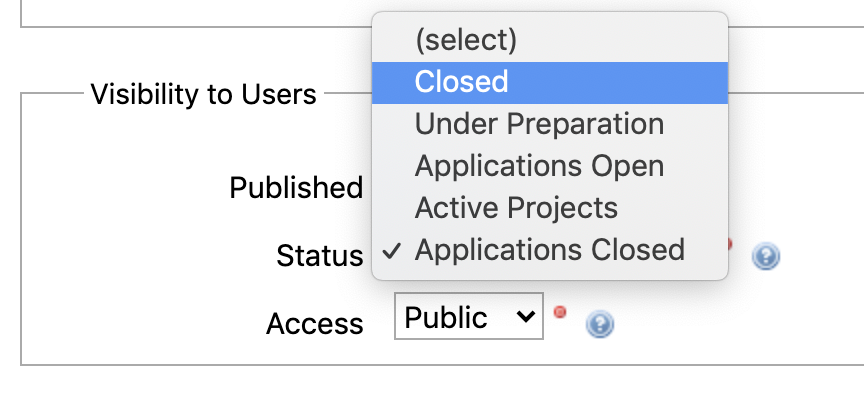
This will remove the Funding Opportunity from the list of Funding Opportunities visible to users, but it will continue to be available in the Console and for reporting.