
Homepage tiles and actions
The Elements homepage includes a number of Awards Management-specific tiles and actions.
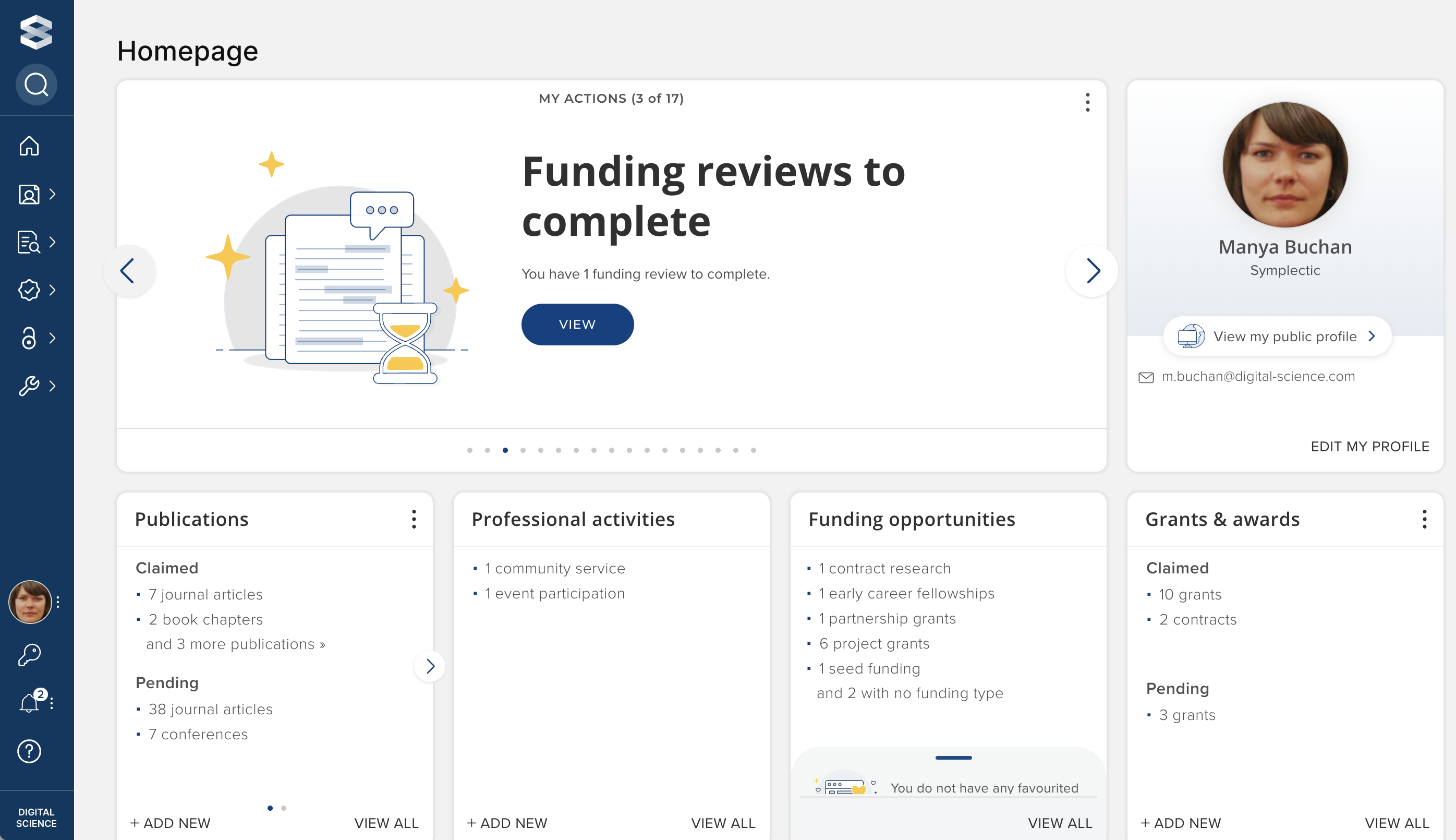
Homepage tiles
There are currently four Awards Management homepage tiles:
Funding opportunities
Lists all open funding opportunities, by Funding type
Funding: pre-award
Lists all proposals and expressions of interest, by status
Funding: projects
Lists all projects, by status
Funding: reviews & approvals
Lists all reviews & approvals, by completion status (including specifically calling out overdue reviews)
Visible only if the user is assigned a reviewer or approver role
Homepage actions
There are currently four Awards Management homepage actions:
Find funding opportunities
Notifies the user of new funding opportunities that have been published since they last visited Elements
Funding proposals due soon
Notifies the user of proposals that have not yet been submitted where the internal closing date is within one month
Pending assigned funding reviews
Notifies the user of individually assigned reviews / approvals that are outstanding
Overdue assigned funding reviews
Notifies the user of individually assigned reviews / approvals that are overdue