Programmes
A funder may offer multiple funding opportunities with different research priorities within the one funding programme, and capturing the Funder programme on Funding Opportunities enables opportunities to be grouped together and enables aggregate reporting at the programme level.
Funder programmes are captured as Programmes in the Funding Management Console, which then makes them available for selection in Funding Opportunities and directly in Proposal forms.
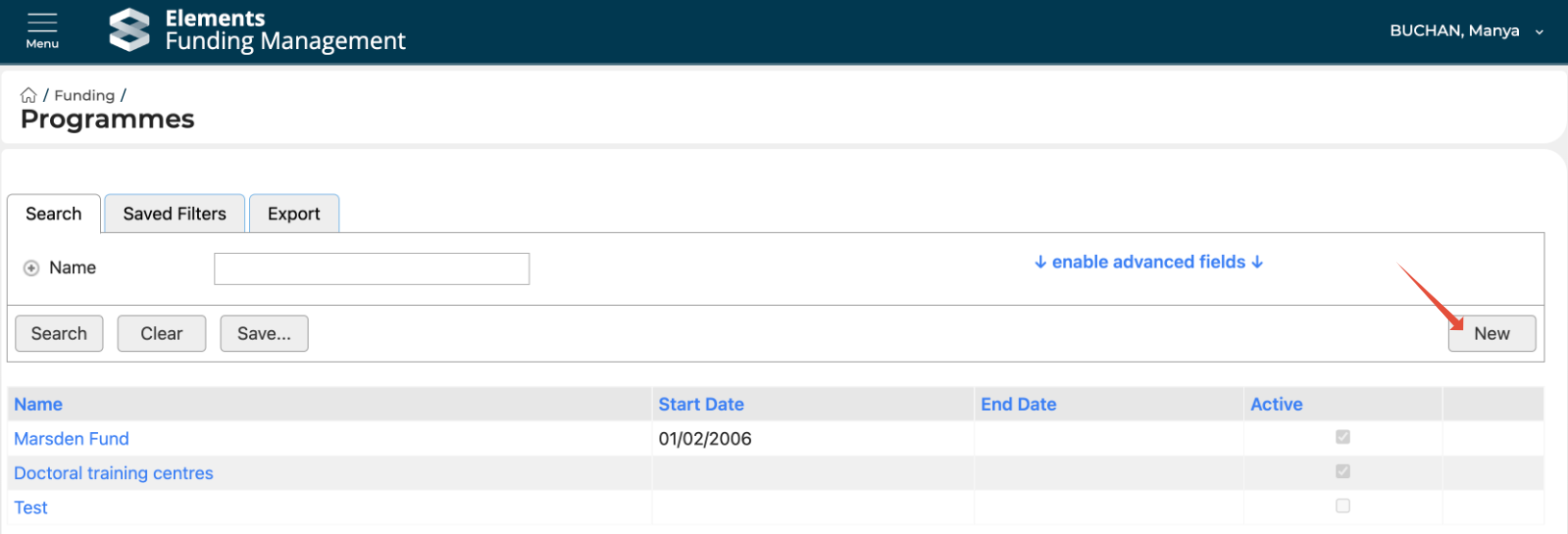
Go to Funding > Programmes.
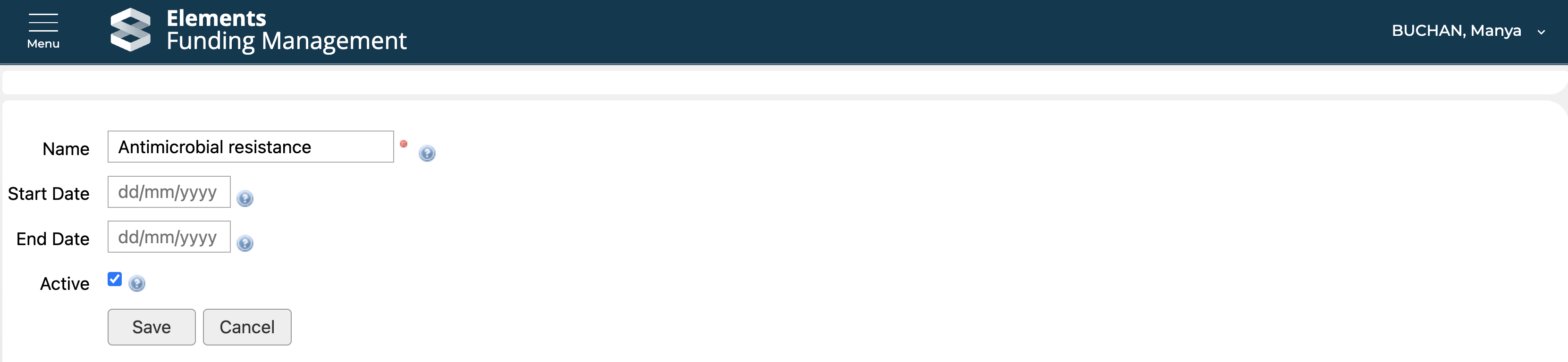
Create new Programme
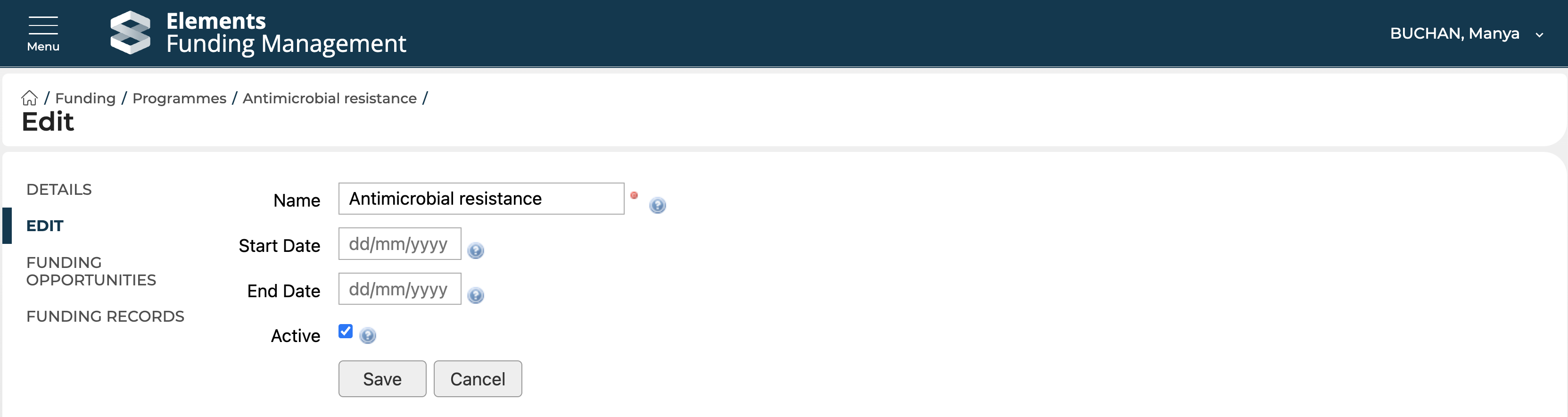
Edit existing Programme
Select the Programme, then select 'Edit' in the left-hand navigation. If a Programme becomes inactive, you can flag it as such by unselecting the 'Active' flag; it will continue to be available for reporting, but will no longer be available for selection in Funding Opportunities or Proposals.
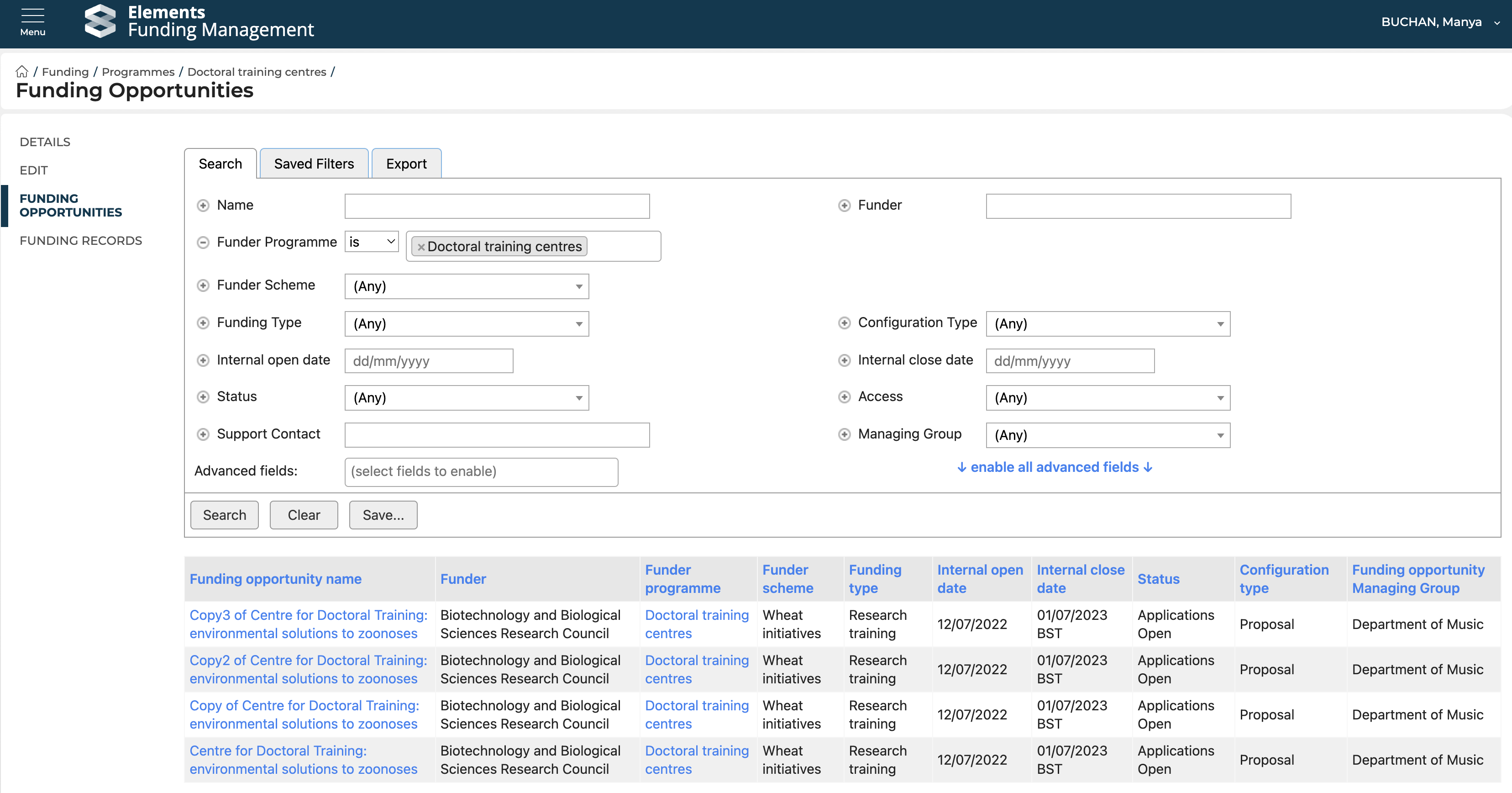
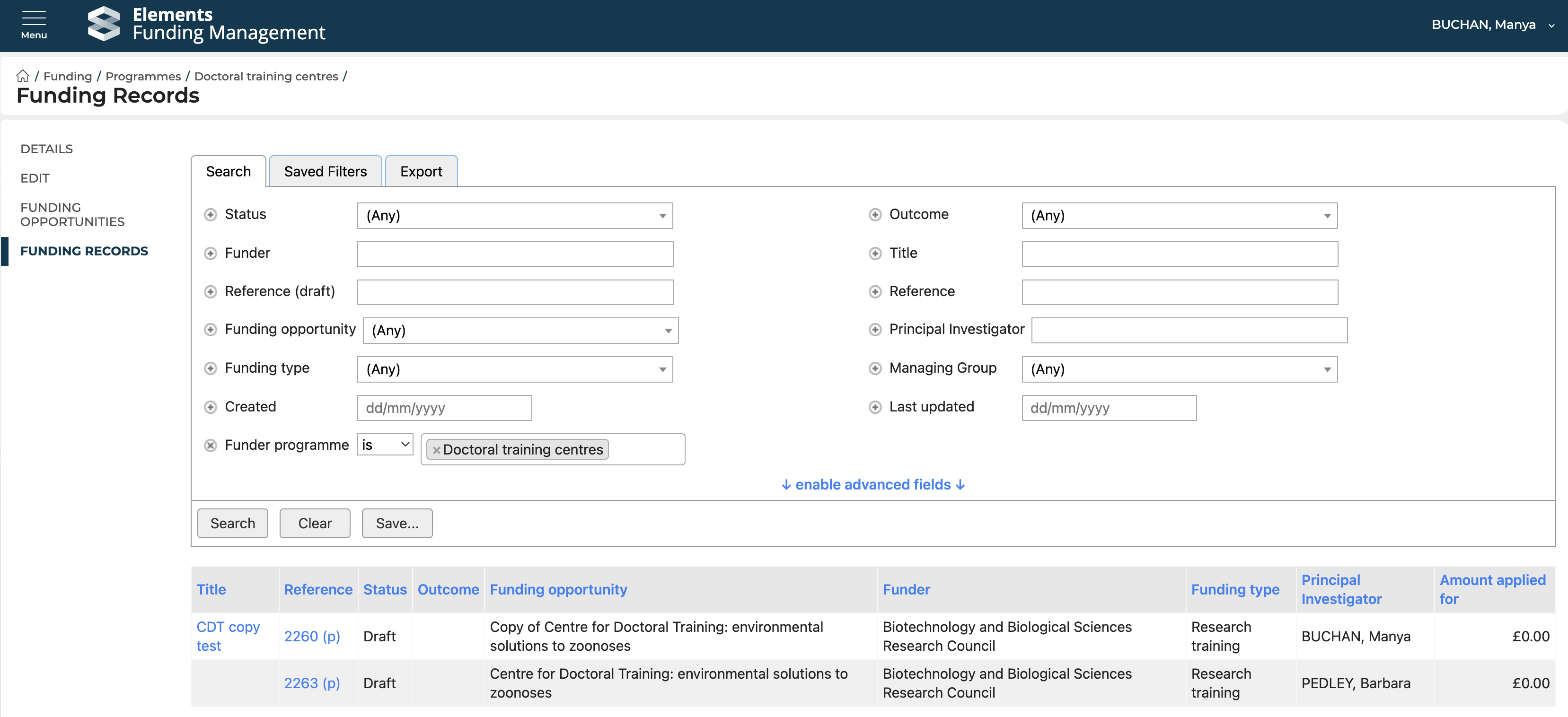
Viewing associated content
It is possible to view Funding Opportunities and Funding records that are associated with the selected Programme via the left-hand menu.