
Funding Management Console
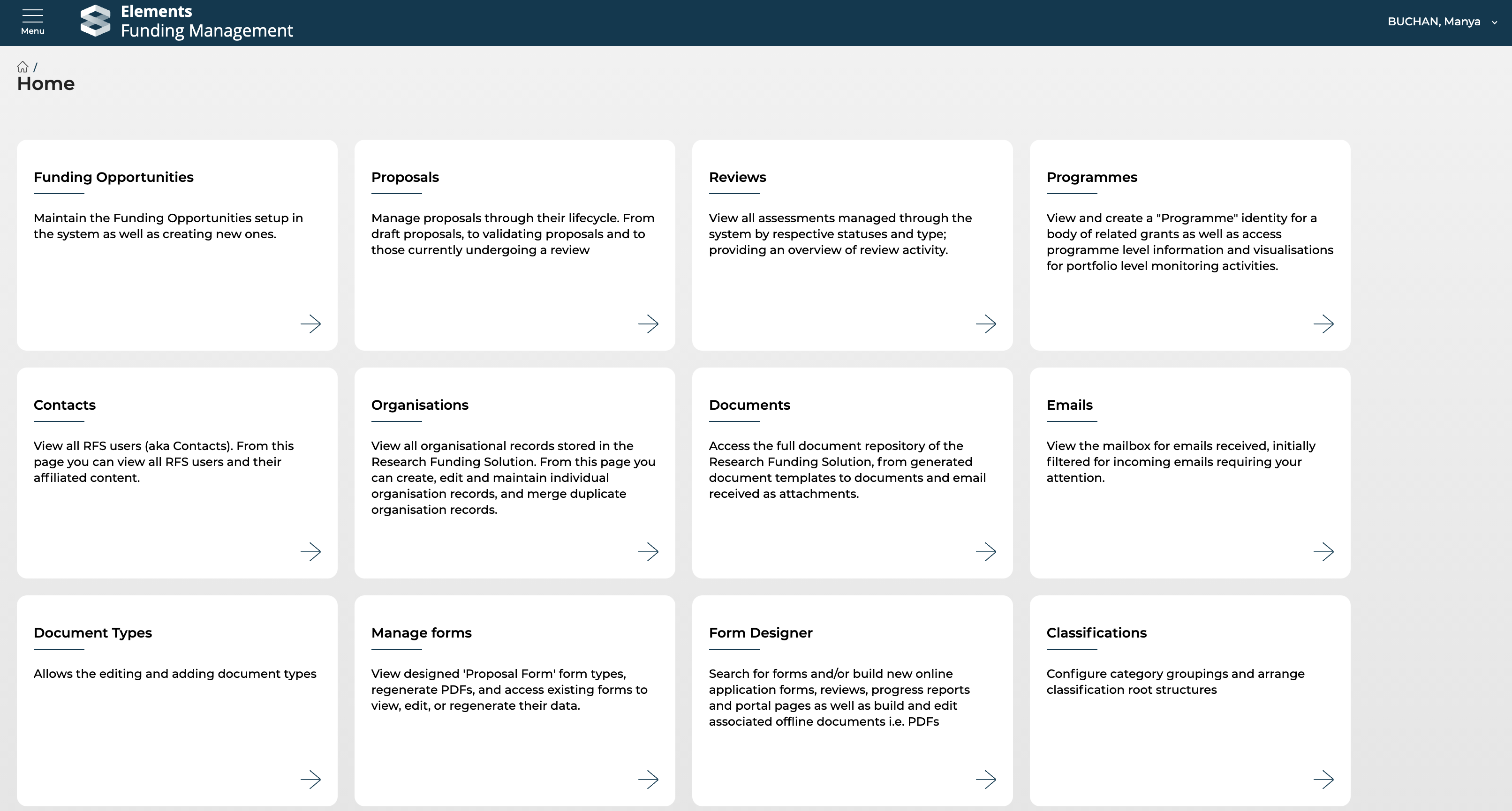
The Awards Management Funding Management Console is where relevant Awards Management users can manage all aspects of the funding management space, including:
Creating and publishing Funding Opportunities
Managing Proposals
Managing Organisation records
Managing documents and emails
Configuring Awards Management finance integration
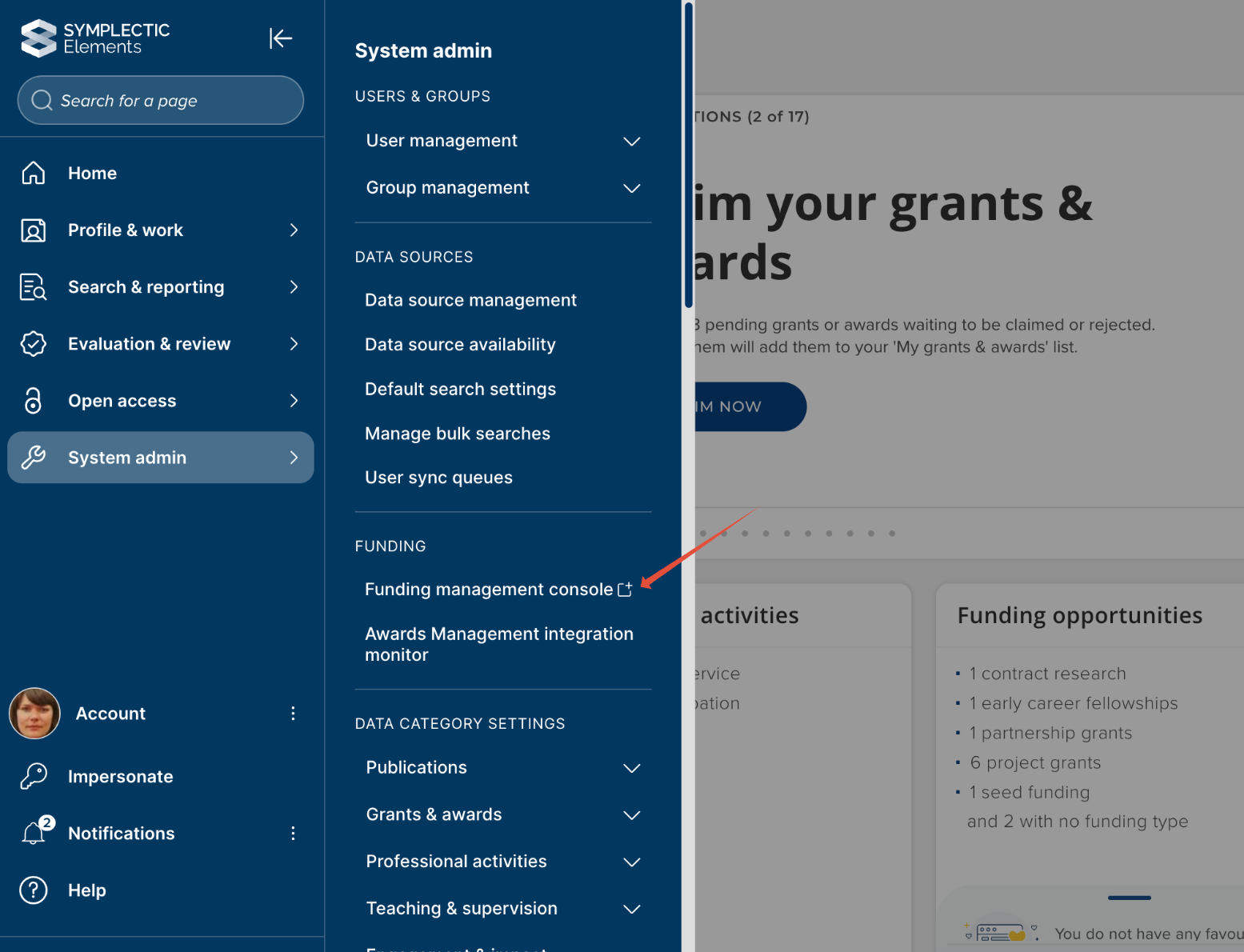
Access to different functions is defined by the user's Awards Management role, as described in the tables below. Where a user has permissions to access to the Console, they can navigate to it from the Funding menu in the top navigation bar.
Main menu
Role | Funding | Communications & Content | ||||||||
Funding records (search) | Proposals | Reviews | Contacts | Documents | Emails | |||||
System Administrator | x | x | x | x | x | x | x | x | x | x |
Research Funding Administrator | x | x | x | x | x | x | x | x | x | x |
Research Funding Data Administrator | x | x* | x | x | x | x | x | x | x | x |
Research Manager (Funding) | x | x* | x | x | x | x | ||||
Finance Manager (Funding) | x | x | x | x | ||||||
* excluding Review set up
Admin menu
Role | Grants & reviews | Templates | Data import & export | Forms | Finance | Contacts & Content | System Mgmt | ||||||
Deliverable groups | Document types | Email templates | Forms designer | Manage forms | System Finance Config | Merging | Schemas | ||||||
System Administrator | x | x | x | x | x | x | x | x | x | x | x | o | x |
Research Funding Administrator | x | x | x | x | x | x | x | x | x | x | x | o | x |
Research Funding Data Administrator | x | x | x | x | o | ||||||||
Research Manager (Funding) | x | ||||||||||||
Finance Manager (Funding) | x | ||||||||||||
o read only