
Updating a group’s parent v6.14+
In order to change a group’s parent, you require permission to edit the group being moved, and the new parent. Changing a group’s parent may impact a number of important group properties. The option to change a group parent can be found in the menu option on the Group details page.
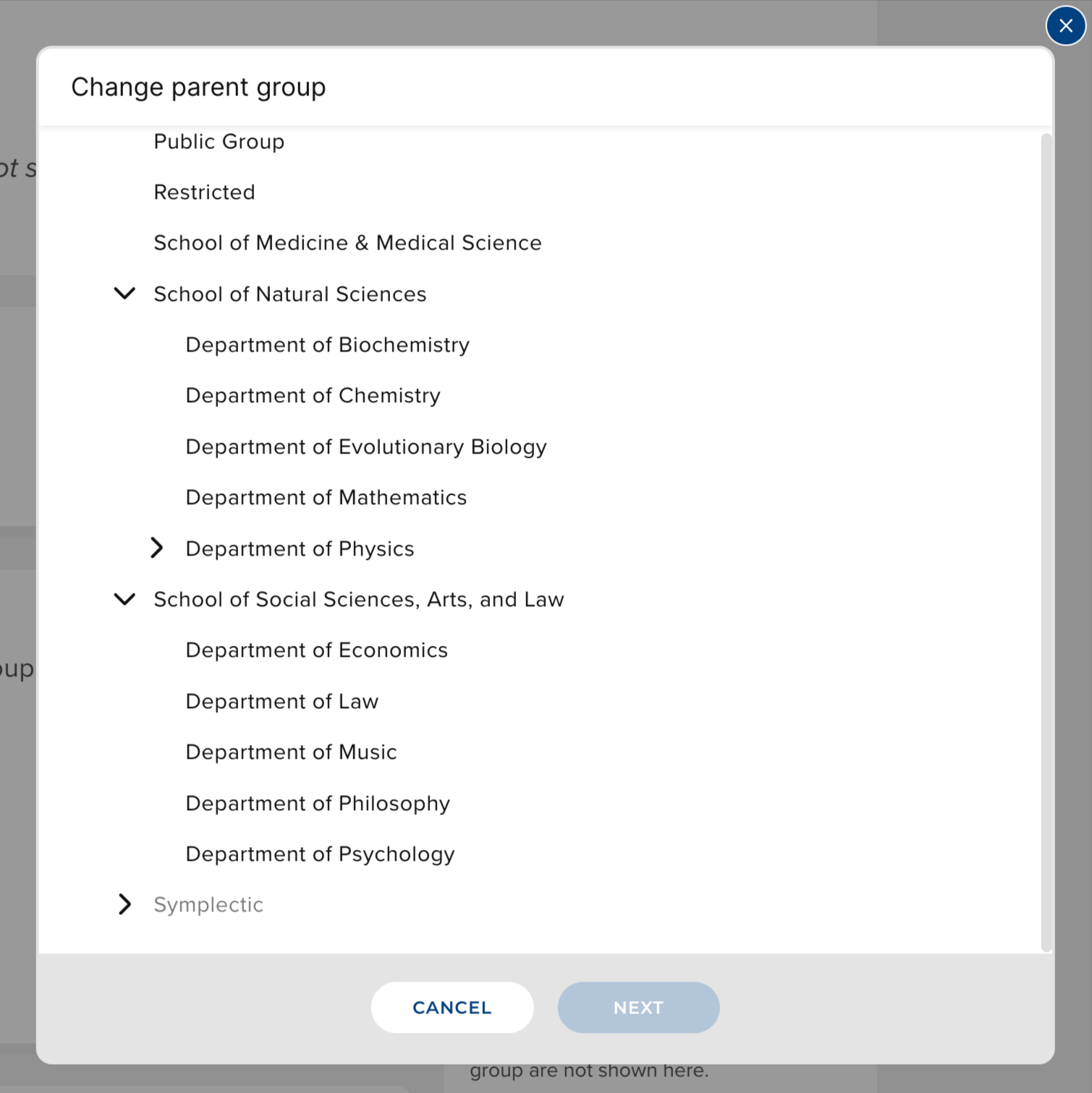
Changing a group’s parent will move the position of the group and all its subgroups within the hierarchy. It is important to consider the potential impact of changing a parent group on users;
Membership - when changing the parent of a group, explicit group membership will not change. However, implicit membership will change. The old parent group will no longer have implicit members from the moved group and any subgroups. The new parent group will gain the members from the moved group and any subgroups, as implicit members.
Roles - Roles granted over a specific Group, also apply to all subgroups. This means the roles that members of the moved group, and any of its children, have may be changed - as new roles may be inherited from the new parent group.
Privacy settings - The privacy level for a group is inherited from its group ancestors, such that descendants cannot have an effective privacy level that is ‘more public’ that its ancestor. The privacy settings for this group and any subgroups could be changed.
Module Access - Module Access for the moved group and any subgroups may be changed.
Other group configurations - OA policy, branding and deposit advice configuration for the moved group and any of its subgroups may be changed.
It is important to give careful consideration to the impact of changing a group’s parent. It is recommended that you carry out checks following a change to a group’s parent. You should keep track of any changes made, so that these can be reversed if necessary.