
REF2 Output type

Released : 5.18
REF2 Output type
Once the exercise has been flagged as the REF exercise, you must apply default mappings of Elements publication types to REF2 Output types. This function is available in the Exercise definition 'Exercise' tab. Until default mappings are applied, no REF2 output type will be automatically assigned. You can perform this action in bulk using the Bulk edit REF2 content function, but it is recommended you apply default mappings to save you the burden of assigning REF2 output types individually.
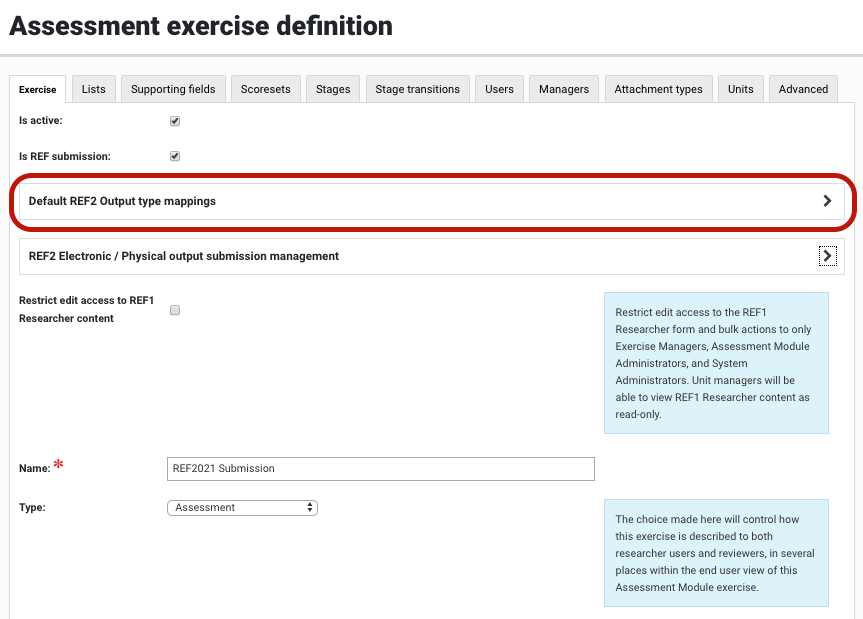
On this page you can define your default output type mappings, mapping your Elements Publication types to REF2 output types.
Note that these are default mappings - it will be possible to override all default mappings (such that any Elements Publication type can be returned as any REF2 Output type).
WARNING: For all mappings, you must ensure that the Elements publication template includes all relevant underlying fields (as per the REF2 metadata mapping) to ensure that all required metadata can be captured. For example, if you plan to return an Elements 'artefact' as a D-Journal Article, you must ensure that your 'artefact' template includes all relevant metadata fields for D-Journal Article, as per the mapping (e.g. journal, volume, issn). If the Publication template does not include relevant metadata fields, the output will fail validation and there will be no means to populate the missing data.
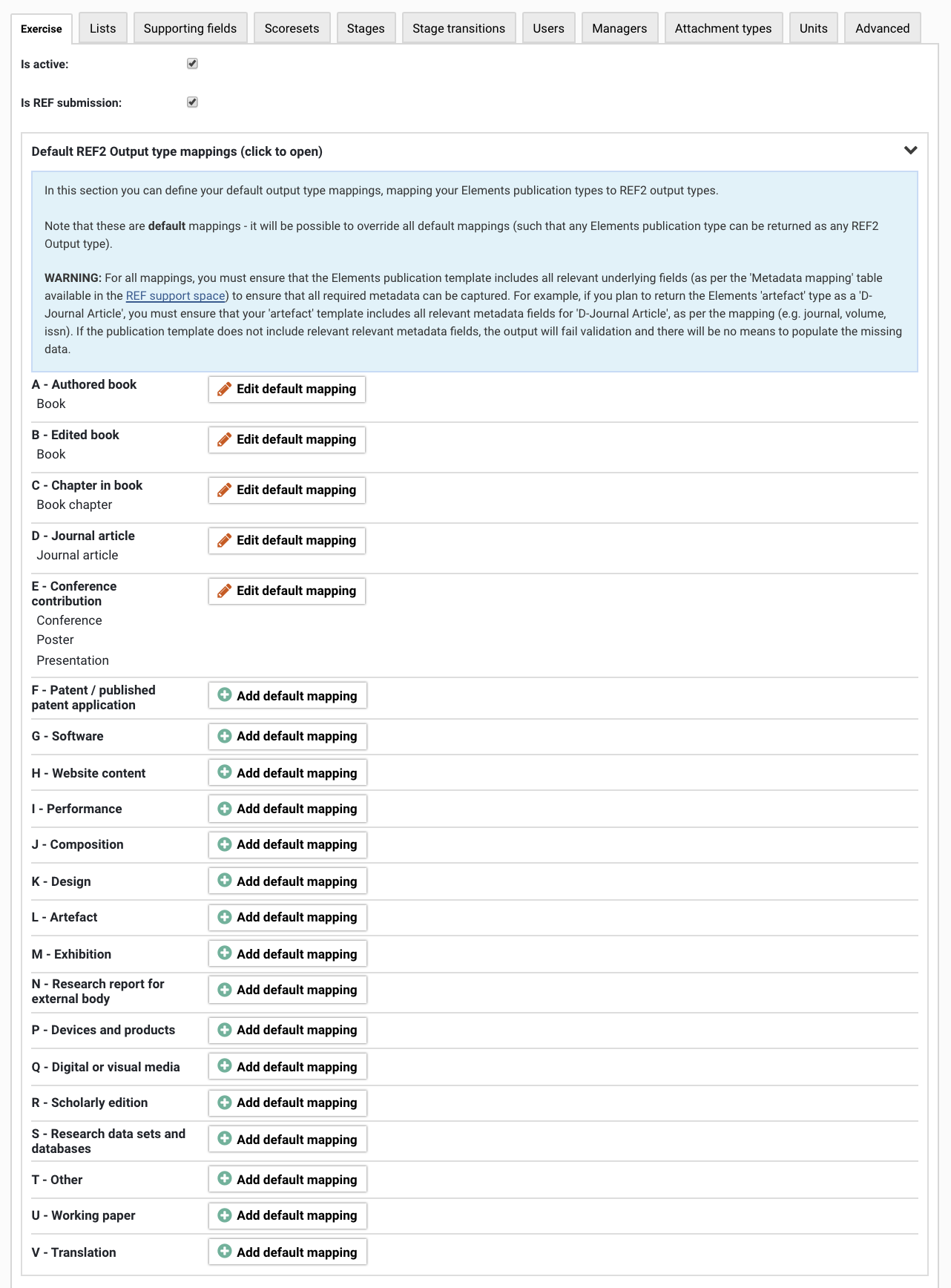
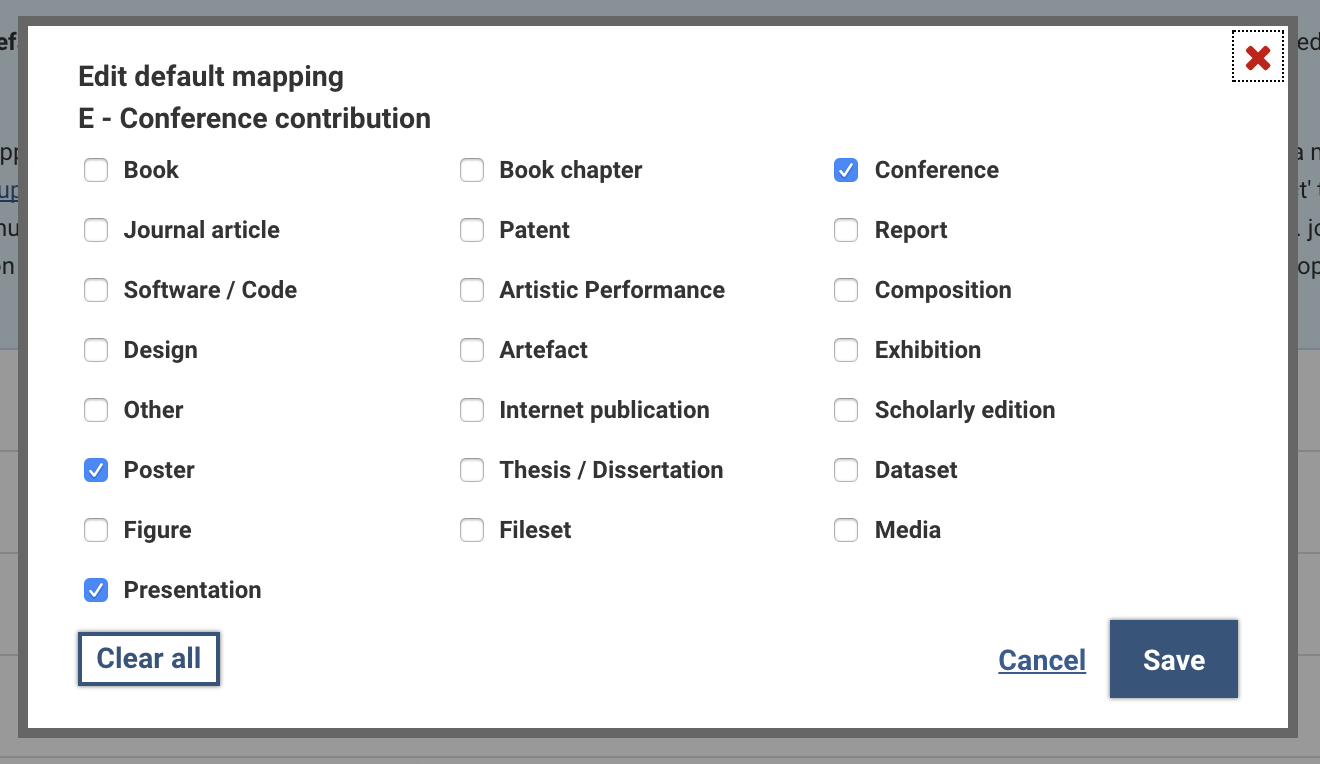
You can apply various types of mappings:
Mapping type | Description | Behaviour in REF2 |
one:one | For example Elements 'book chapter' mapped to C-Chapter in book | Mapping is automatically applied, but another value can be selected
|
one:many | For example Elements 'book' mapped to A-Authored book and B-Edited book | No mapping is automatically applied - the REF user will need to select the appropriate value, from either the default mapping options or any other value
|
many:one | For example Elements 'conference' and 'poster' mapped to E-Conference contribution | Mapping is automatically applied, but another value can be selected (same behaviour as one:one mapping)
|
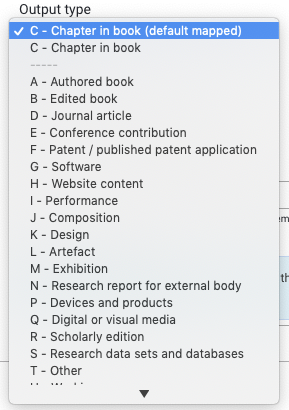
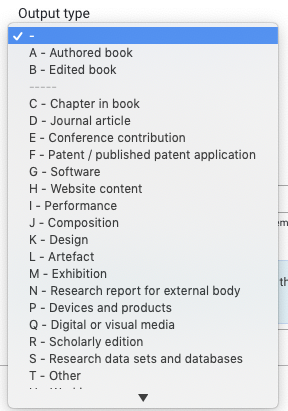
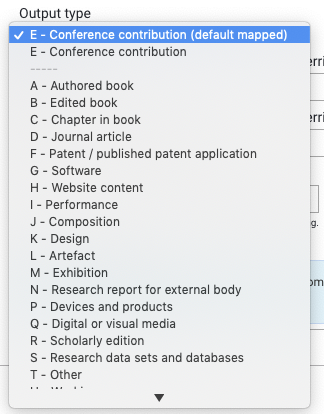
You can edit the REF2 output type in the REF2 'Data requirements' tab, or via the REF2 metadata bulk function.
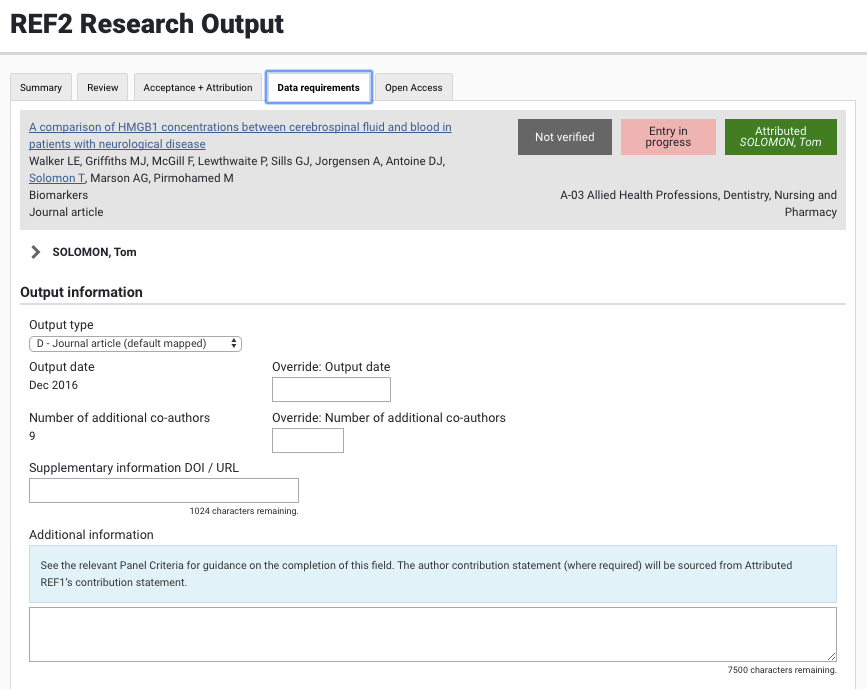
Where the REF2 output type applied is as per the default mapping, this will be displayed against the output type.

If you wish to 'hard set' the REF2 output type such that it will never change, even if the default mapping is edited, you can select the relevant value from the drop-down.