Using UN Sustainable Development Goals (SDG) Label Scheme in Elements
The UN Sustainable Development Goals (SDGs) label scheme is one of the default Label Schemes supplied in Elements. Like other label schemes, it can be managed by going to System admin > Links & labels > Configure label schemes. Since it is a default label scheme, you cannot delete it but can alter some of its properties, such as which objects they are displayed on, whether or not percentage is allowed, etc. Find the more detailed instructions on managing label schemes in the dedicated support article.
The SDG labels can be applied manually to various objects such as Researcher profiles, Publications, Teaching activities, Grants, etc.
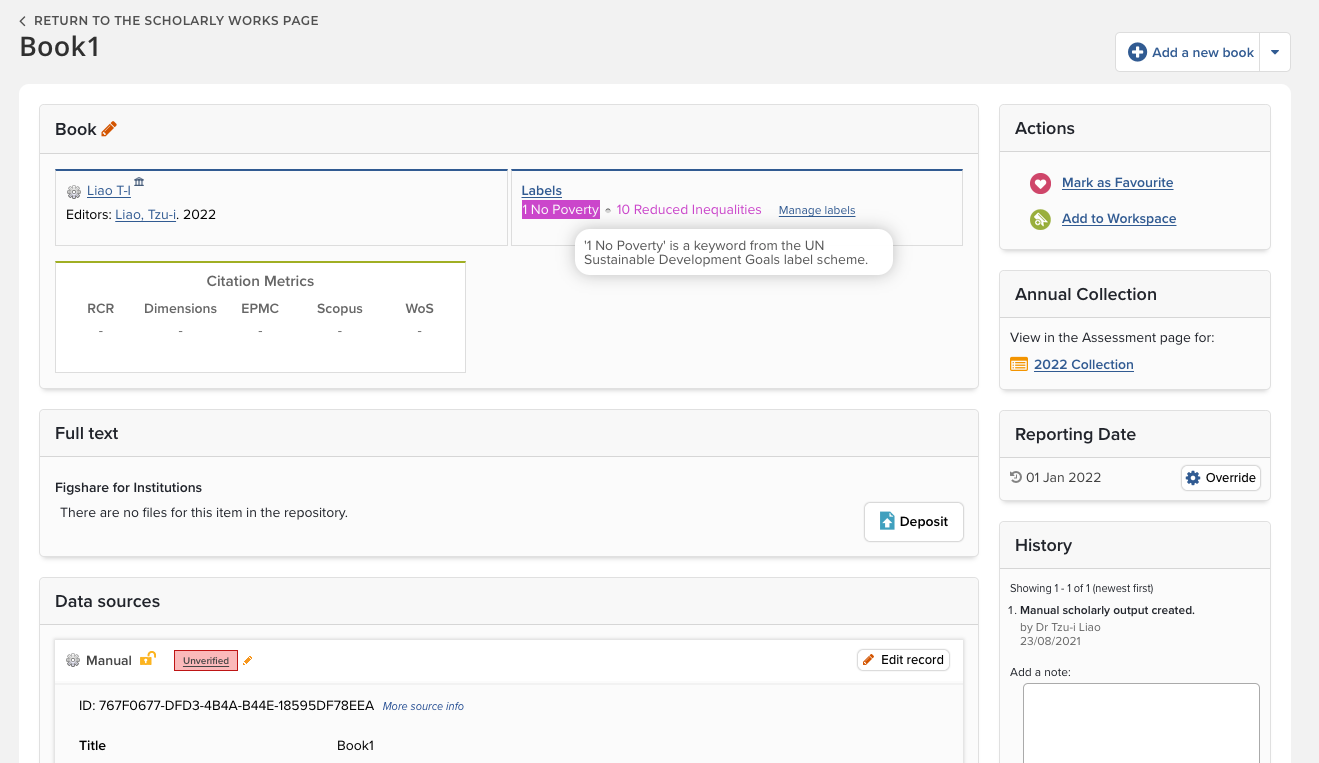
The vocabulary of this label scheme is controlled and cannot be altered. This is for the sake of consistency with the label value harvested from data sources. Should you require further sub-categories or different wording, you have the option to create a custom label scheme based on its vocabulary.
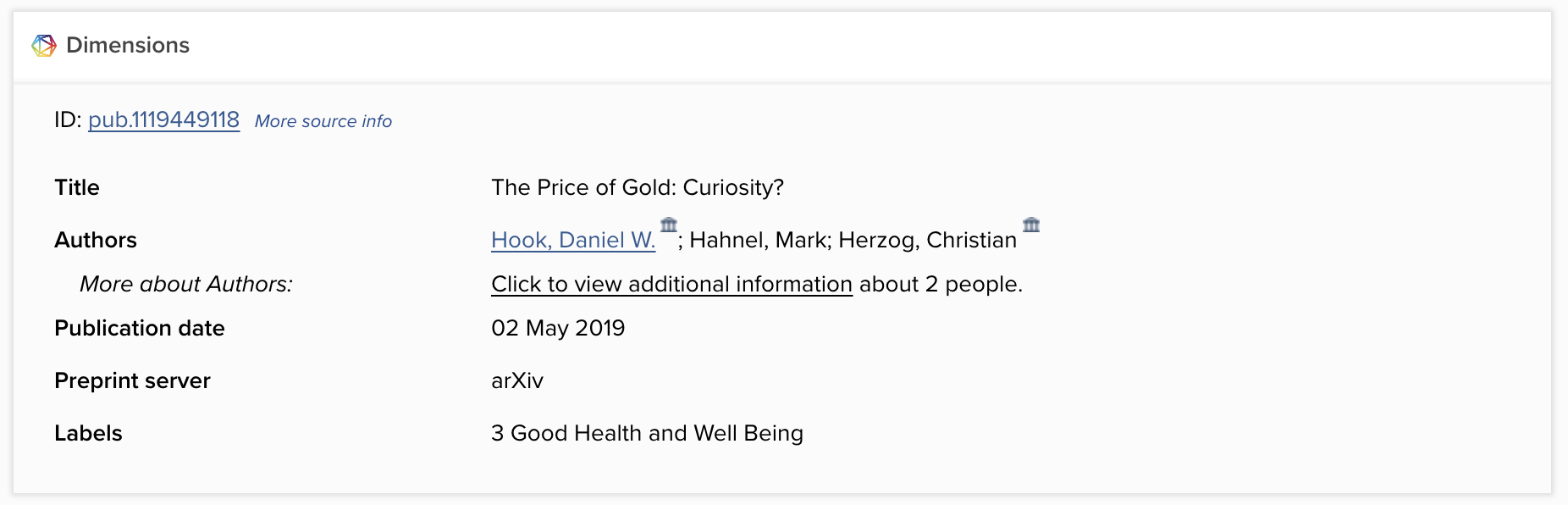
SDG labels are now harvested from Dimensions
Those who are licensed to use Dimensions as a data source can further exploit the benefit of having SDG labels harvested and applied to records automatically. At the time of first release, Dimensions maps over 5 million SDGs to publications and grants, and these labels are now brought into Elements together with other metadata on Dimensions records.
Stock reports for SDG labels
There are also two stock reports that can be used to return information on SDG labels.
Claimed Publications with Sustainable Development Goals Labels Summary
You can use this stock Data Extract to return a CSV summary of links between users and publications with one or more SDG label(s). This covers the claimed publications with SDG labels that are applied manually and harvested from Dimensions (if licensed). Note that 1) the unclaimed or rejected publications are excluded; 2) labels associated with the non-academic and non-current users are excluded by default. Currently you can alter query parameters of user group, user status (academic & active), and reporting date.
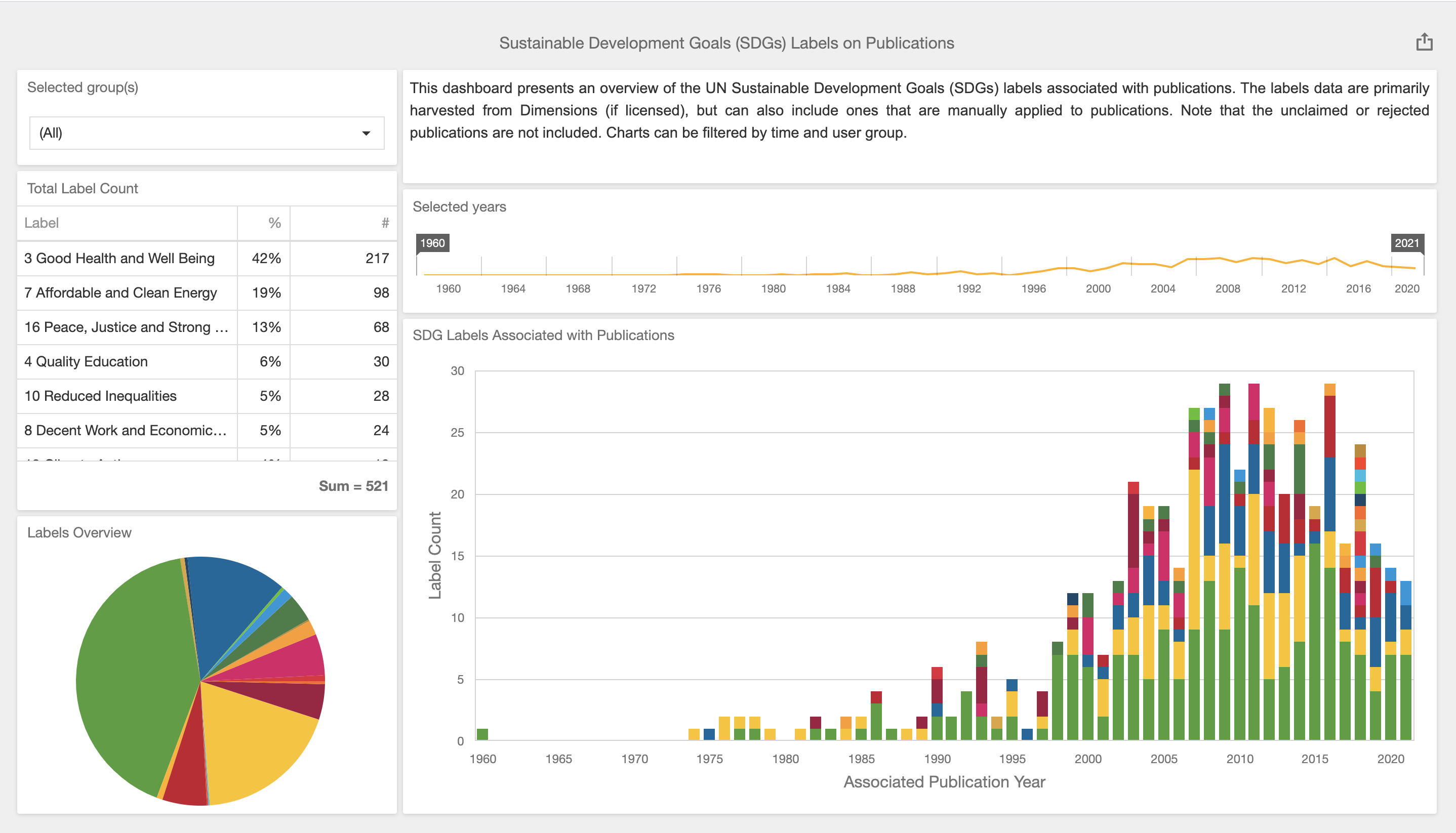
Sustainable Development Goals (SDGs) Labels on Publications
You can use this stock Dashboard for an overview of the SDG labels on claimed publications. This dashboard is disabled (set as not visible to normal users) by default, and a System Administrator can enable it (set it as public). The data includes labels that are applied manually and harvested from Dimensions (if licensed) for all users. Note that 1) the unclaimed or rejected publications are not included; 2) labels associated with the non-academic and non-current users are included. The charts can be filtered by time of publication and the primary group associated with the user linked to the publication. The default colour scheme of the labels corresponds to the official colours in the UN guideline.
Showcasing SDGs in Discovery
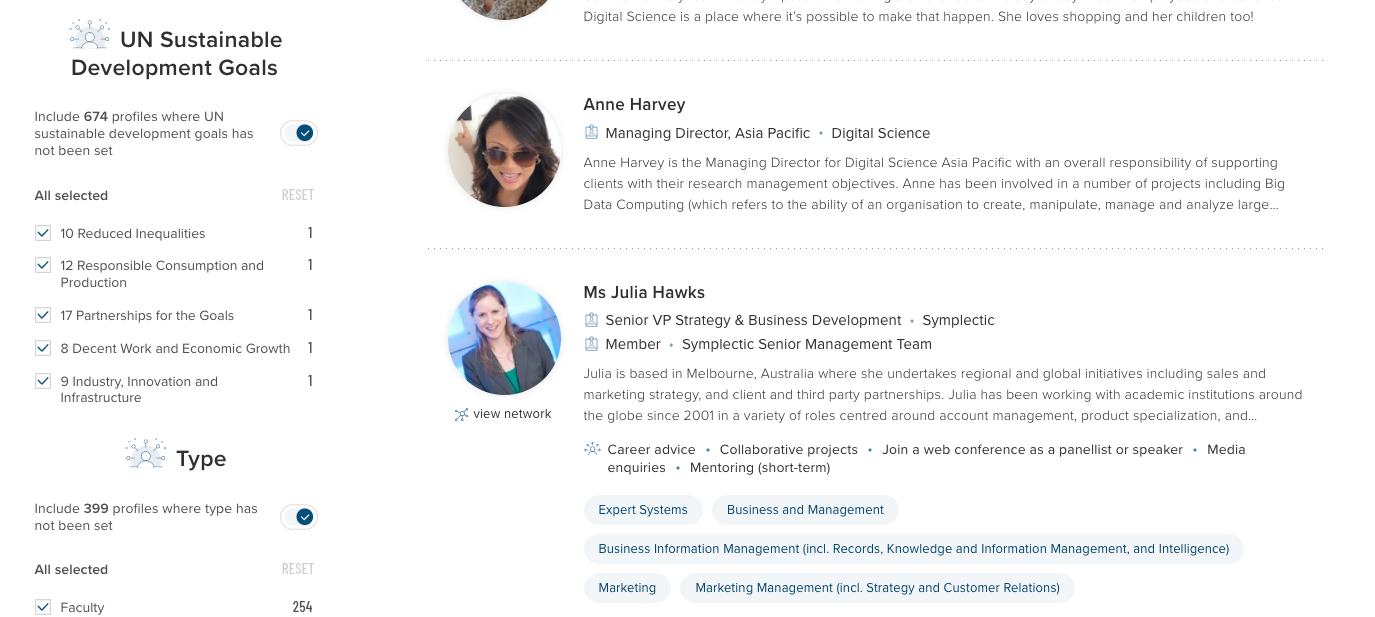
For organisations seeking to showcase your contributions to the SDGs, you can choose to use SDG label scheme as a custom filter or the tag search scheme on the Discovery Module (if licensed) to allow visitors to easily find researchers who specialise in particular goals. Currently this needs to be configured by Symplectic. Further information can be found in the dedicated support article.
If you would like to know more or require guidance about curating the data to enhance the search experience in Discovery, please contact our team via Symplectic Support.