Creating new related projects
The ability to create related sub-grants is restricted to System Administrators and Research Funding Administrators.
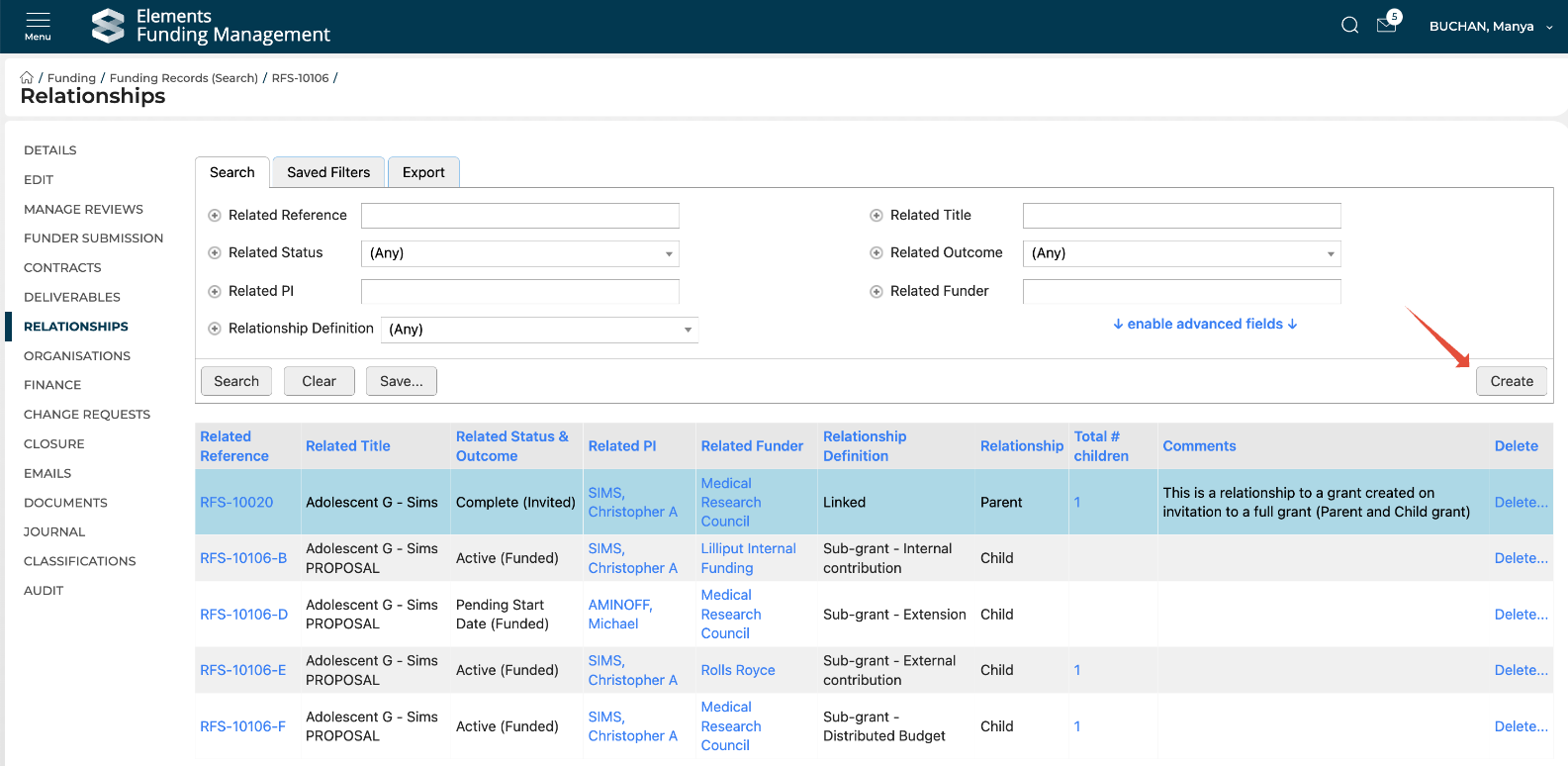
To create a new sub-grant of an existing funding record, go to the desired funding record in the Management Console and navigate to the Relationships tab in the left-hand navigation.
The Relationships page shows you all existing relationships (with that funding record's parent highlighted, where relevant) and enables you to create new ones, and delete existing ones.
To create a new relationship, select the Create button:
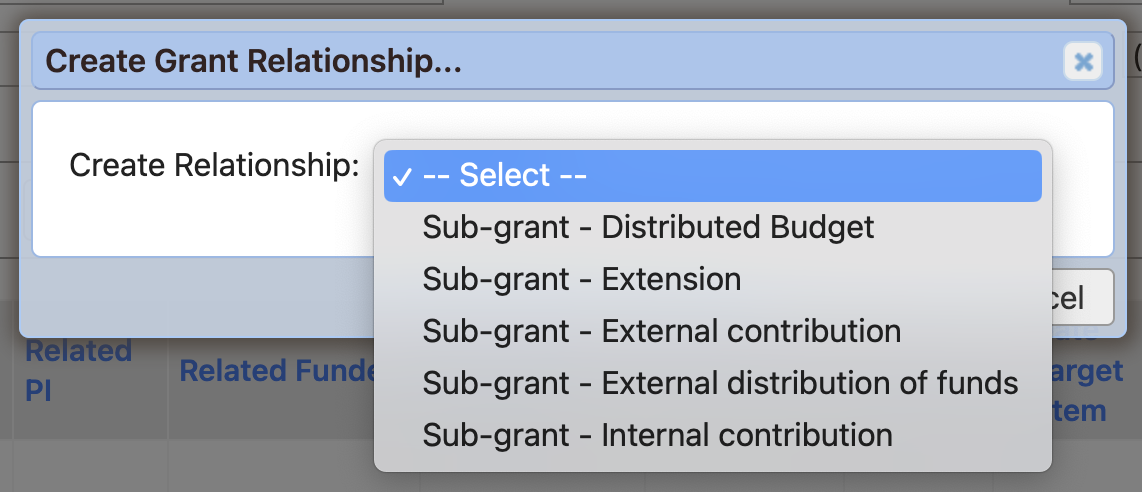
Then select the type of sub-grant you would like to create, then select 'Create' (or 'Cancel' to abandon):
Once you select 'Create', you will be presented with an initial screen where you can capture specific properties on the sub-grant, as per the configured 'Fields to update' (see details here). The table at the top of the page summarises some key properties of the parent funding record.
Distributed budget | Internal contribution |
|
|
External contribution | Extension |
|
|
External distribution of funds | |
|
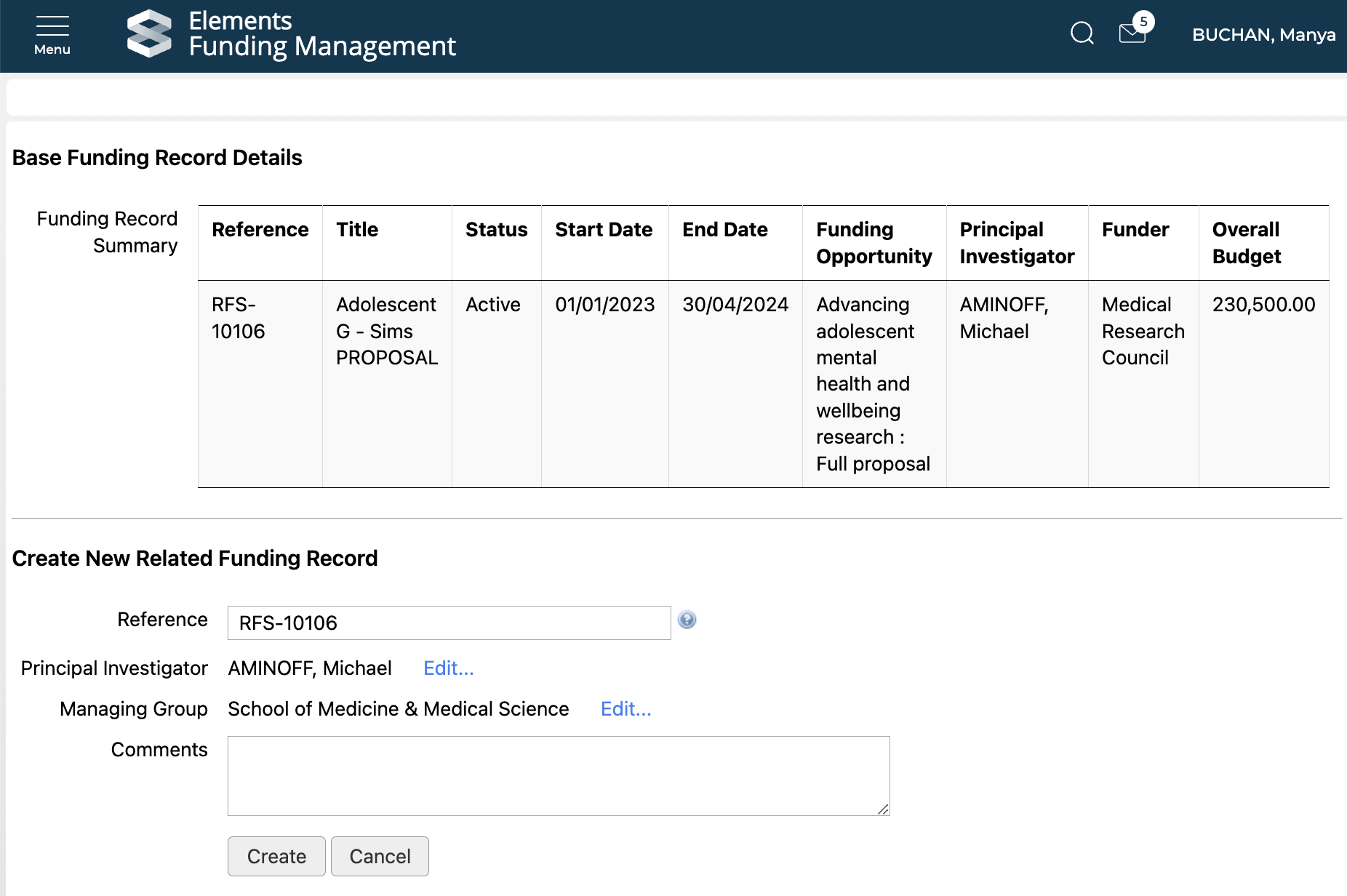
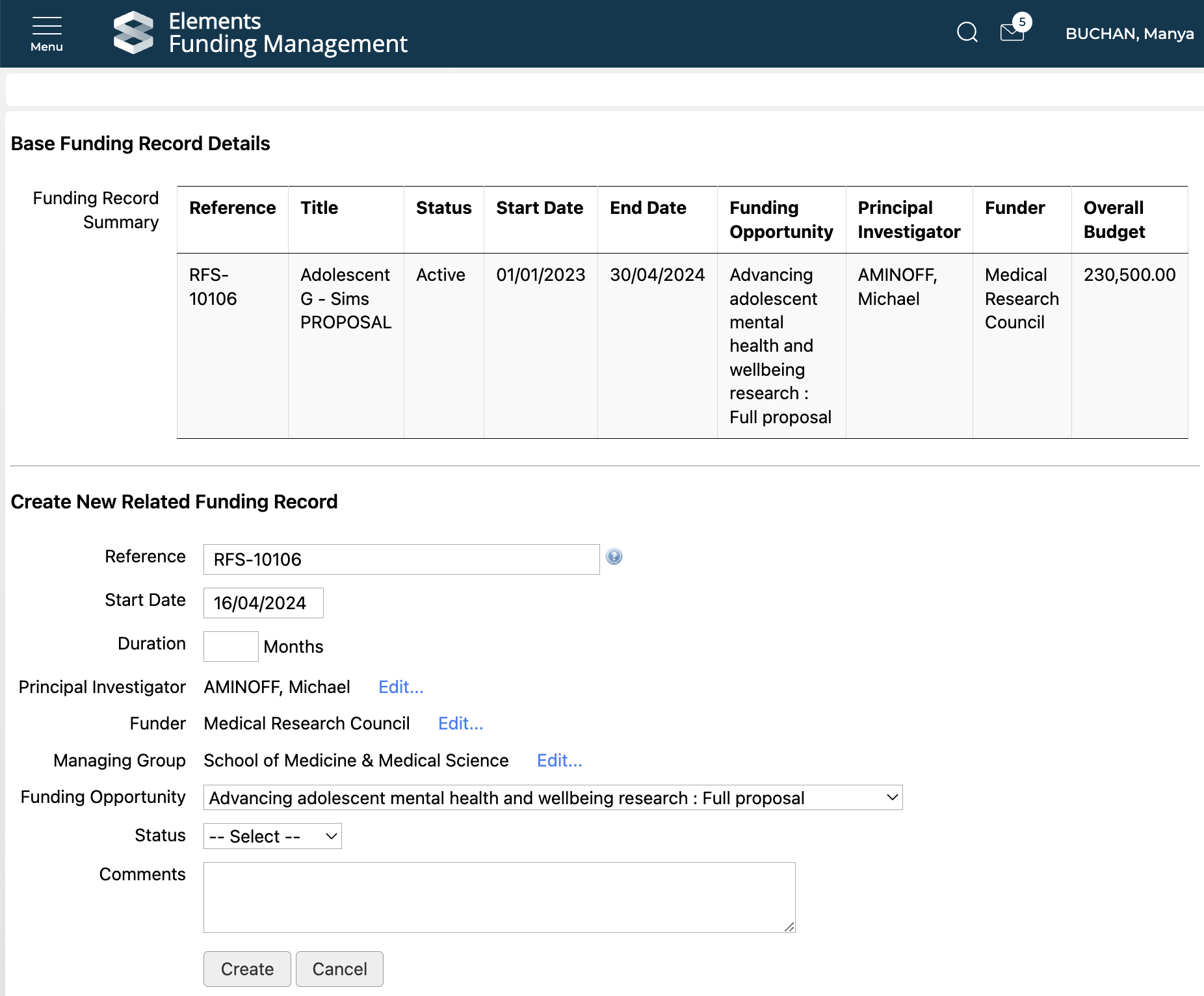
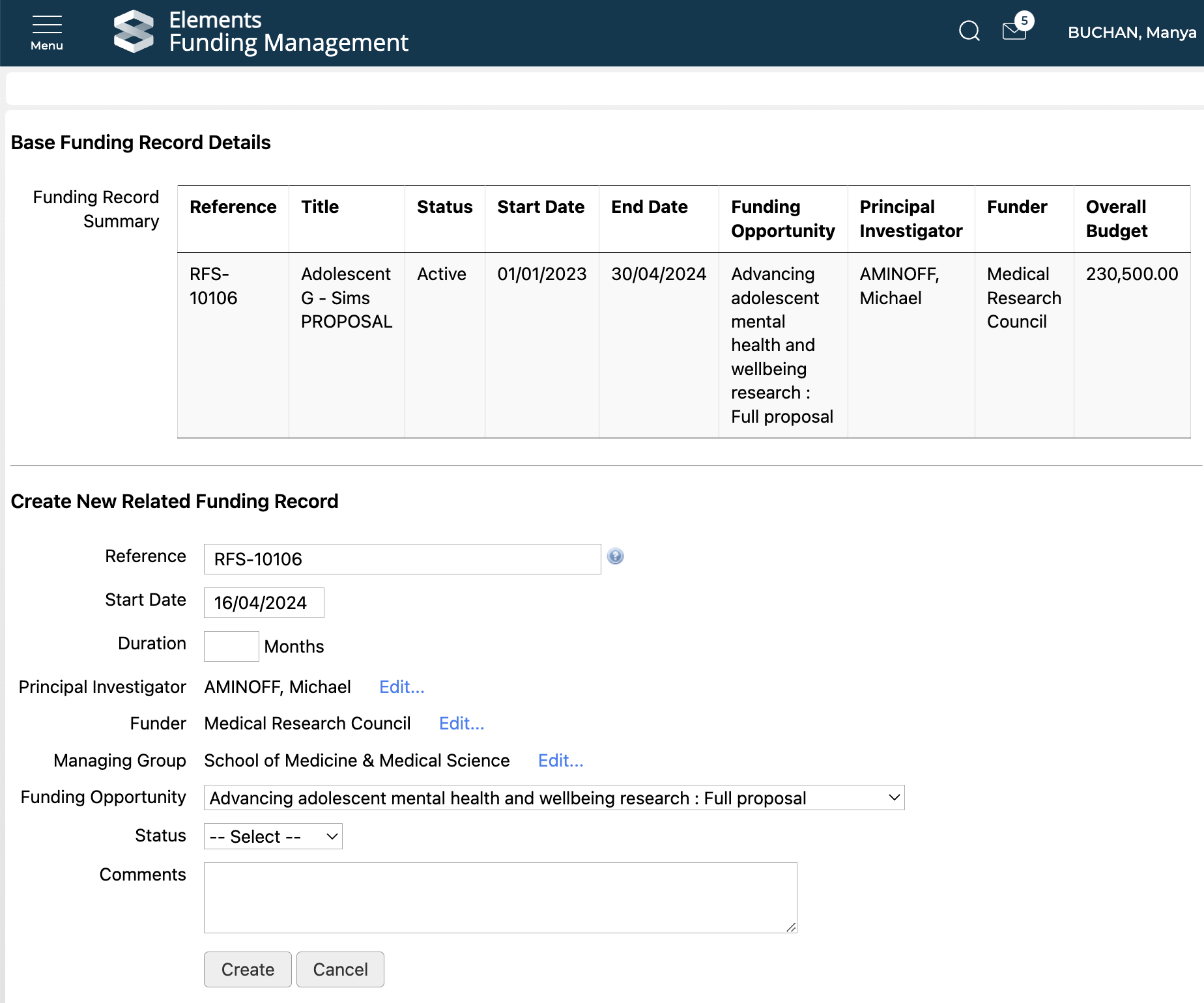
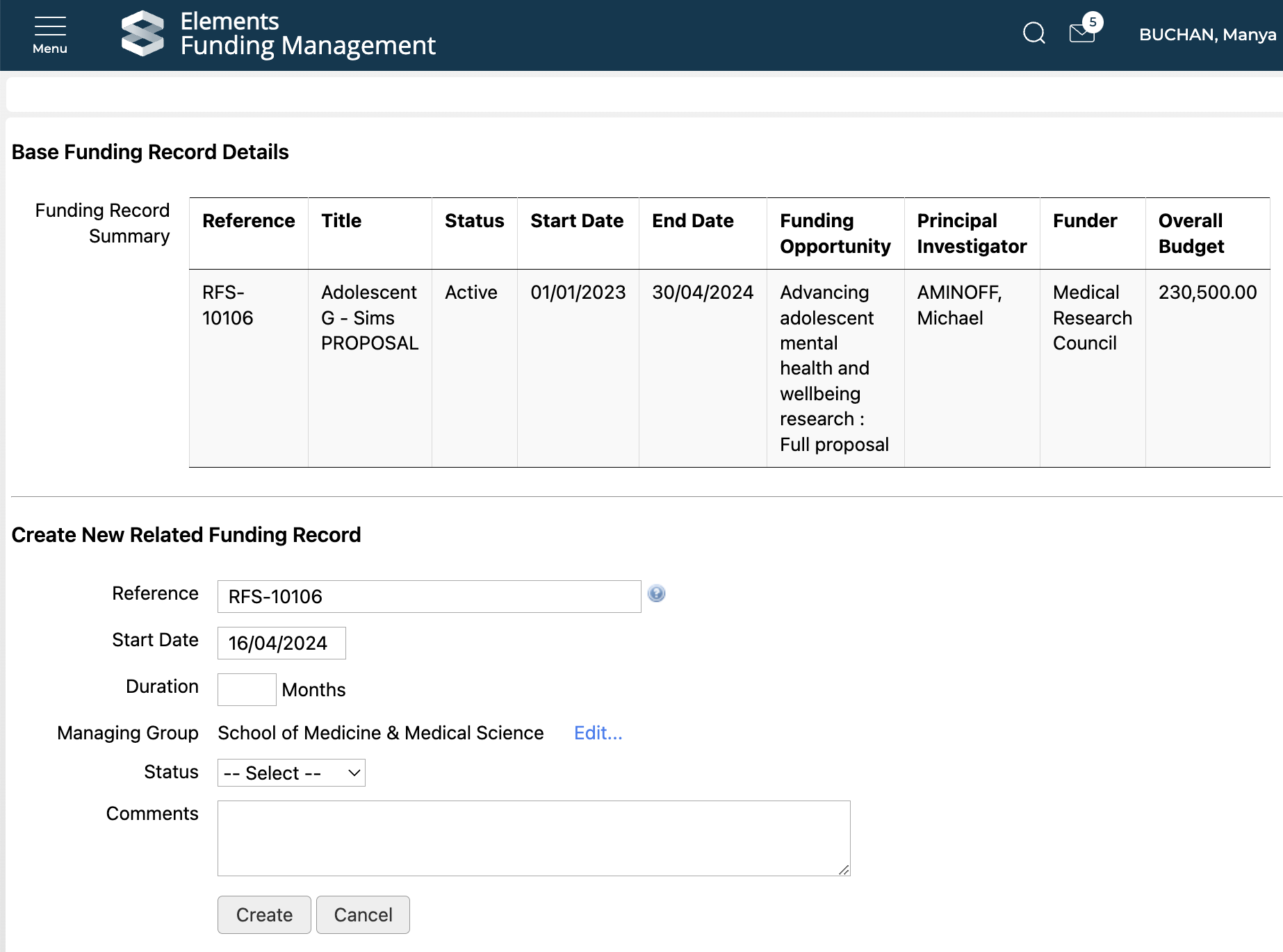
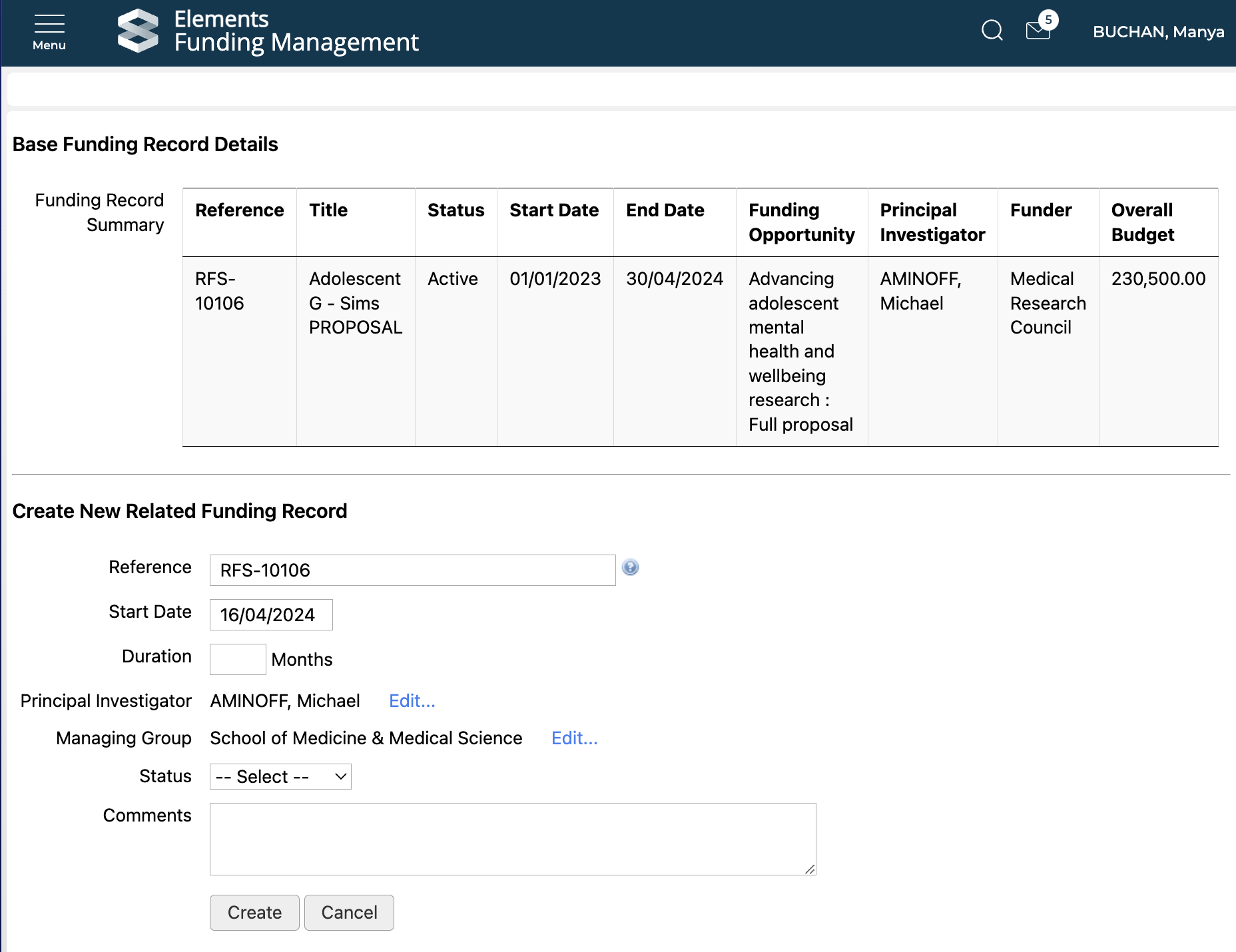
Once you've captured all of the data you wish on this screen, you can select 'Create' to create the new sub-grant and confirm, or 'Cancel' to abandon.
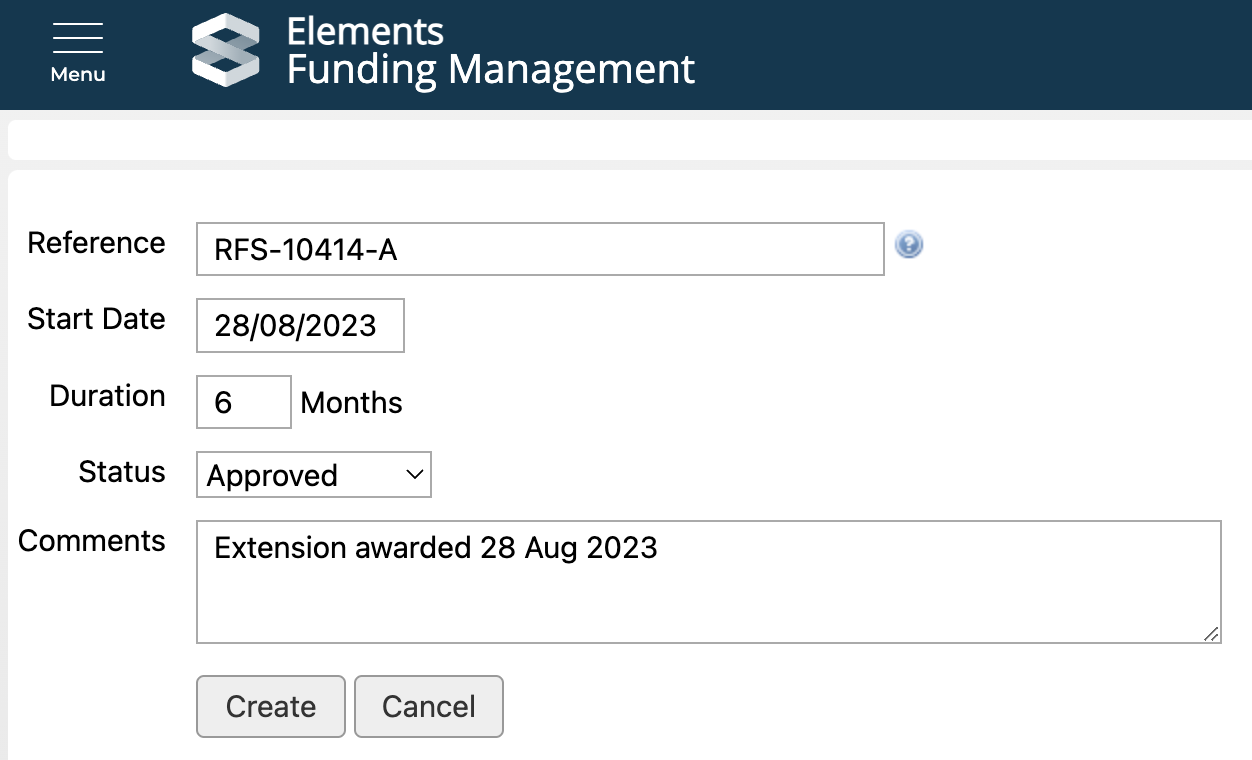
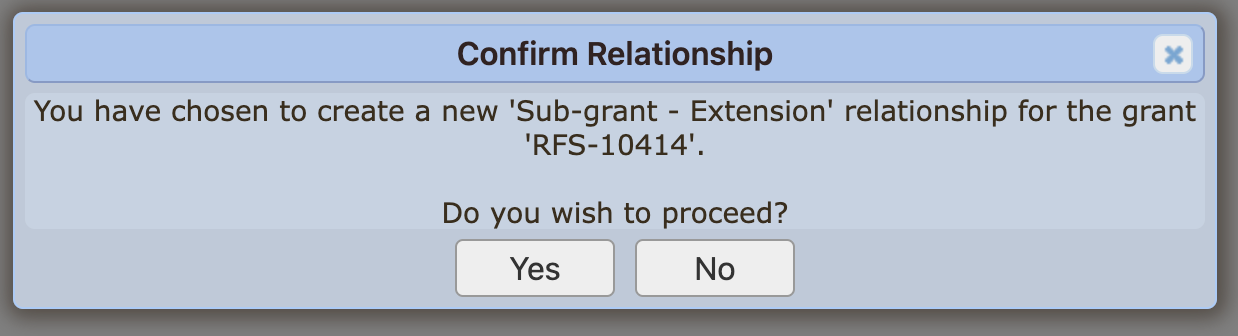
The newly created sub-grant will be listed in the parent's Relationships table (and vice versa), and you can navigate to the sub-grant's Details page by clicking on the Reference in the 'Related Grant' column (where you can then create a budget, modify additional details (e.g. collaborators, collaborating institutions). Moving the sub-grant forward in the workflow (e.g. from Pre-Approved > Approved, or Approved > Active) is done in the same way as for any other funding record.
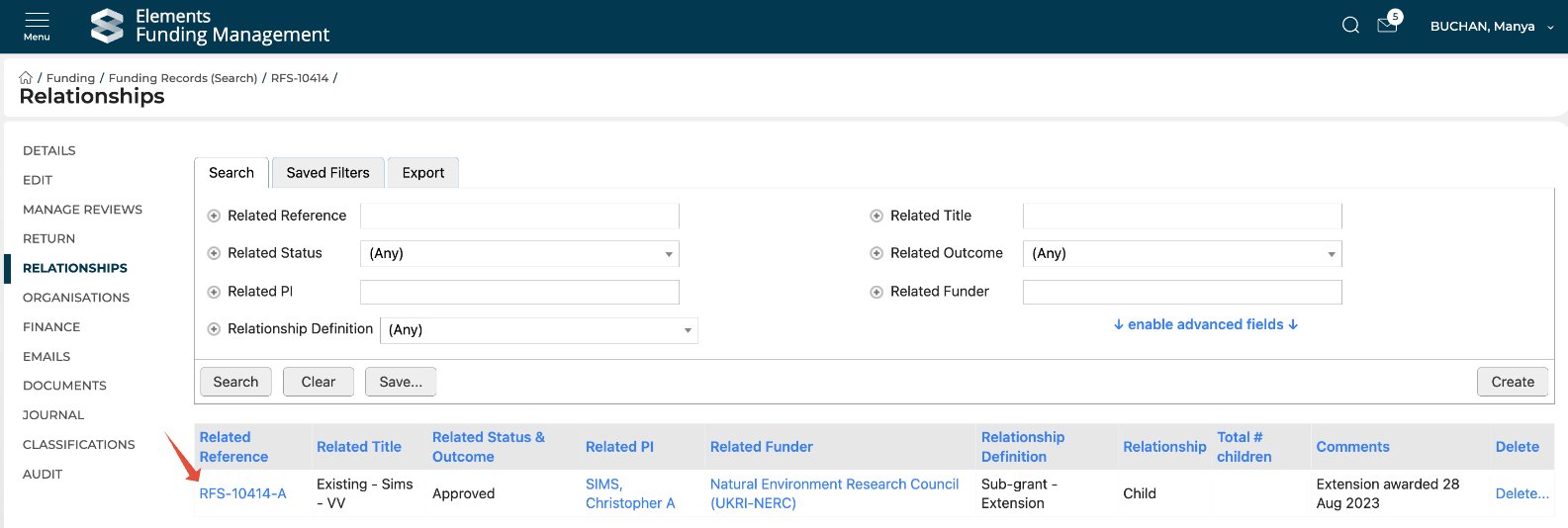
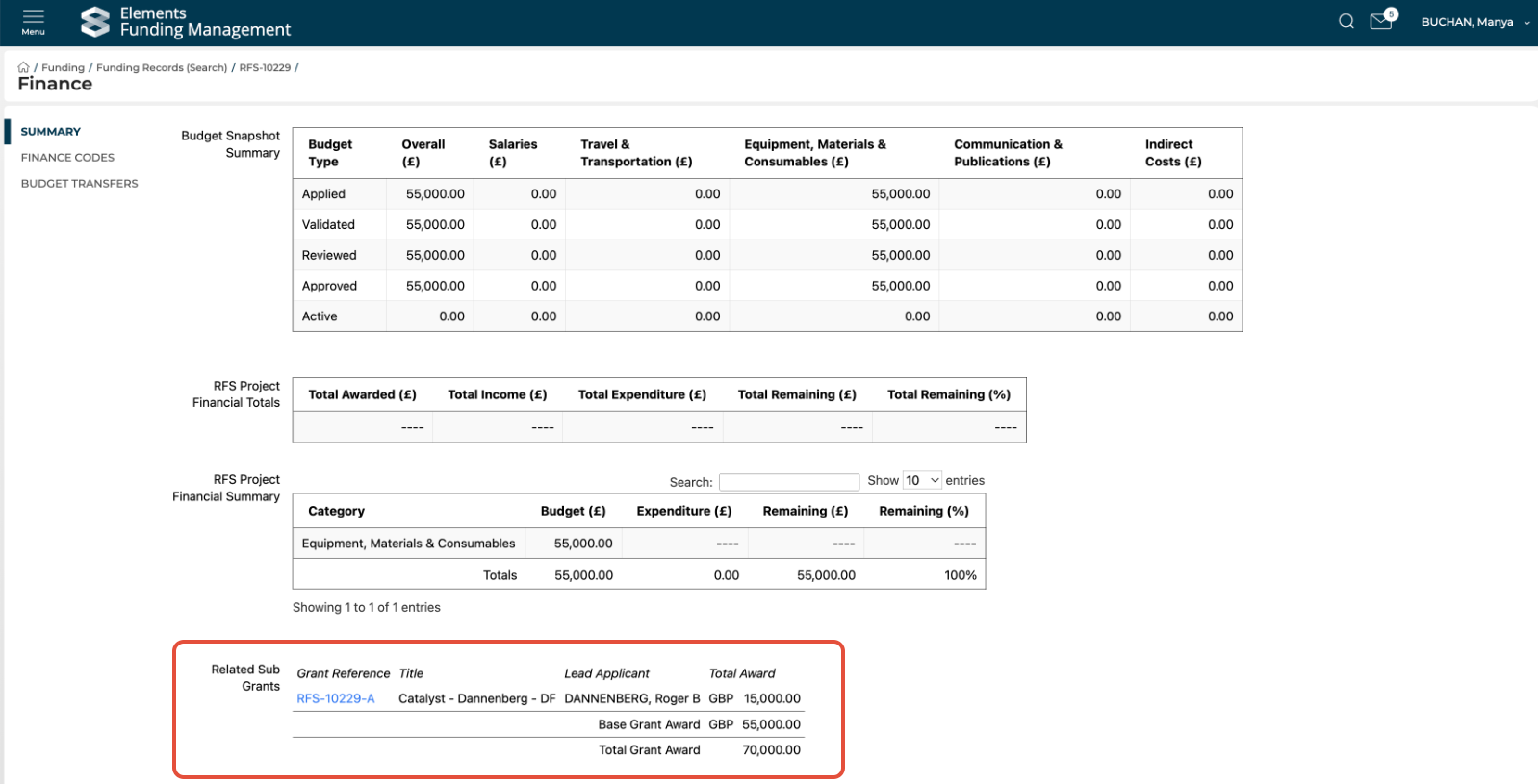
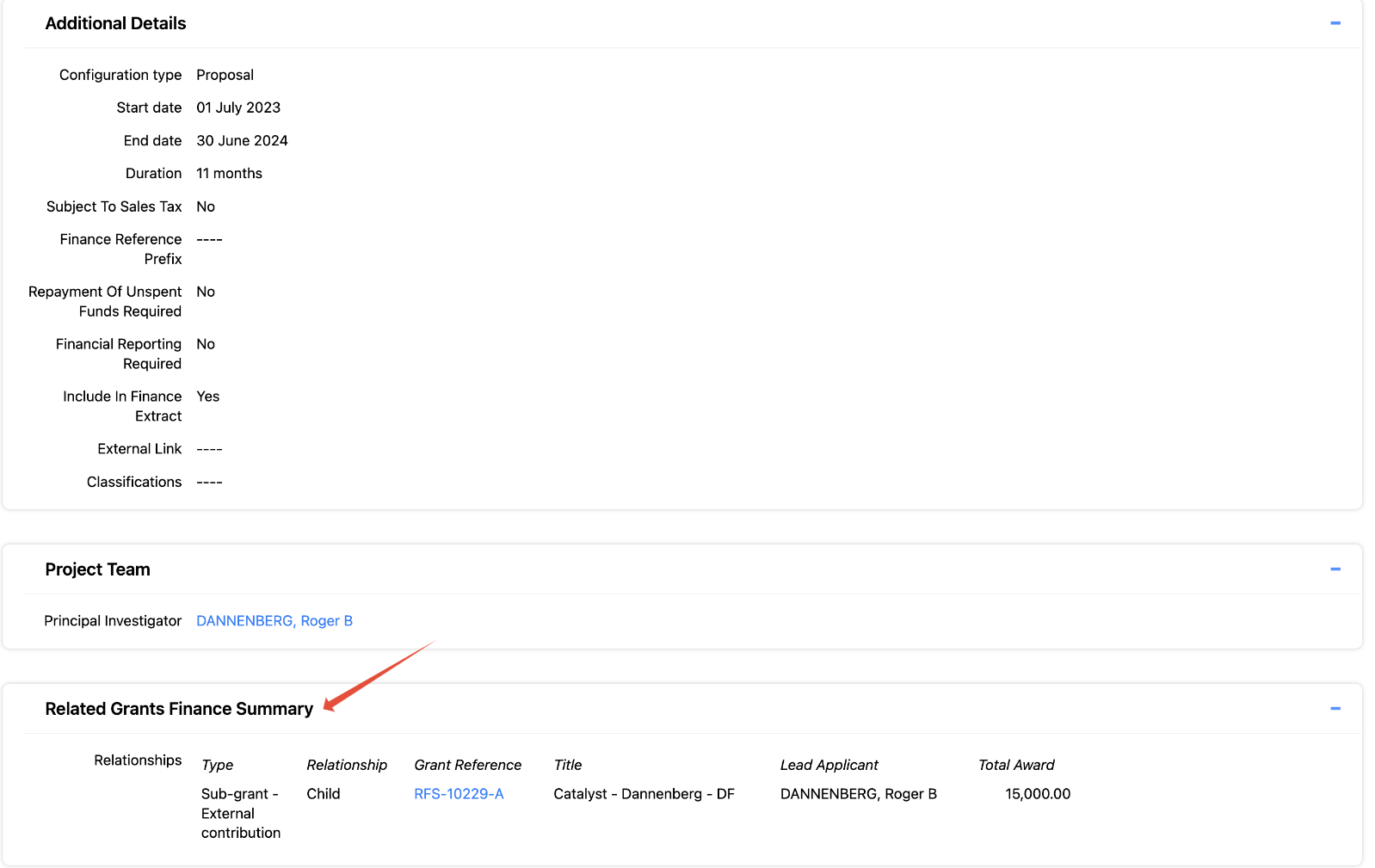
In addition to being visible on the parent's Relationships page, direct sub-grants are also visible as follows:
Finance > Summary screen
Funding Record > Details screen
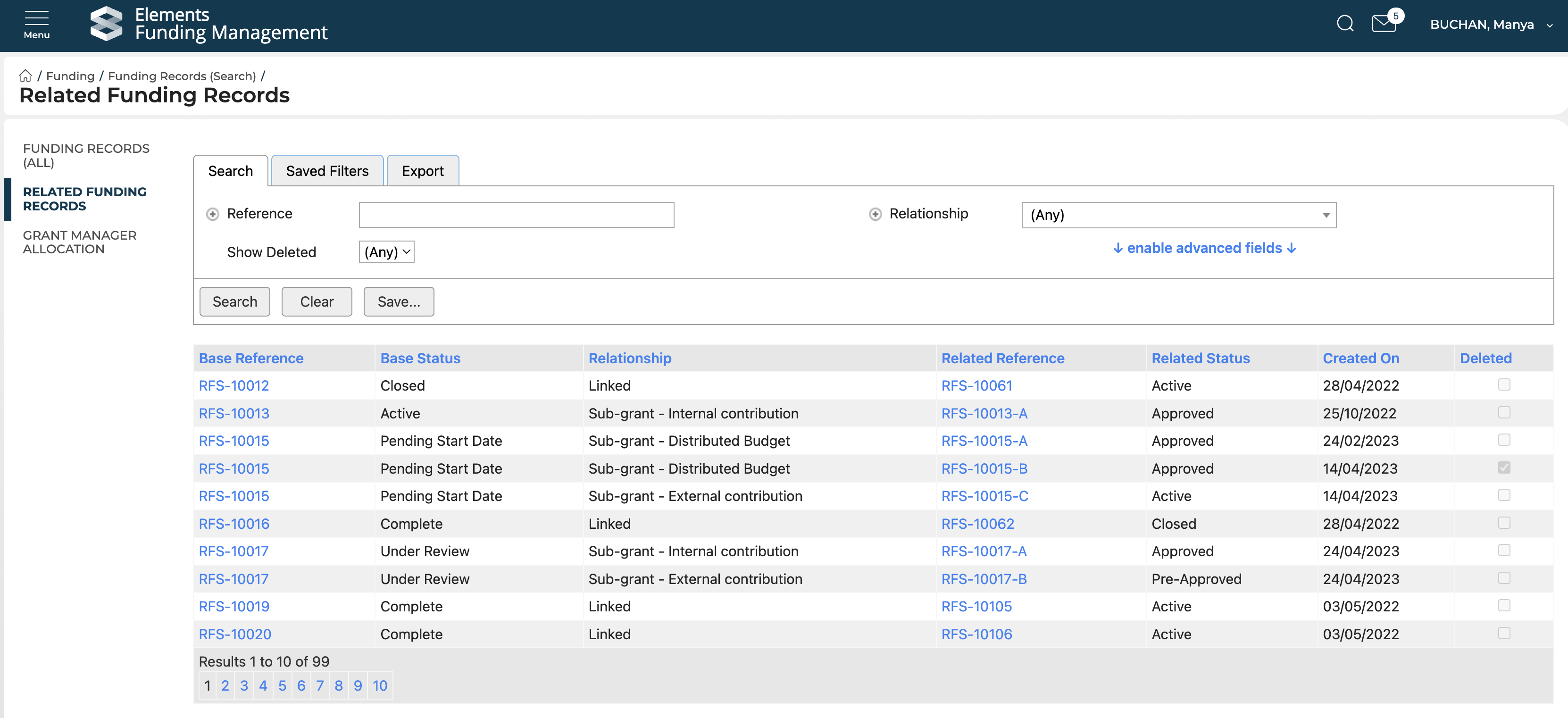
All relationships in Awards Management can also be viewed via Funding records (All) > Related Funding Records:
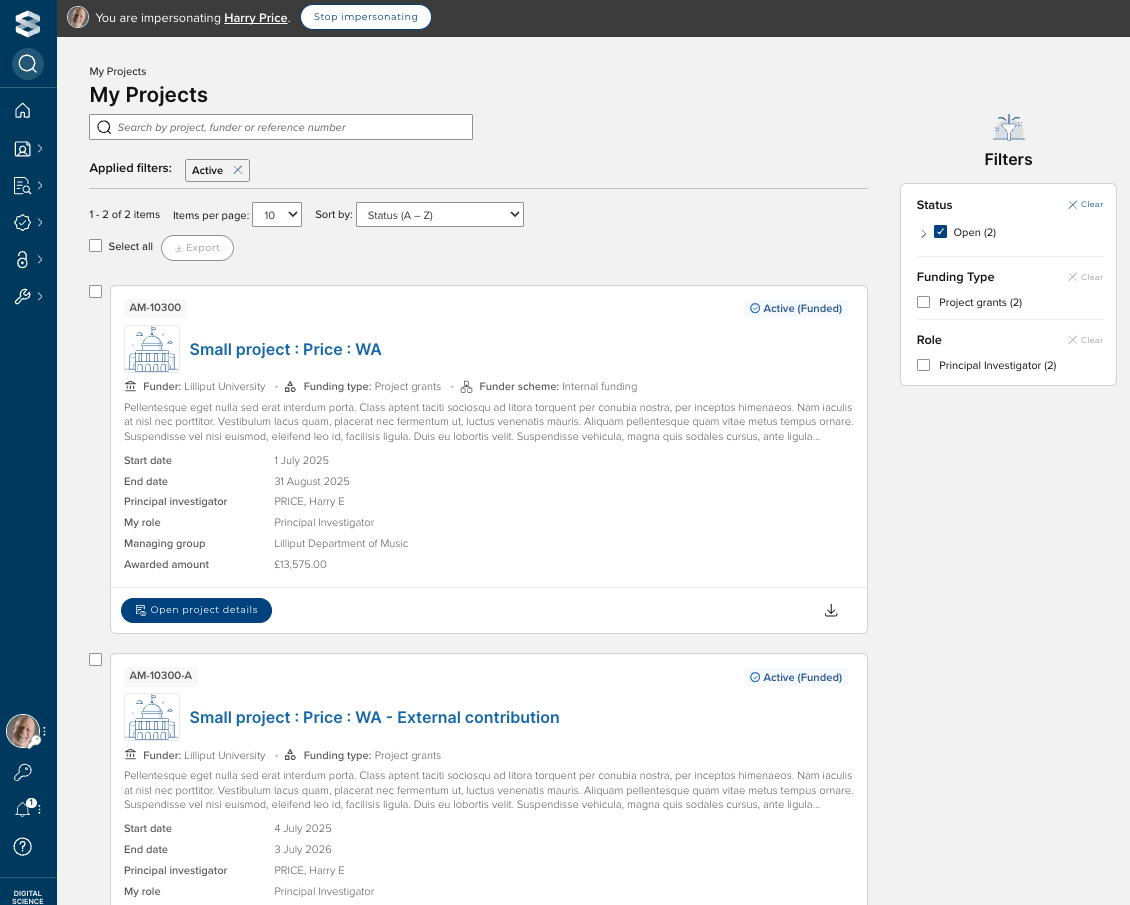
Sub-grants are visible to users in their list of My Proposals / My Projects (depending on the status), but there is no Proposal form PDF available to download.