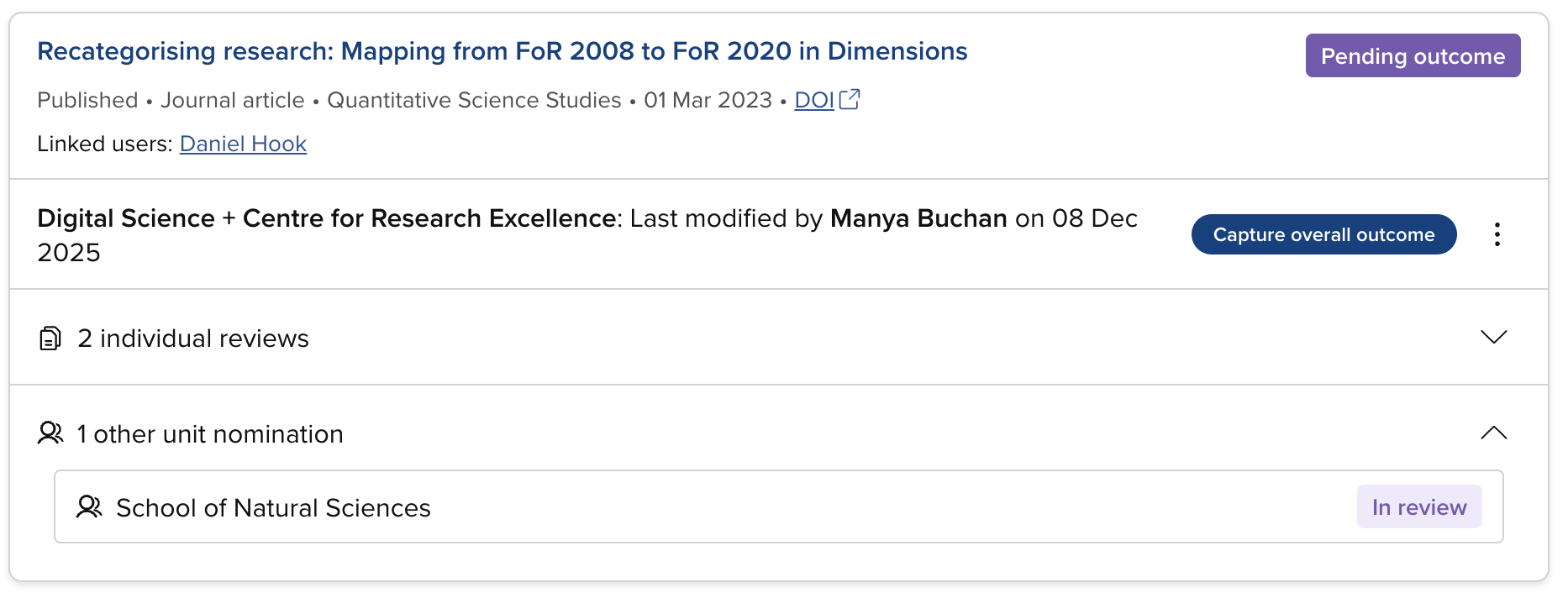
Manage items in an Item evaluation exercise
System Administrators, Research Information Administrators, and exercise unit managers can manage the nominations in each exercise unit. To access the relevant management screen, go to the desired item evaluation exercise and select the desired unit.
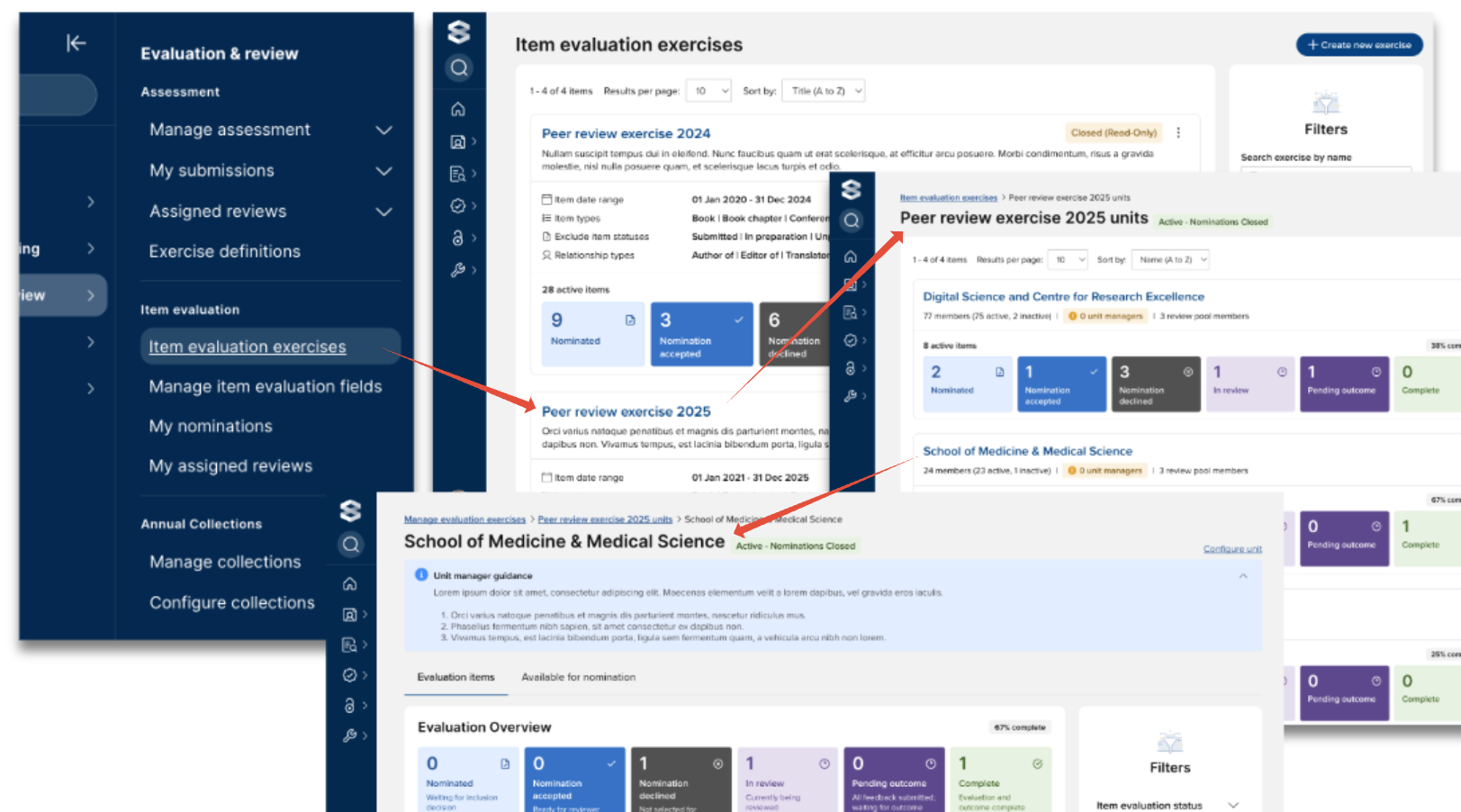
The available statuses for item evaluations and individual reviews are described in the 'Item evaluation statuses' support article.
Available for nomination tab
The ‘Available for nomination’ tab lists all eligible but not yet nominated items in the unit.
From this tab, Administrators and Unit managers can nominate an item on a user’s behalf without needing to impersonate the user, nominating either to the selected unit or to any other unit in the exercise.
The actions available are as follows:
If the exercise includes a nomination form:
Main action:
Nominate : Opens the nomination form. Upon completion, you can either:
Nominate : Moves the nomination to the 'Nominated' state and will need to be Accepted as a separate action before being able to assign Reviewers
Nominate & accept : Moves the nomination directly to the 'Nomination accepted' status
Additional actions (via the 3-dot action menu):
Nominate to additional unit : Nominates the item to another unit
If the exercise does NOT include a nomination form:
Main action:
Nominate & accept : Moves the nomination directly to the 'Nomination accepted' status
Additional actions (via the 3-dot action menu):
Nominate : Moves the nomination to the 'Nominated' state and will need to be Accepted as a separate action before being able to assign Reviewers
Nominate to additional unit : Nominates the item to another unit
If the exercise does NOT include a nomination form, this tab also includes the following bulk actions:
Nominate
Moves all selected items to the ‘Nominated’ status
Nominate & accept
Moves all selected items to the ‘Nomination accepted’ status
Evaluation items tab
The 'Evaluation items' tab lists all active items in the unit in this exercise.
Accept / decline nomination
Accepting a nomination indicates that the item is to be reviewed.
Declining a nomination indicates that the item is not to be peer reviewed and will proceed no further in the exercise. Decline reasons can be provided, and these are visible to System Administrators, Research Information Administrators, exercise unit managers, and users linked to the item.

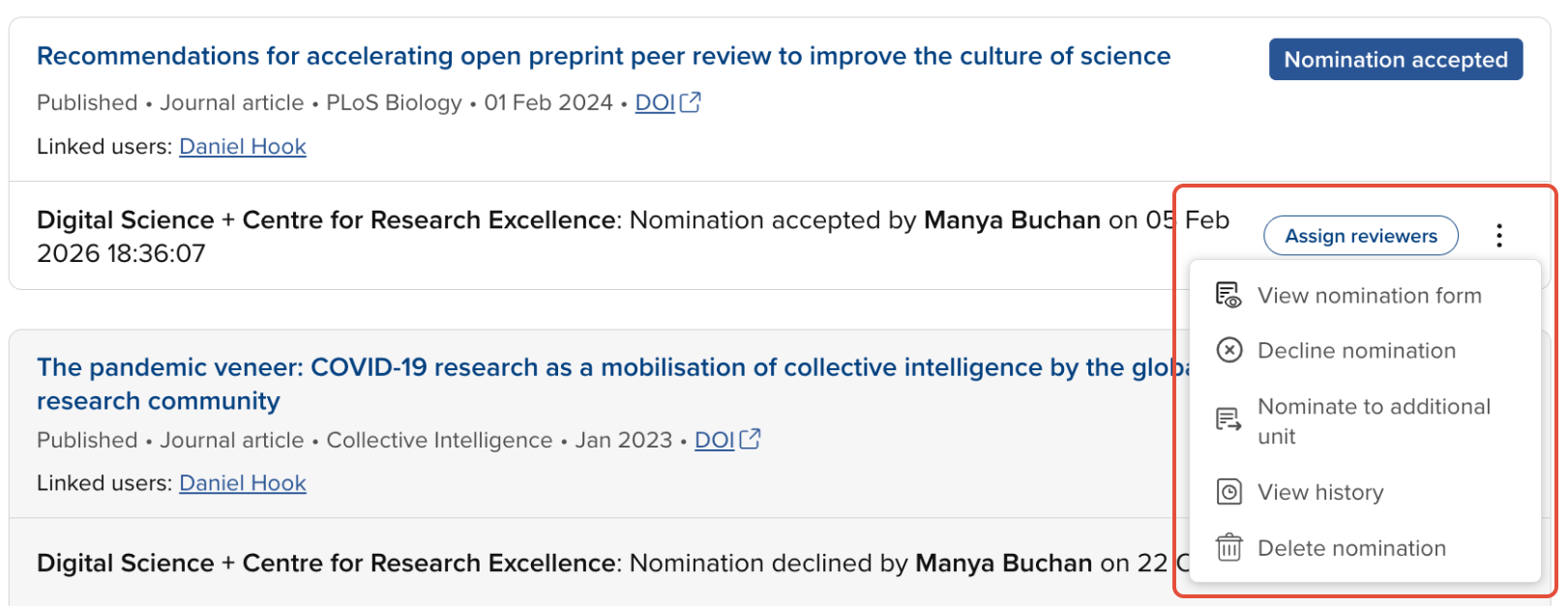
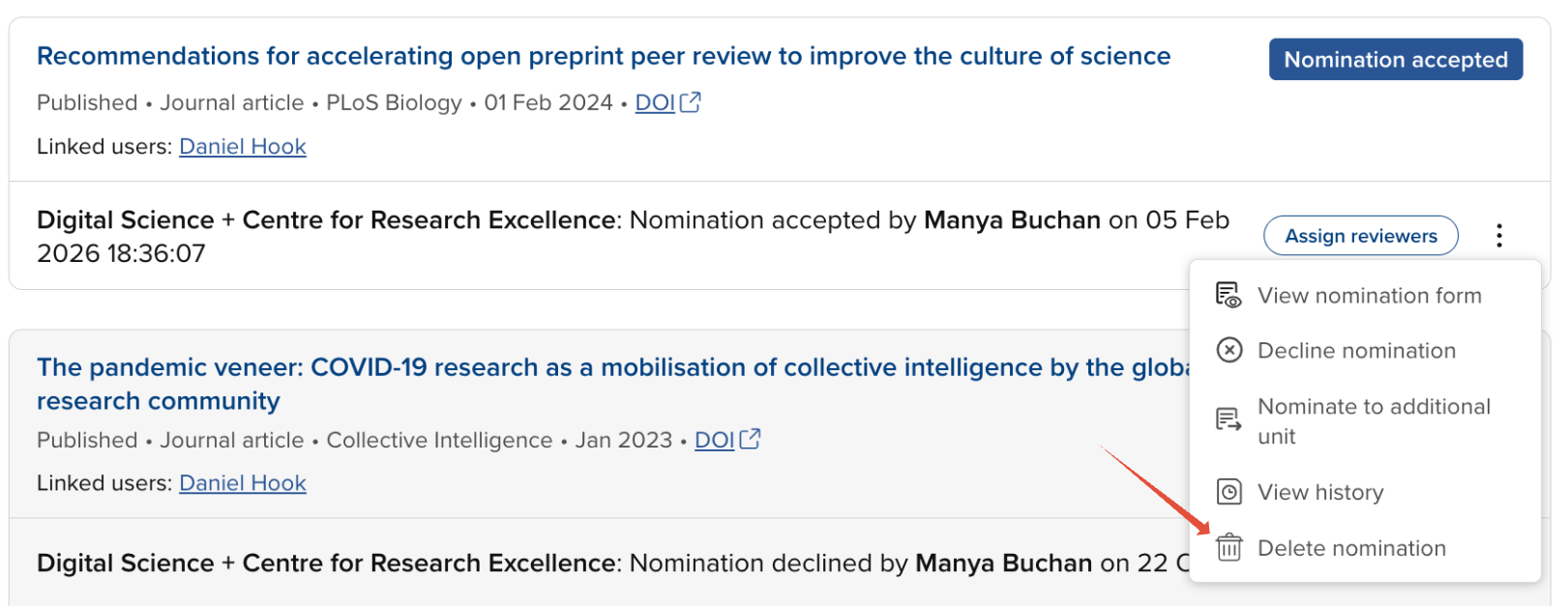
Once accepted, the actions available are to:
Assign reviewers
View nomination form (if configured)
Decline the nomination
Once declined, the only actions available are to accept or delete the nomination
Nominate to another unit
View history
Delete the nomination
View / edit nomination form
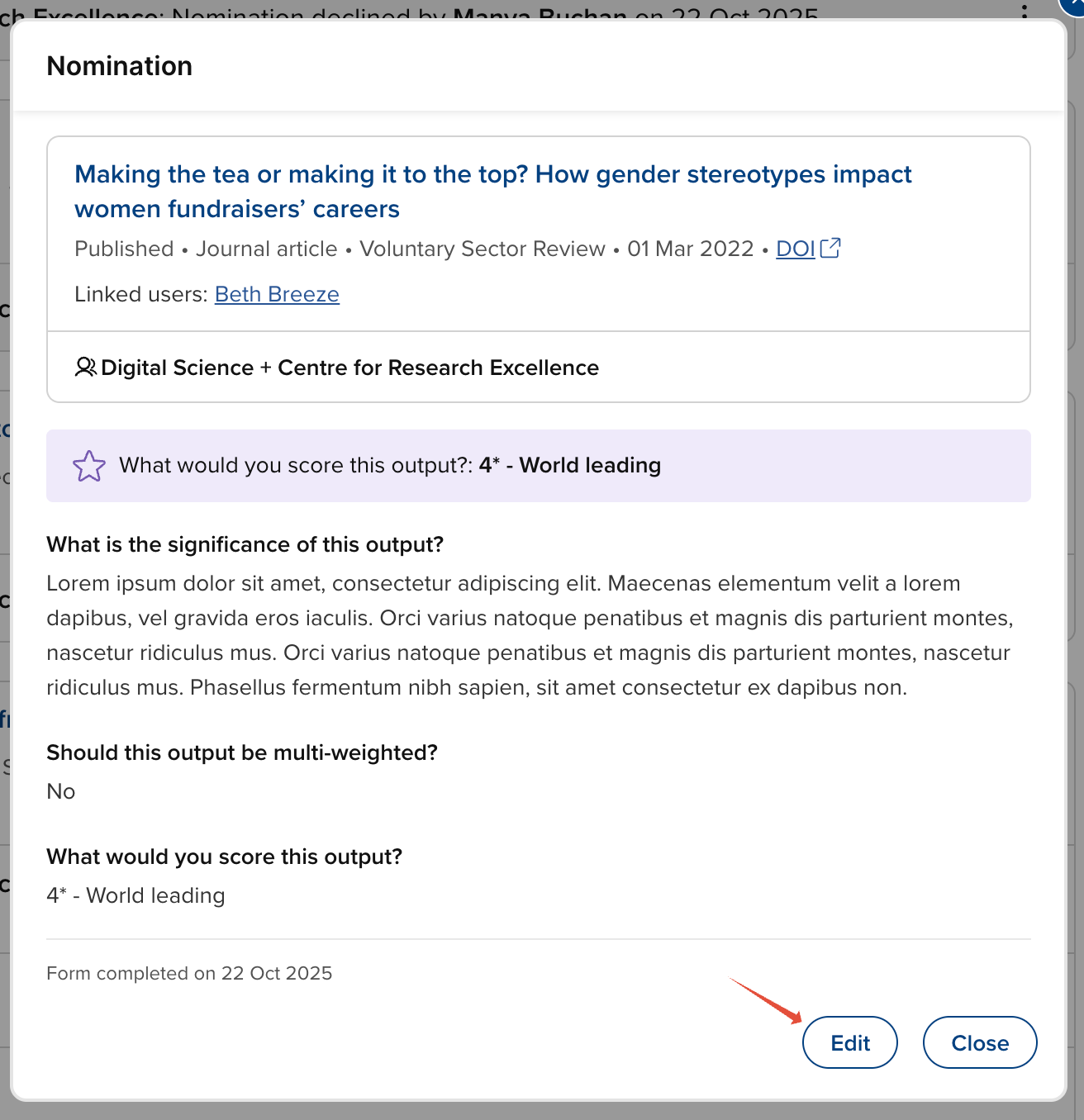
To view the nomination form (where configured for the exercise), select 'View nomination form' from the action menu.
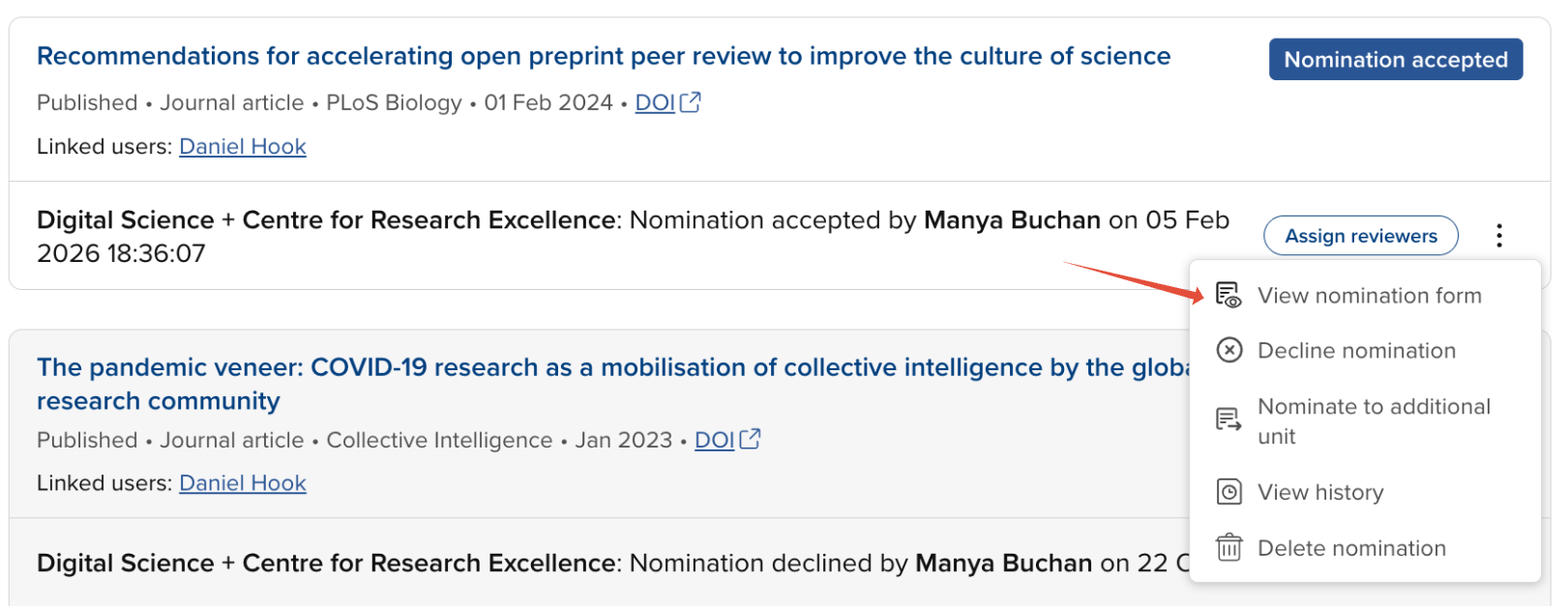
At any stage, you can also edit the nomination form, should modifications be required.
Assign and dispatch reviews
Reviewers can be assigned at any point when the item is in the following statuses:
Nomination accepted
In review
Pending outcome
Further information on assigning and dispatching reviews is available in the 'Assign, dispatch, and manage reviews' support article.
Capture the overall outcome
You can capture the overall outcome and move an item evaluation to Complete once all assigned reviews have been submitted or declined an the item's status is Pending outcome.
Further information on capturing the overall outcome and moving an item evaluation to Complete is available in the 'Capture the overall outcome' support article.
Delete nomination
At any stage, you can delete a nomination in the unit.
Deleting a nomination deletes the nomination and outcome forms (if present), and any associated reviews, and reverts the status of the nomination to 'Available for nomination'. The action cannot be undone, but the item can be nominated again in future if desired.
Nominations in other units
Where an item is nominated in both the unit you are managing and in another unit, the nomination(s) in the other unit(s) are visible to you, but you can perform no actions on them in this unit - they are purely presented for information (as the outcome of the other unit's review may inform actions you take in this unit).