Create and configure exercise units
Exercise units are groupings that define:
Members
Who will be asked to nominate publications to this unit
Managers
Who will be responsible for managing the exercise for this unit
Accept / decline nominations
Assign reviewers and dispatch reviews to them
Capture moderated overall outcome for each item
Default reviewer pool members
Who will, by default, be available to select as a reviewer for each item nominated for review in this unit
And it is also possible to set unit-level configurations, as described in the 'Unit-level configuration options' support article.
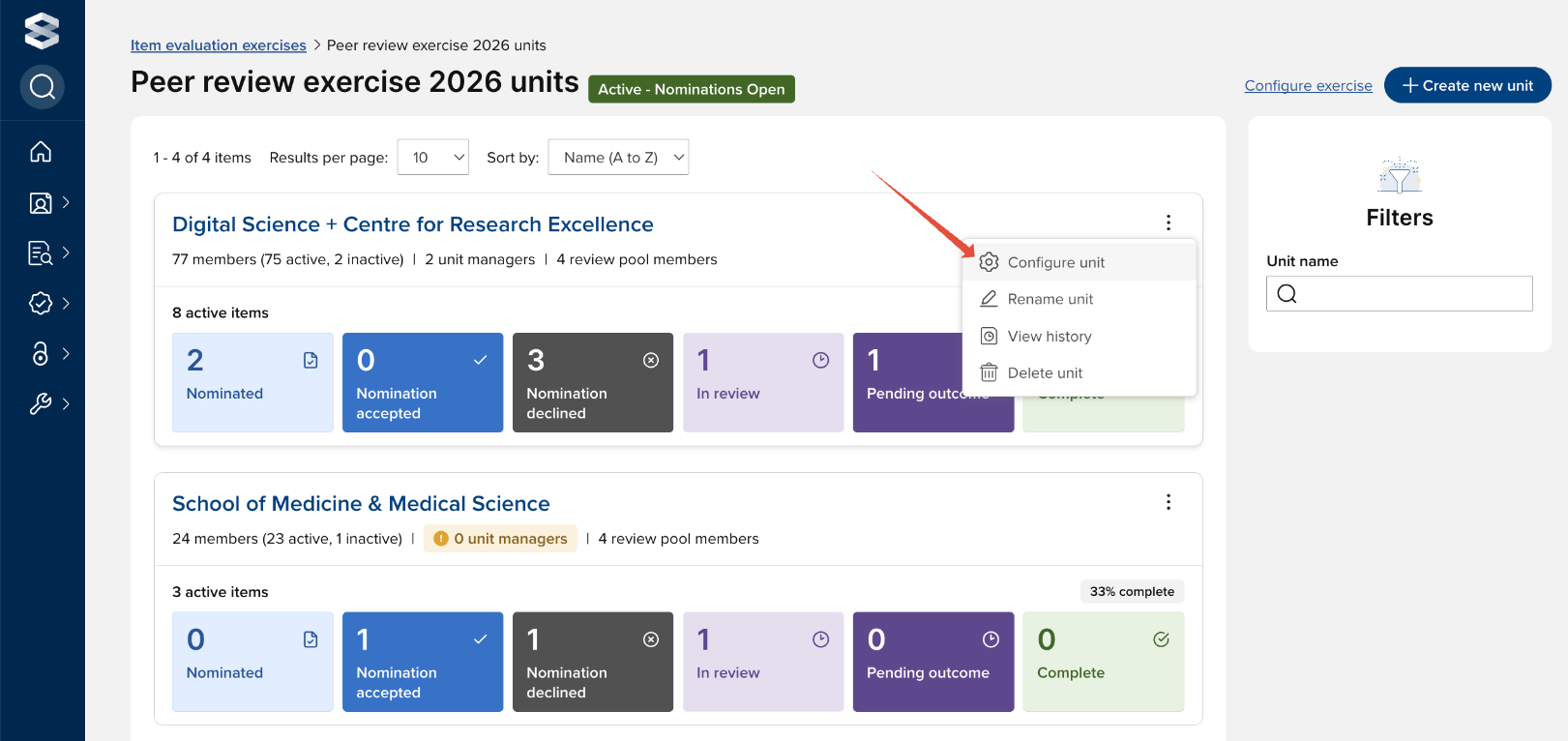
Exercise units can be created, configured, and managed by authorised users via Evaluation & review > [ITEM EVALUATION] > Item evaluation exercises, and selecting the desired exercise. You can also navigate to the unit list page from the exercise configuration pages via the 'Manage units' link in the top right-hand corner.
To modify an existing unit's configuration, select 'Configure unit'.
Create a new unit
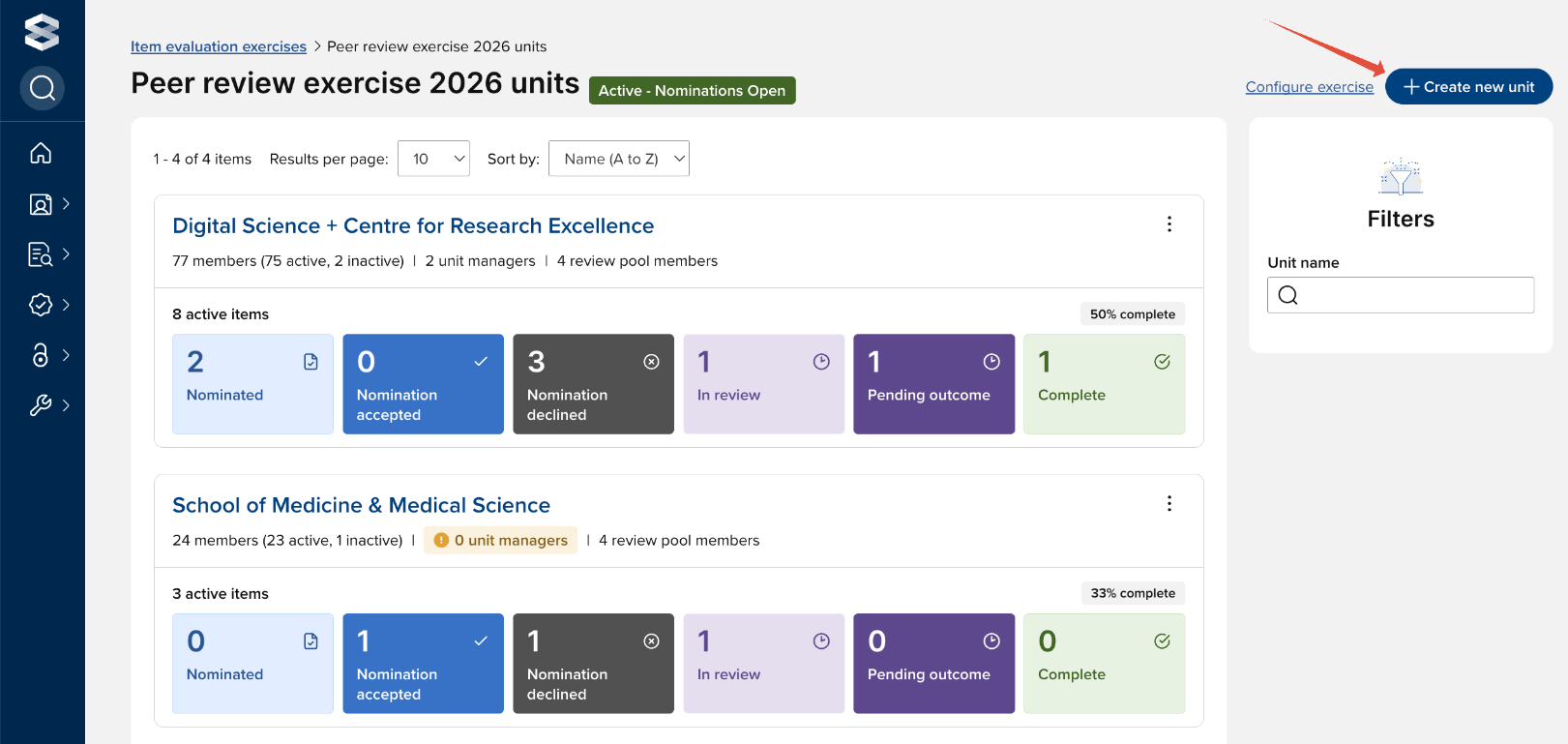
To create a new unit, select the 'Create new unit' button in the top right-hand corner of the screen.
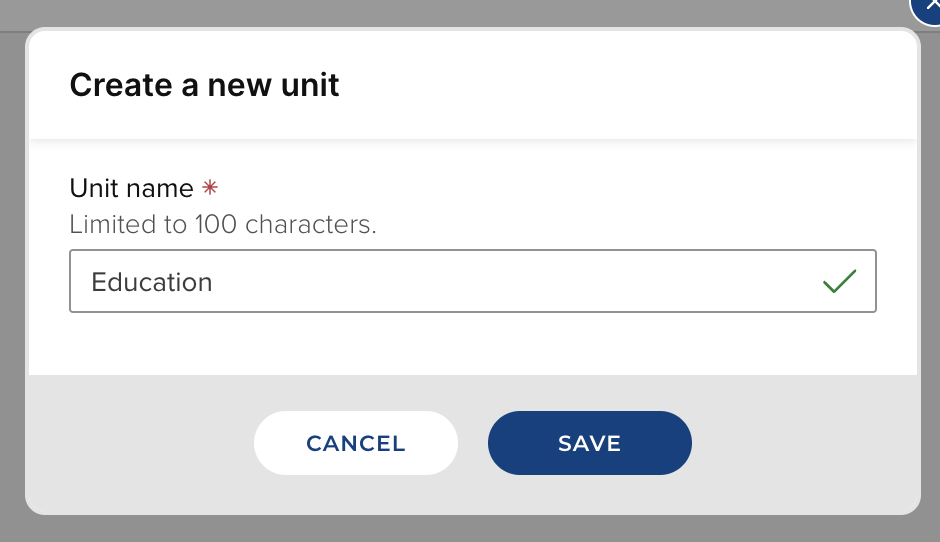
You will then be prompted to provide a name for the unit.
Assigning unit members
You can assign groups and/or individuals to be members of the exercise unit. If a user is selected as a member of the unit (either individually, or as a member of a selected group), their in-scope linked items will be eligible for nomination in the exercise unit.
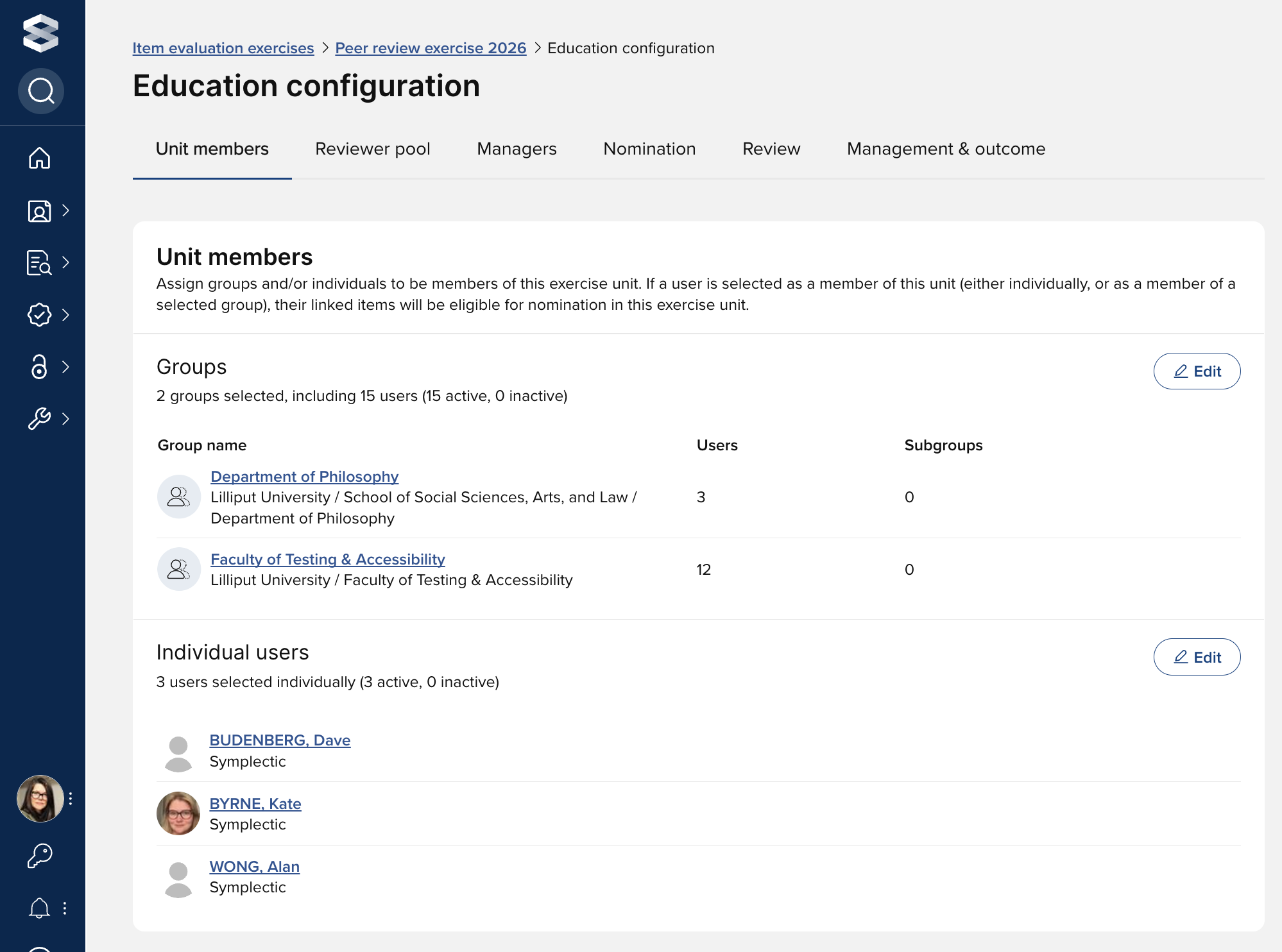
It is expected that the vast majority of users will only be members of a single unit, but it may be appropriate for some users to be members of multiple units (e.g. they have multiple contracts of employment, their work is cross-discipline). Where a user is a member of multiple units, when they nominate an item for evaluation, they will be prompted to select which unit they would like to nominate the item to. Further detail on this is available in the 'Nominate items to an Item evaluation exercise' support article.
Assigning reviewer pool members
You can assign individuals to be members of the exercise unit's reviewer pool. If an individual is selected as a reviewer pool member, they will be available more prominently to be assigned reviews. Other users can be selected as reviewers on an ad hoc basis without being a member of the reviewer pool.
Further details on assigning and dispatching reviews is available in the 'Assign and dispatch reviews' support article.
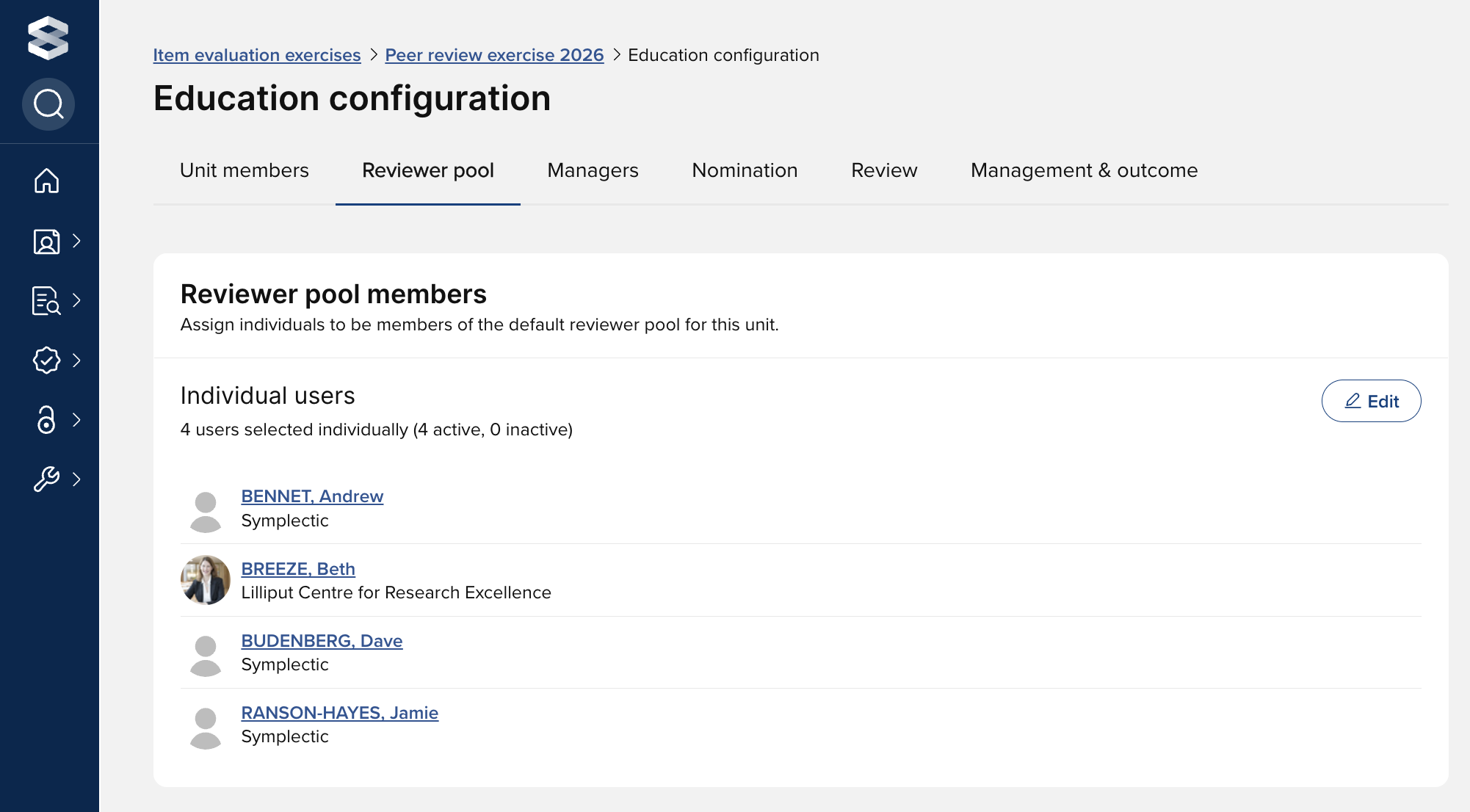
Assigning unit managers
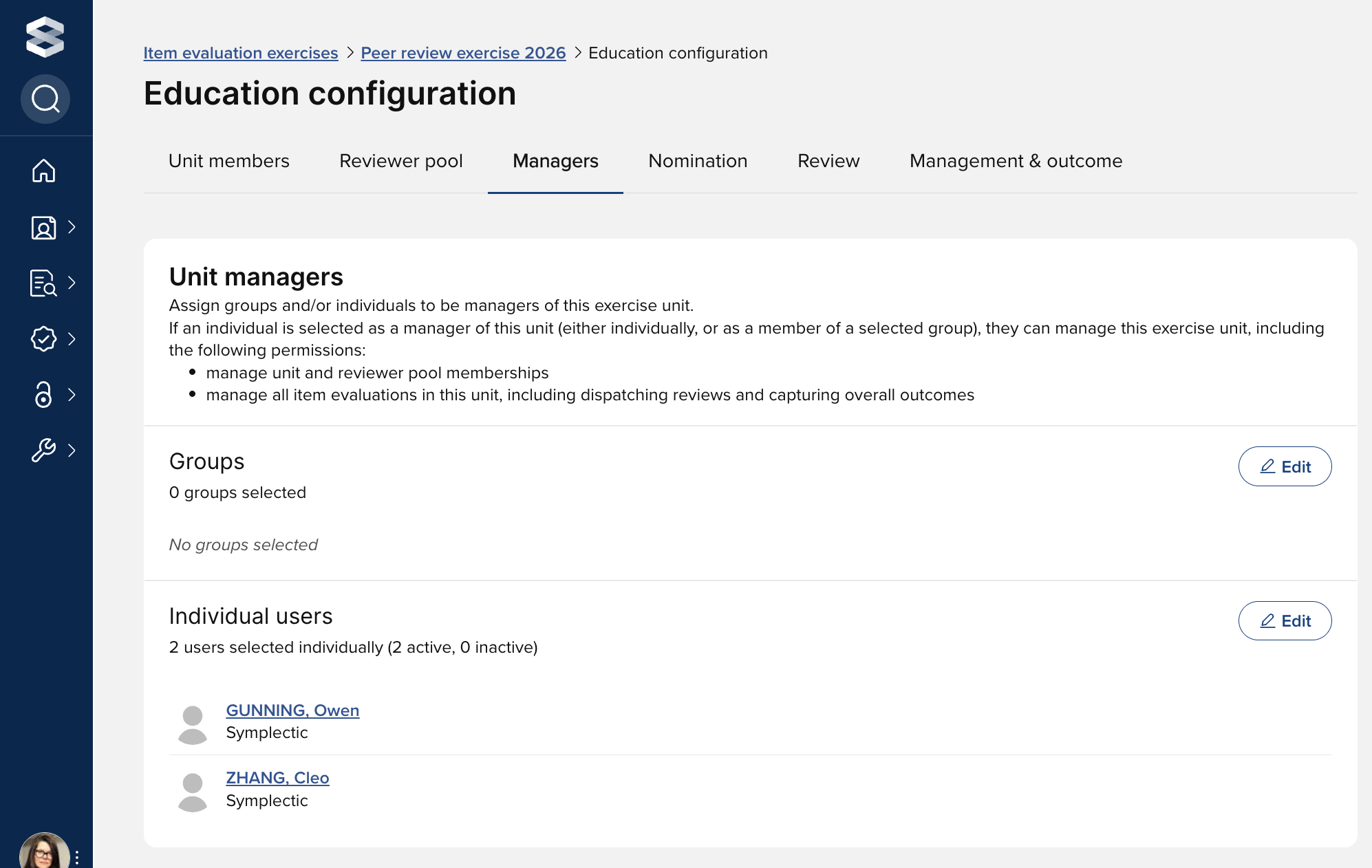
You can assign groups and/or individuals to be managers of the exercise unit. If an individual is selected as a manager of the unit (either individually, or as a member of a selected group), they can manage the exercise unit, including the following permissions (described in greater detail in the the 'User roles and permissions in Item evaluation' support article):
manage unit memberships
manage reviewer pool memberships
manage all item evaluations in this unit, including accepting / declining nominations, assigning reviewers, and capturing the overall outcome