
Counting REF2 Research outputs

Released : 5.18
Updated : 5.19
Counting REF2 Research outputs
For REF2021, the matter of counting REF2 Research outputs presents a degree of complexity not seen in previous exercises. This complexity has been introduced with the new concept of 'double-attribution' - where a single output in a unit can be attributed to two REF1 Researchers.
Upon advice from Research England, Elements calculates REF2 numbers as follows:
Weighting | Attribution | Number to be counted for the Unit | Number to be counted for each attributed REF1 Researcher |
Single | Single | 1 | 1 |
Double | Single | 2 | 2 |
Single | Double (Panel D only) | 2 | 1 |
Double | Double | 2 | 1 |
We count REF2 attributions in a number of places:
Manage Units screen
Research Admin > [Exercise definition name]
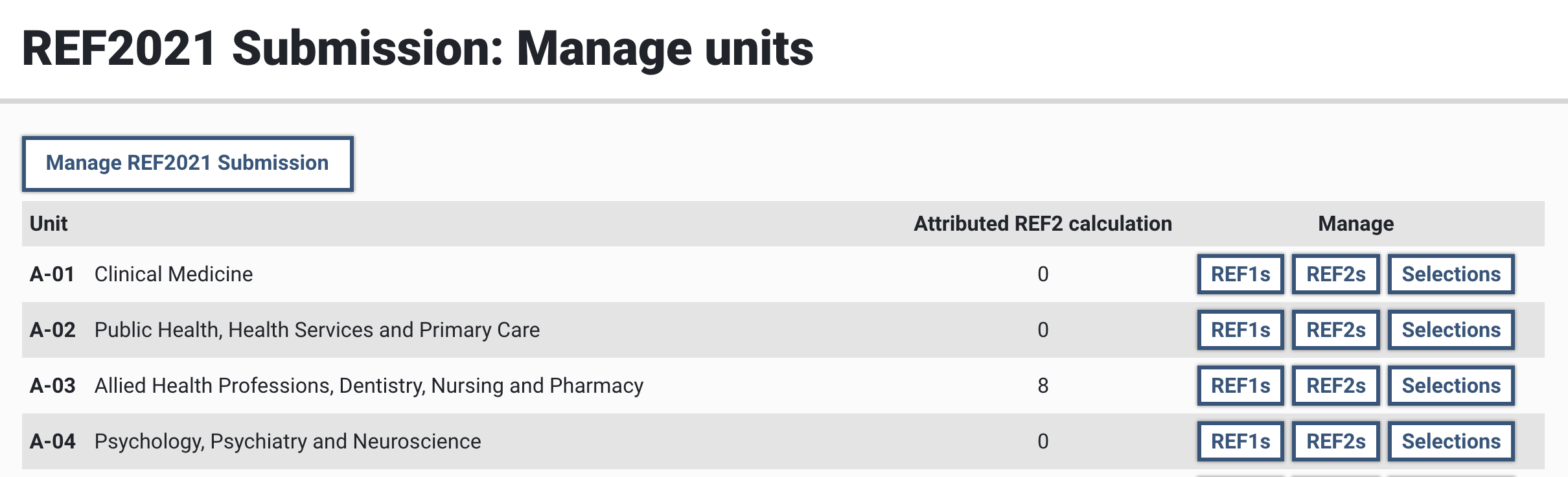
In the Manage Units screen we calculate the total number of attributed outputs in the unit as follows:
Sum of the number of outputs to be input directly into the REF submission system (from REF1s flagged as included in the submission) (indicated by an asterisk following the value provided), PLUS
Sum of the number of REF2 attributions, where:
Single-weighted, single-attributed output = 1
Double-weighted, single-attributed output = 2
Single-weighted, double-attributed output = 2
Double-weighted, double-attributed output = 2
Note that reserve outputs are not included in the value.
Manage REF1 Researchers screen
Research Admin > [Exercise definition name] > Manage REF1s button
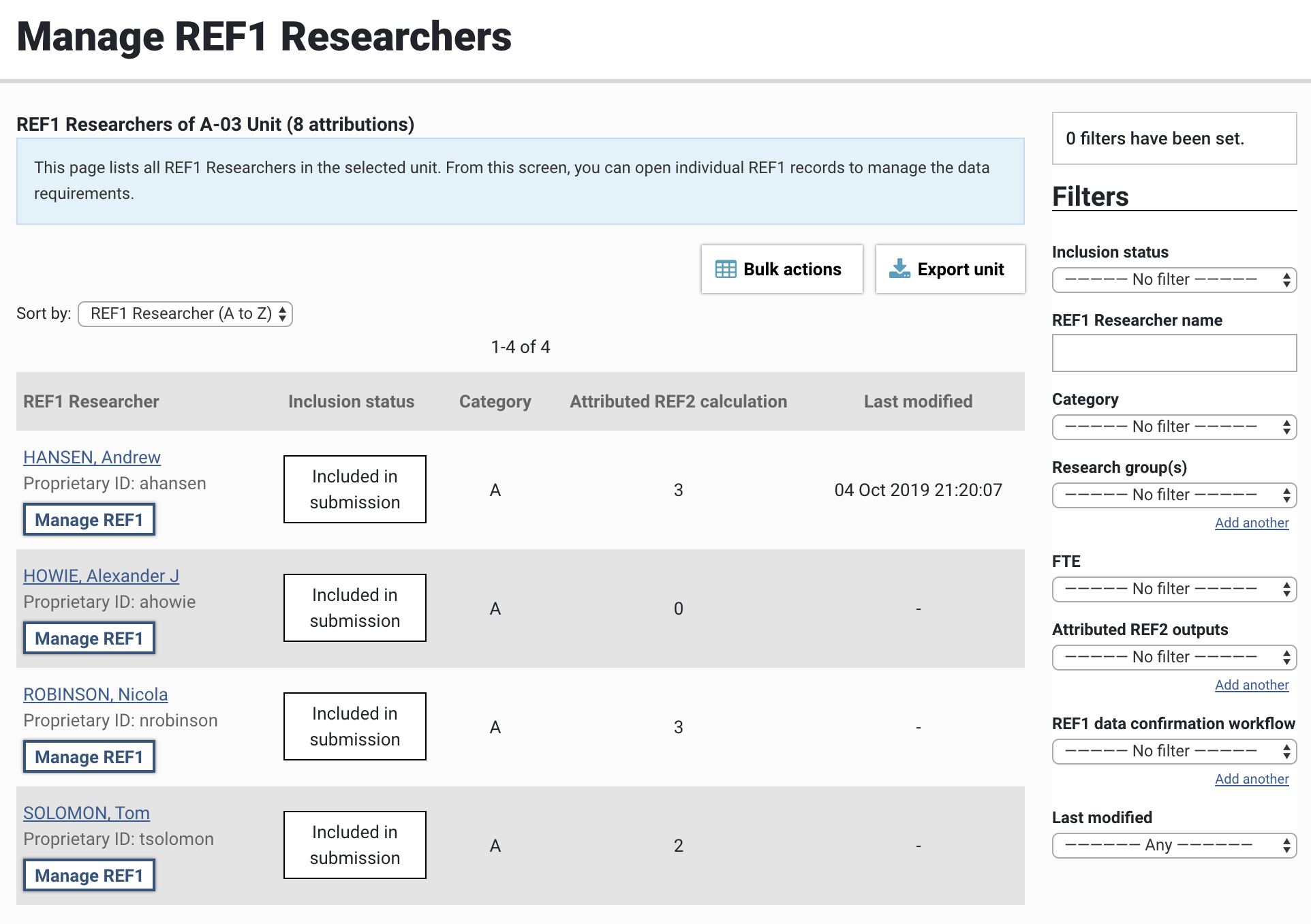
In the Manage REF1 Researchers screen, each individual's calculated number of REF2 attributions is provided. This value is derived as follows:
Number of O-Confidential reports or S-Research data sets and databases being input directly into the REF Submission System (indicated by an asterisk following the value provided), PLUS
Number of REF2 attributions, where:
Single-weighted, single-attributed output = 1
Double-weighted, single-attributed output = 2
Single-weighted, double-attributed output = 1
Double-weighted, double-attributed output = 1
Note that reserve outputs are not included in the value.
REF1 Researcher form
Research Admin > [Exercise definition name] > Manage REF1s button > Selected REF1 form
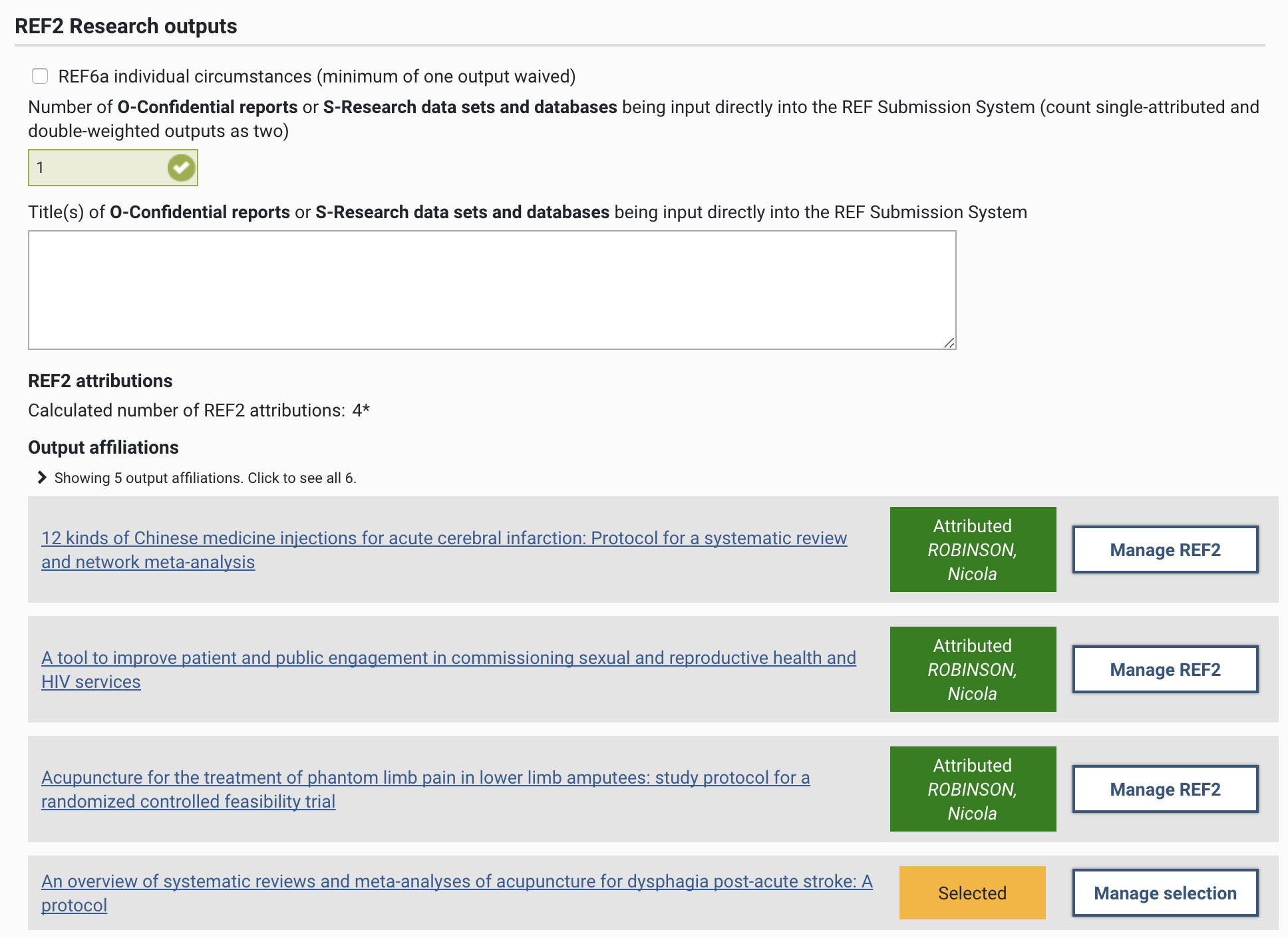
In the 'REF2 Research outputs' section of the REF1 Researcher form, the individual's calculated number of REF2 attributions is provided. This value is derived using the same calculation as that used on the Manage REF1 Researchers screen. Where the value provided includes outputs to be input directly into the REF submission system, this is indicated by an asterisk.
Again, reserve outputs are not included in the value.